


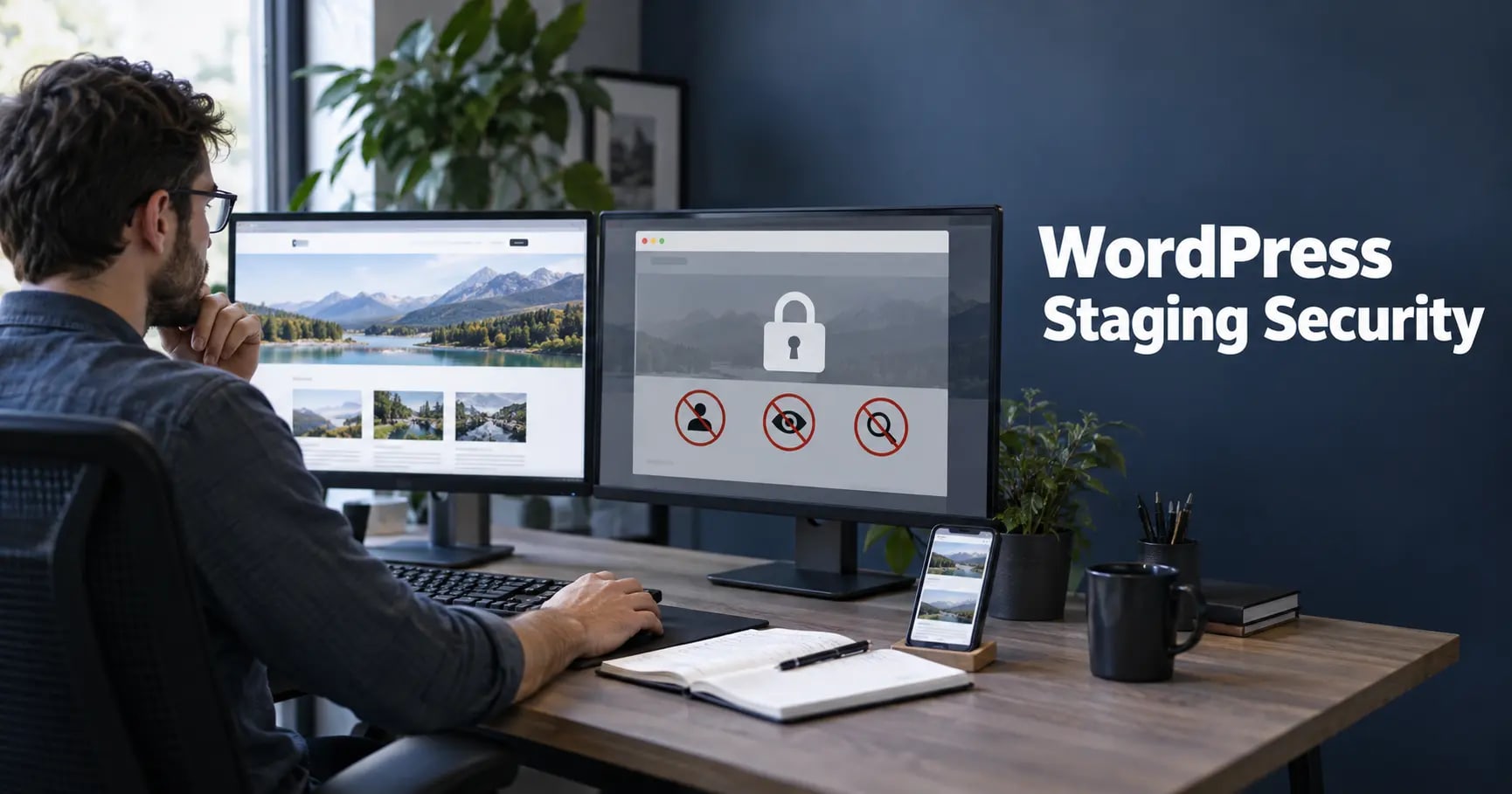
A staging site is supposed to reduce production risk, yet it often becomes the least protected copy of the business website. It may contain production data, experimental code, debug output, administrator accounts, database exports, and credentials while sitting on a predictable subdomain. Treat staging as a sensitive environment rather than a disposable preview.
Why staging sites become security liabilities
Teams often create staging quickly and forget it after launch. Search engines and scanners can discover it through DNS records, analytics calls, links, certificate transparency logs, or predictable names. An old environment may run vulnerable plugins long after production is patched. Shared credentials or databases can make compromise a route into the live site.
Put real access control in front of staging
Protect the environment with HTTP authentication, an identity-aware proxy, VPN access, an IP allowlist, or an equivalent edge control. WordPress login protection is useful but should not be the only barrier. Give individual accounts to authorized people, require multi-factor authentication for privileged access, and remove access when work ends.
Use our WordPress two-factor authentication guide to protect privileged staging and production accounts from stolen passwords.
Keep staging out of search results
Use noindex as a secondary safeguard, not as security. Block public access first, remove staging from XML sitemaps, and ensure its canonical tags do not claim production URLs. Use environment variables for domain-specific settings so deployments cannot carry staging canonicals, analytics IDs, or robots rules into production.
After launch, search for the staging hostname and request removal of discovered URLs where appropriate. Retire obsolete DNS records and certificates rather than leaving a recognizable target online.
Use sanitized or synthetic data
The safest staging database contains realistic synthetic records rather than copied customer information. When production data is genuinely required, transform names, emails, addresses, order notes, API tokens, sessions, password-reset records, and other sensitive values. Document who approved the copy, why it exists, and when it will be deleted.
Disable outbound customer email, SMS, webhooks, payment calls, fulfilment notifications, and marketing automations. Point integrations to sandboxes and clearly labelled test recipients so staging cannot contact real customers or create live transactions.
Use our WordPress backup and recovery guide before refreshing environments, and keep sensitive exports outside public web directories.
Separate secrets and credentials
Never reuse production database passwords, salts, administrator passwords, API keys, SFTP accounts, or payment credentials. Store environment-specific secrets outside version control and rotate anything accidentally copied. Restrict staging databases and filesystems to the minimum services that need them.
Review our WordPress file permissions guide when setting ownership and write access for uploads, plugins, themes, and configuration files.
Maintain staging with production discipline
Update WordPress core, plugins, themes, PHP, the database engine, and server packages. Remove abandoned experiments and inactive components. Vulnerability scanning should include every reachable hostname, not just the primary domain. Assign the environment an owner and record an expiry date.
A regular WordPress security audit helps find exposed environments, vulnerable components, debug information, forgotten users, and unsafe integrations.
Design a safe deployment path
Use version control and repeatable deployment steps. Promote reviewed code and configuration rather than copying the entire staging database over production. Back up production immediately before high-risk releases and prepare a rollback method. Protect build pipelines, deployment credentials, and hosting dashboards with the same care as WordPress administrator accounts.
Use our WordPress maintenance service when you need tested updates, release checks, backups, and ongoing oversight.
Prevent staging-to-production contamination
Before deployment, verify base URLs, canonical tags, robots directives, caching, analytics, email destinations, payment modes, API endpoints, debug settings, error display, test accounts, and feature flags. After deployment, run a focused production smoke test and inspect logs for new errors or unexpected requests.
Add the controls in our WordPress security headers guide to both environments, while testing each policy before broad enforcement.
Retire the environment completely
Take any required archive, delete the site and database, revoke accounts and tokens, remove DNS records, close firewall rules, delete temporary backups, and update the environment inventory. Confirm the hostname no longer serves content. Retirement is a security task, not merely housekeeping.
For broader prevention and expert review, see our WordPress security service.
Frequently Asked Questions
Should a WordPress staging site be publicly accessible?
No. It should normally require authentication or network-level access controls. A noindex setting alone does not prevent people or automated tools from reaching it.
Can I copy production customer data to staging?
Only when necessary and permitted. Prefer synthetic data; otherwise sanitize personal information, restrict access, encrypt transfers, limit retention, and document the purpose.
How do I stop staging from appearing in Google?
Require authentication, add noindex as a secondary safeguard, remove discovered URLs where needed, and ensure production canonical tags never point to staging.
When should a staging site be deleted?
Retire it when the project or release no longer needs it. Temporary environments should have an owner and expiry date so forgotten copies do not become permanent attack surfaces.



