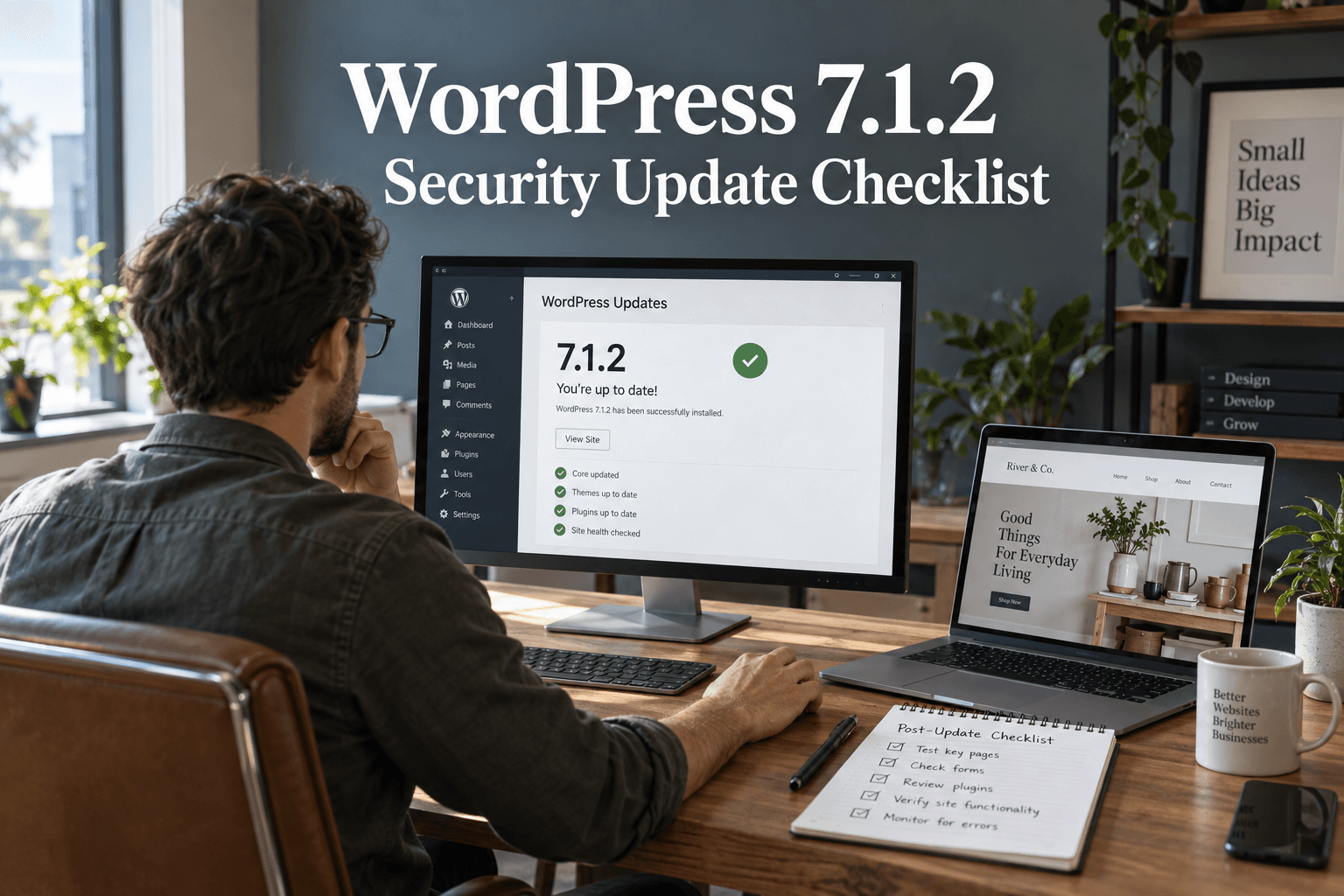
安全更新并未在进度条消失时结束。它在您确认已安装正确版本且网站仍能正常运行结束。
WordPress released version 7.1.2 on September 22, 2026, to fix a critical security flaw. The official advice is to update immediately. If you manage a business website, start by checking its installed version today. Do not assume a host or background task has already done it.
This guide explains the release and gives you a focused checklist for the update, the checks that follow, and the problems that need a separate response. Release details were checked on September 24, 2026.
What does WordPress 7.1.2 fix?
According to the official WordPress release announcement, the flaw can let someone without a login cause WordPress to include a readable local PHP file outside the active theme directories. Under certain server and theme conditions, this can lead to remote code execution.
In plain language, a weakness in how a page selects its template could become a route for unwanted code to run. That does not mean every affected website has been compromised. It does mean the patch deserves prompt attention.
The advisory is identified as CVE-2026-87902. WordPress also says the fix was backported to eligible older branches, through 4.7. Only the most recent WordPress version is actively supported. If your site must remain on an older branch, have the maintainer confirm the correct patched release.
First, find out what is actually running
Log into the correct production site and open Dashboard → Updates. Record the version you see. Check each installation separately if you manage several sites.
代理机构可以轻松更新暂存副本,而实时商店保持不变。托管账户中也可能包含被遗忘的测试安装。为每个网站指定负责人并记录其结果。
For a small portfolio of sites, use one row per installation with these fields:
- Site address and hosting account.
- Installed version before the change.
- 备份位置与恢复负责人。
- Installed version after the change.
- Time checked, tester and any unresolved problem.
Our WordPress security updates tracker provides wider release context. Use this article for the specific 7.1.2 response, not as a substitute for checking the live dashboard.
Take a usable backup, then apply the update promptly
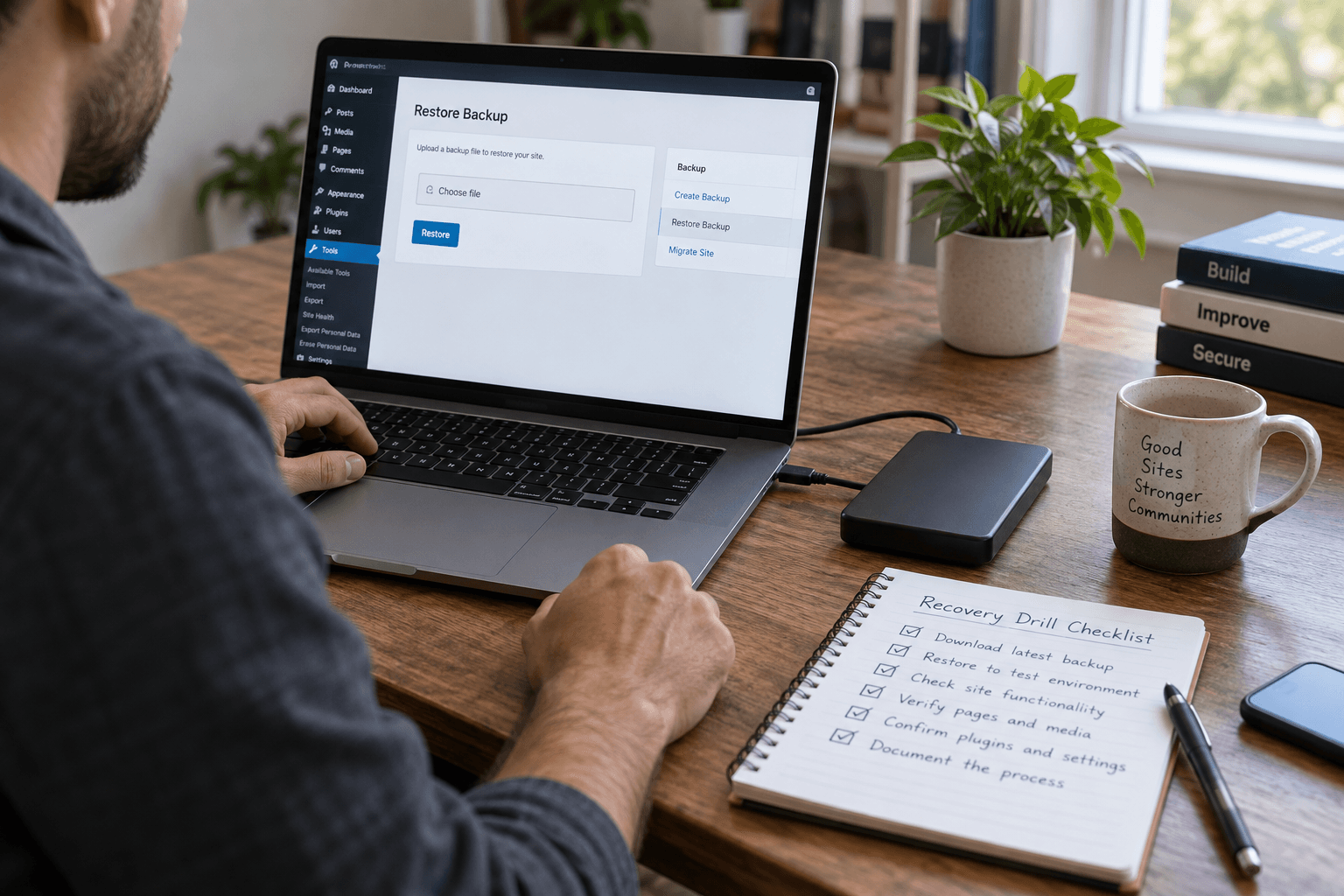
在更改网站之前,请确认您拥有其文件和数据库的近期副本。了解谁可以恢复它。如果商店停止工作时没有人能够访问该副本,备份通知的用处就不大。
For an active shop, also note the time of the backup. Restoring an older database can lose orders, form entries and other changes made afterward. The WordPress backup and recovery guide explains how to plan that recovery.
Use a short staging check if you already have a working test process. Do not let a long redesign review hold up a critical patch. Keep unrelated theme, layout and plugin changes out of this update window so any new problem is easier to trace.
The WordPress update instructions describe the dashboard update route. For a managed site, ask your host to apply or confirm the appropriate security update. Afterward, reopen the Updates screen and record the installed version.
让这些想法落地。
从解决具体问题到建设完整网站,我们帮助您明确范围并完成实施。
聊聊我的网站高级 WordPress 安全解决方案告诉我们您的目标。我们通常会在一个工作日内回复问题和具体的后续步骤。
Run a short business-function check
能加载的主页是一个有用的初步检查。但这并不足以证明客户仍然可以联系您、登录或完成购买。
Start with the paths that matter most to your business:
- Open the homepage, a service page and a blog post on a phone.
- Submit a clearly labeled test enquiry and confirm it reaches the right inbox.
- 使用低权限测试账户检查登录和登出。
- For a store, check product options, cart totals and the checkout flow.
- Review a page that uses a custom template or custom fields.
- 在这些测试期间检查错误日志中是否有新的失败记录。
Use a test payment method or the store's approved test procedure. Do not create an accidental charge just to check checkout.
Choose a small, repeatable set of checks. An owner should be able to see what passed without opening a long chat history. Our post-update security testing checklist covers a broader test routine.
What if the update fails or the site breaks?
Write down the error and when it happened. Avoid repeatedly changing several settings at once. Contact the host or maintainer with the installed version, the failed step and the affected page.
If a temporary rollback becomes necessary, remember that restoring an older vulnerable copy can reopen the original risk. Agree on a protected recovery plan and a prompt path back to a patched version. For a live store, reconcile orders and customer changes before restoring its database.
不要为了消除警告而删除随机文件或禁用每个安全控制。与了解托管设置的人一起解决失败的原因。
Patching and investigating are different jobs
Installing a security update addresses the patched flaw. It does not prove that the site was clean beforehand, or remove every possible trace of an earlier compromise.
If you find unfamiliar administrator accounts, unexplained redirects or unexpected file changes, preserve the evidence and investigate. These signs can have several causes, so avoid declaring a breach from one symptom alone.
Our first-24-hours incident response plan explains how to handle a suspected incident. Keep that process separate from the routine update checklist.
Finish with a clear record
Close the task only after recording the patched version, backup details and test results. Assign any remaining issue to a named person. For the next day, pay attention to failed enquiries, checkout errors and new log entries. Our WordPress security monitoring guide explains how to turn those observations into a repeatable routine.
If your team needs help checking several sites, Premier Sol's WordPress security service can support the review. The immediate goal is simple: a patched site, a working customer journey and no uncertainty about who checked it.
常见问题
Should I install WordPress 7.1.2 if my website looks normal?
Yes. A normal-looking site does not show whether the patched flaw is present. Check the installed version and apply the appropriate security update promptly.
安全更新是否意味着我的网站已被黑客入侵?
No. A security release identifies and fixes a vulnerability. It does not establish that someone has exploited your particular site.
我可以依赖自动 WordPress 更新吗?
They can help, but verify the installed version after an important release. Record the result rather than relying only on an email or an enabled setting.
更新 WordPress 会清除现有恶意软件吗?
Not necessarily. If you suspect a compromise, investigate accounts, files and access separately. A patched version alone is not proof that a site is clean.