页首大图 (hero image) 的任务很简单:衬托页面传达的信息。如果它拖慢了页面加载速度,或者在移动设备上遮挡了重要的主体,那么单靠视觉修饰是不够的。
将图像的选择与其交付方式结合起来考虑。这可以避免常见的恶性循环:上传大型素材、发现页面变慢,然后不断压缩直到图像变糊。
确定图片能带来什么价值
思考该视觉元素是解释了服务、展示了产品,还是设定了有用的背景。一张通用的办公室照片可能不值得在每个页面上占据大量空间。
如果图片主要起装饰作用,请确保核心信息也能通过文本获取。切勿将重要的服务细节嵌入图片中。
选择留有适应空间的裁剪方式
Leave enough space around the subject for smaller screens. Test the planned headline and buttons beside or over the image.
避免将重要细节放在极边缘的位置。当移动端布局采用更窄的裁剪时,桌面端的构图可能会失去其含义。
检查实际交付的大小
Review the image requested by the page at different widths. Oversized delivery wastes resources; an undersized image can look soft.
The web.dev image optimization guide is a useful technical reference. Match implementation choices to the actual template rather than copying settings blindly.
让这些想法落地。
从解决具体问题到建设完整网站,我们帮助您明确范围并完成实施。
聊聊我的网站专业 WordPress 速度优化告诉我们您的目标。我们通常会在一个工作日内回复问题和具体的后续步骤。
Test the whole opening screen
Look at when the heading, image, and main action appear. Check whether content shifts as the image loads.
Our WordPress speed optimization guide covers the wider assessment. A hero is only one part of the page's loading behavior.
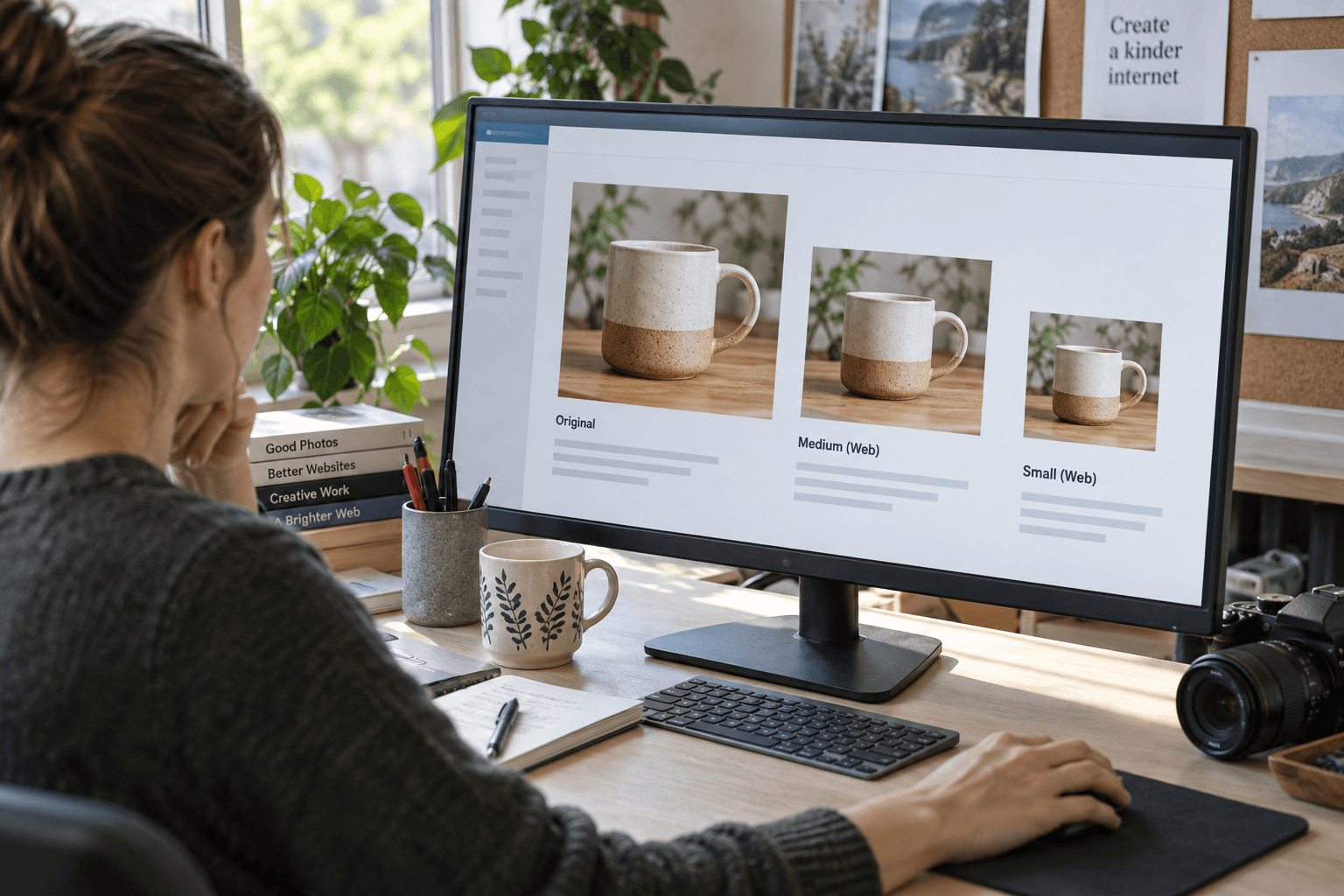
Keep a quality comparison
将优化后的版本与原始版本在预期的显示尺寸下进行对比。询问是否丢失了对传达信息至关重要的细节。
如需实施帮助,请浏览 网站速度优化 和 WordPress 开发。记下所选的裁剪区域和摆放位置,以免日后的内容更新前功尽弃。
The strongest hero image is not necessarily the largest or most dramatic. It is the one that makes the page clearer without getting in the visitor's way.
常见问题
每个页面都需要大型页首大图吗?
No. Use a large visual when it helps explain the page. A simpler opening may be better for some tasks.
Should essential text be baked into the hero image?
Prefer real page text for essential information so it remains readable, adaptable, and accessible.
我该如何选择图像质量设置?
在其实际显示尺寸下对比效果,并测试页面交付。避免对每张图片盲目应用单一的设置。