


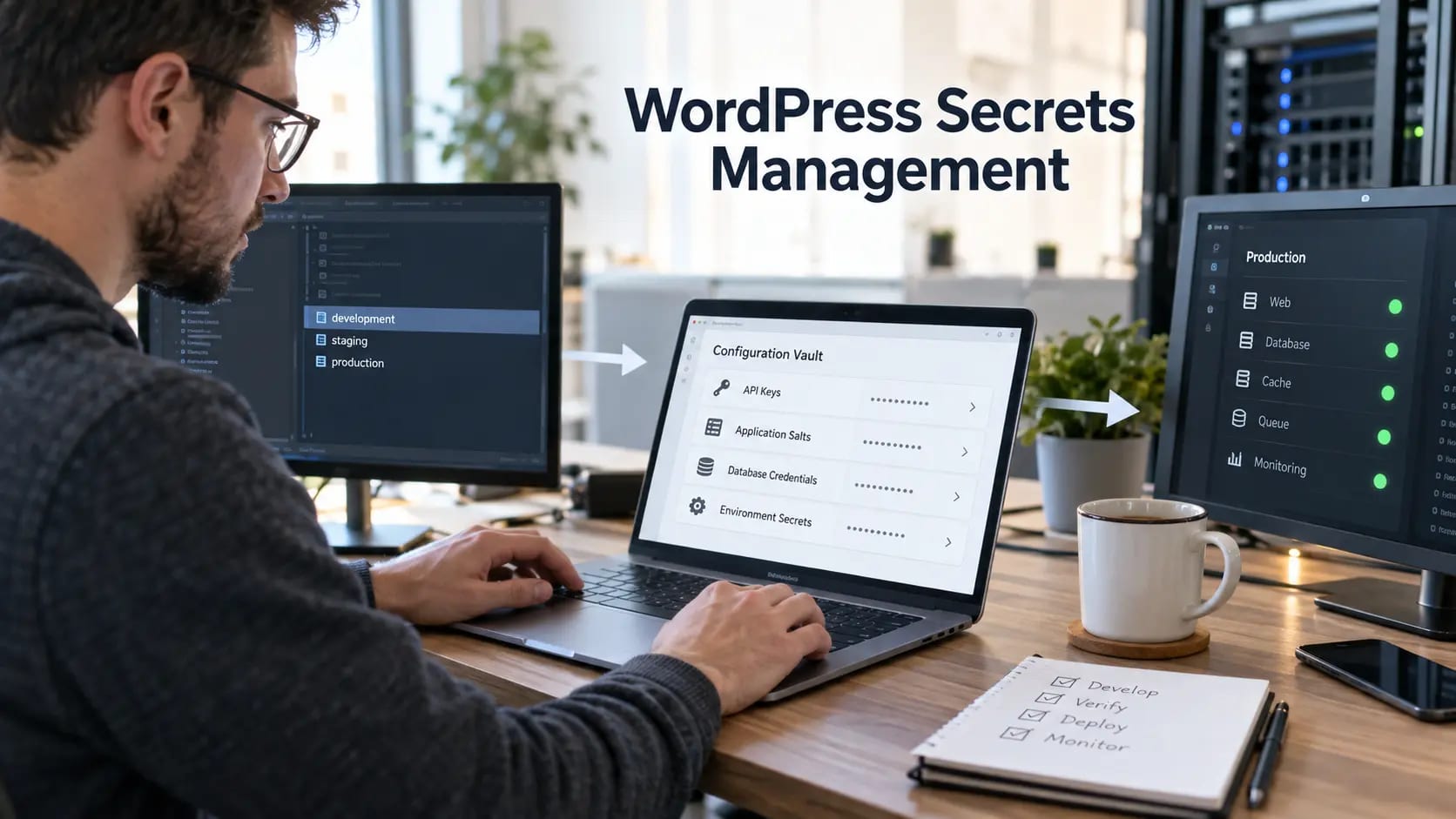
WordPress sites commonly connect to databases, payment gateways, email platforms, analytics tools, CDNs, backups, and deployment systems. Each connection introduces credentials that can become a shortcut around otherwise strong security. Secrets management means knowing every secret, limiting who and what can use it, keeping it out of unsafe locations, rotating it, and monitoring access.
Build a complete secrets inventory
List database usernames and passwords, WordPress salts, API keys, application passwords, SFTP and SSH keys, payment tokens, webhook secrets, repository credentials, private certificates, backup encryption keys, CDN tokens, and recovery codes. Record the owner, system, environment, privilege, storage location, creation date, rotation method, and dependencies.
A structured WordPress security audit helps uncover credentials hidden in plugins, configuration files, administrator accounts, and forgotten integrations.
Keep secrets out of source code
Do not commit secrets to themes, plugins, snippets, build files, or repositories. Removing a later commit does not reliably erase earlier history or clones. If a secret enters version control, revoke or rotate it and investigate access; merely deleting the line is not remediation.
Protect configuration on the server
When wp-config.php contains secrets, restrict file ownership and permissions, prevent web access, disable unnecessary editing, and avoid backup copies in public directories. Separate configuration by environment so development and staging never reuse production credentials.
Apply the least-privilege recommendations in our WordPress file permissions guide to configuration, uploads, code, and deployment users.
Use least privilege for machines
Give each integration its own identity and only the operations it needs. A transactional email key should not administer the entire email account, and a reporting integration should not modify orders. Separate credentials make attribution, rotation, and revocation much safer.
Human privileged accounts should follow our WordPress two-factor authentication guide and use individual identities rather than shared administrator access.
Adopt a protected delivery method
For mature workflows, inject secrets from hosting controls, deployment platforms, or a dedicated vault at runtime. Restrict which projects, environments, and jobs may request each value. Prevent build logs, error pages, debug output, support bundles, and client-side JavaScript from printing secrets.
Pune aceste idei în practică.
De la o îmbunătățire punctuală la un website complet, te ajutăm să definești scopul și să îl realizezi.
Discută despre website-ul meuWeb designÎmpărtășește-ne obiectivele tale. Răspundem de obicei în 4 ore cu întrebări și pași practici următori.
Rotate without causing outages
Document consumers before rotating. Where supported, create a new credential, deploy it, verify traffic, then revoke the old one. Test rollback and monitor authentication failures. Emergency rotation after exposure should include related recovery accounts and downstream systems.
Regular WordPress maintenance provides a controlled window for credential review, dependency testing, and safe rotation.
Back up keys deliberately
A backup containing live secrets is sensitive even when the website files are clean. Encrypt archives, separate storage from production, limit deletion and download rights, and verify retention. Decide how backup encryption keys themselves will be recovered.
Use our WordPress backup and recovery guide to align secret recovery with tested site restoration.
Monitor for exposure
Scan repositories and deployment output for secret patterns, review API audit logs, alert on new keys and unusual locations, and watch for unexplained authentication failures. Never place real secret values in tickets, chat, screenshots, analytics, or monitoring labels.
Our WordPress security service can review credential exposure, harden configuration, and implement practical ongoing controls.
Respond to a leaked secret
Revoke or rotate the credential, preserve evidence, identify where it appeared, review who could access it, inspect related systems for misuse, and replace every copy. Treat the exposure as an incident until logs support a narrower conclusion.
If exposure may have led to compromise, use our hacked WordPress recovery service for investigation, cleanup, and verified hardening.
Frequently asked questions
What counts as a WordPress secret?
Database credentials, authentication salts, API keys, application passwords, SFTP keys, payment tokens, webhook secrets, deployment credentials, private certificates, and recovery codes all qualify.
Is wp-config.php a safe place for secrets?
It is safer than browser-delivered code but still needs strict permissions and server protection. Mature deployments often inject values from protected environment or secret-management systems.
How often should API keys be rotated?
Rotate on compromise, suspected exposure, staff or vendor changes, and according to a documented risk-based schedule. Rotation must be tested so it does not cause outages.
Can secrets be stored in a private Git repository?
Private repositories reduce public exposure but are not secret stores. Credentials can leak through clones, logs, forks, build artifacts, or compromised accounts.



