


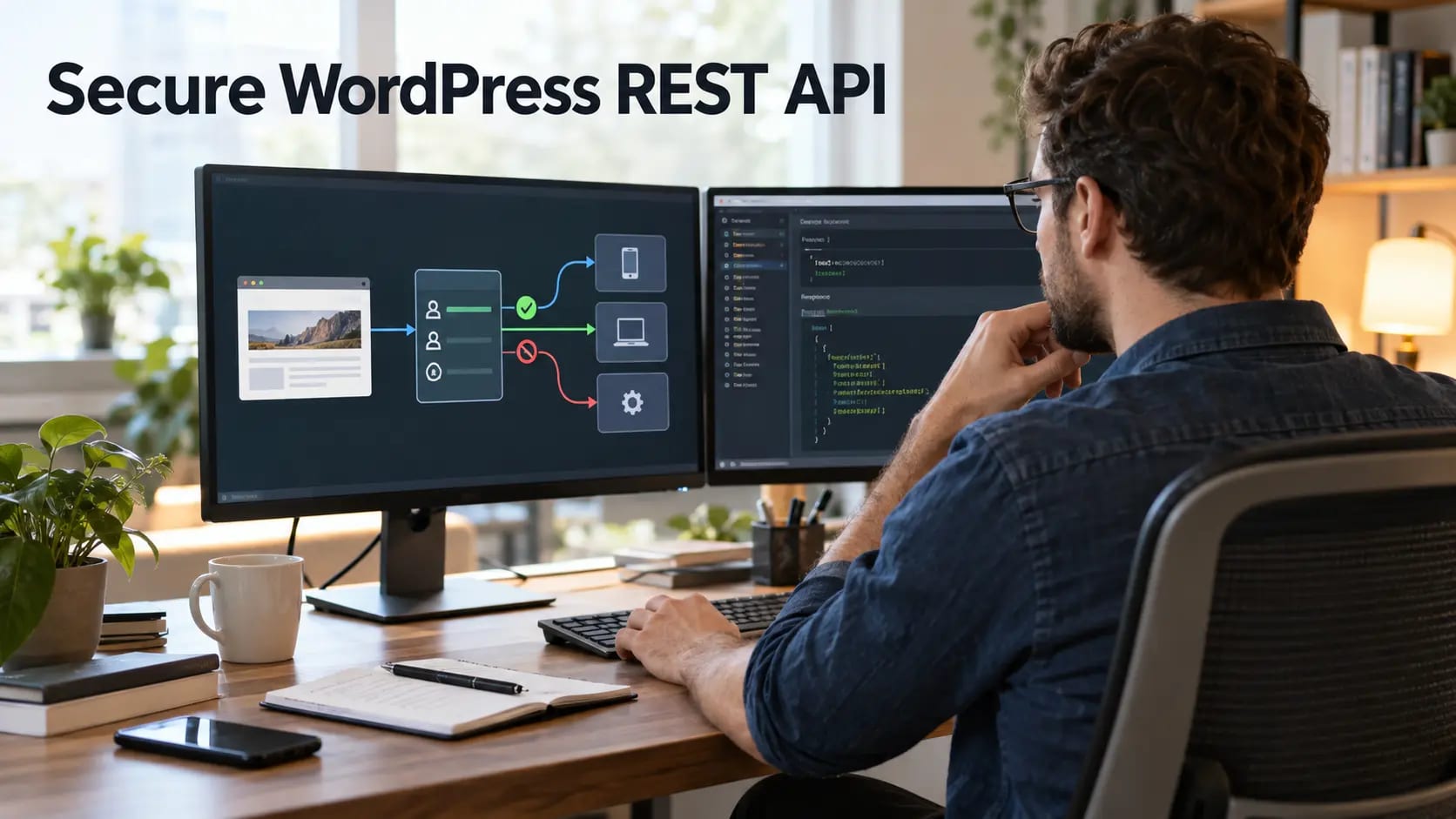
The WordPress REST API powers the block editor, integrations, headless applications, and many plugin features. It is not automatically a vulnerability because some information is public. The real security questions are whether each endpoint exposes appropriate data, validates input, and checks the current user’s capability before performing an action.
Start with an endpoint inventory
List core and plugin namespaces, public routes, supported methods, authentication requirements, response fields, and business owners. Test as a logged-out visitor, ordinary subscriber, editor, administrator, and service account. An administrator-only test can hide permission problems that affect lower roles.
A full WordPress security audit helps inventory custom endpoints, plugins, roles, and data exposure.
Separate public data from sensitive data
Public post titles and excerpts may be intentional. Draft content, private records, customer data, email addresses, internal identifiers, configuration details, and operational metadata need stronger controls. Return only fields required by the client rather than serializing entire records.
Authenticate every non-public operation
Use supported authentication over HTTPS and create separate identities for integrations. Do not share an administrator account between applications. Limit privileges, store credentials outside browser code and repositories, and build revocation and rotation into the operating process.
Protect privileged identities using our WordPress two-factor authentication guide and review application passwords separately from interactive logins.
Enforce authorization inside each endpoint
Authentication proves identity; authorization decides whether that identity may perform the requested action. Every custom endpoint should define a permission callback and check the capability required for the exact operation and object. Never trust a role label sent by the client.
Our guide to rogue WordPress administrator accounts explains why privileged-user review and reliable attribution matter.
Validate input and control output
Validate types, formats, ranges, enumerated values, object ownership, and state transitions on the server. Sanitize stored data for its context and escape output where it is rendered. Use parameterized database APIs. Return consistent error messages without revealing stack traces, filesystem paths, credentials, or unnecessary account details.
Đưa những ý tưởng vào thực tế.
Từ một cải tiến cụ thể đến một website hoàn chỉnh, chúng tôi giúp bạn xác định phạm vi và triển khai.
Trao đổi về website của tôiThiết kế websiteChia sẻ mục tiêu của bạn. Chúng tôi thường phản hồi trong vòng 4 giờ kèm theo các câu hỏi và bước tiếp theo thiết thực.
Apply rate limits and abuse controls
Set limits according to endpoint cost and business use rather than one global number. Authentication, search, exports, form submission, password resets, and expensive queries may require different thresholds. Add payload-size and pagination limits to prevent resource exhaustion.
Layer these controls with our WordPress security service for edge filtering, application hardening, monitoring, and expert review.
Treat CORS as a browser policy
A restrictive CORS policy can prevent an unapproved website from reading responses in a visitor’s browser, but non-browser clients can still send requests. Avoid wildcard origins for credentialed requests and never use CORS as the only access control.
Use the recommendations in our WordPress security headers guide to strengthen browser-facing protections alongside API controls.
Log and test the API
Record endpoint, method, authenticated identity, authorization result, response status, duration, and relevant request ID while minimizing sensitive data. Add automated tests for anonymous access, lower roles, object ownership, invalid input, pagination limits, and revoked credentials.
Ongoing WordPress maintenance keeps API-providing plugins patched and gives custom integrations a regular review point.
Frequently Asked Questions
Is the WordPress REST API insecure by default?
No. Public endpoints are part of normal WordPress behavior, while sensitive operations require authorization. Risk appears when plugins expose excessive data or implement permission checks incorrectly.
Can I disable the WordPress REST API completely?
It is usually a poor default because the block editor and many integrations rely on it. Restrict unnecessary endpoints and fix authorization instead.
Does CORS secure a REST API?
No. CORS controls which browser origins may read responses; it does not replace server-side authentication, authorization, validation, or rate limiting.
How should applications authenticate to WordPress?
Use a supported method appropriate to the integration, individual service identities, narrowly scoped privileges, protected transport, and credentials that can be rotated and revoked.



