
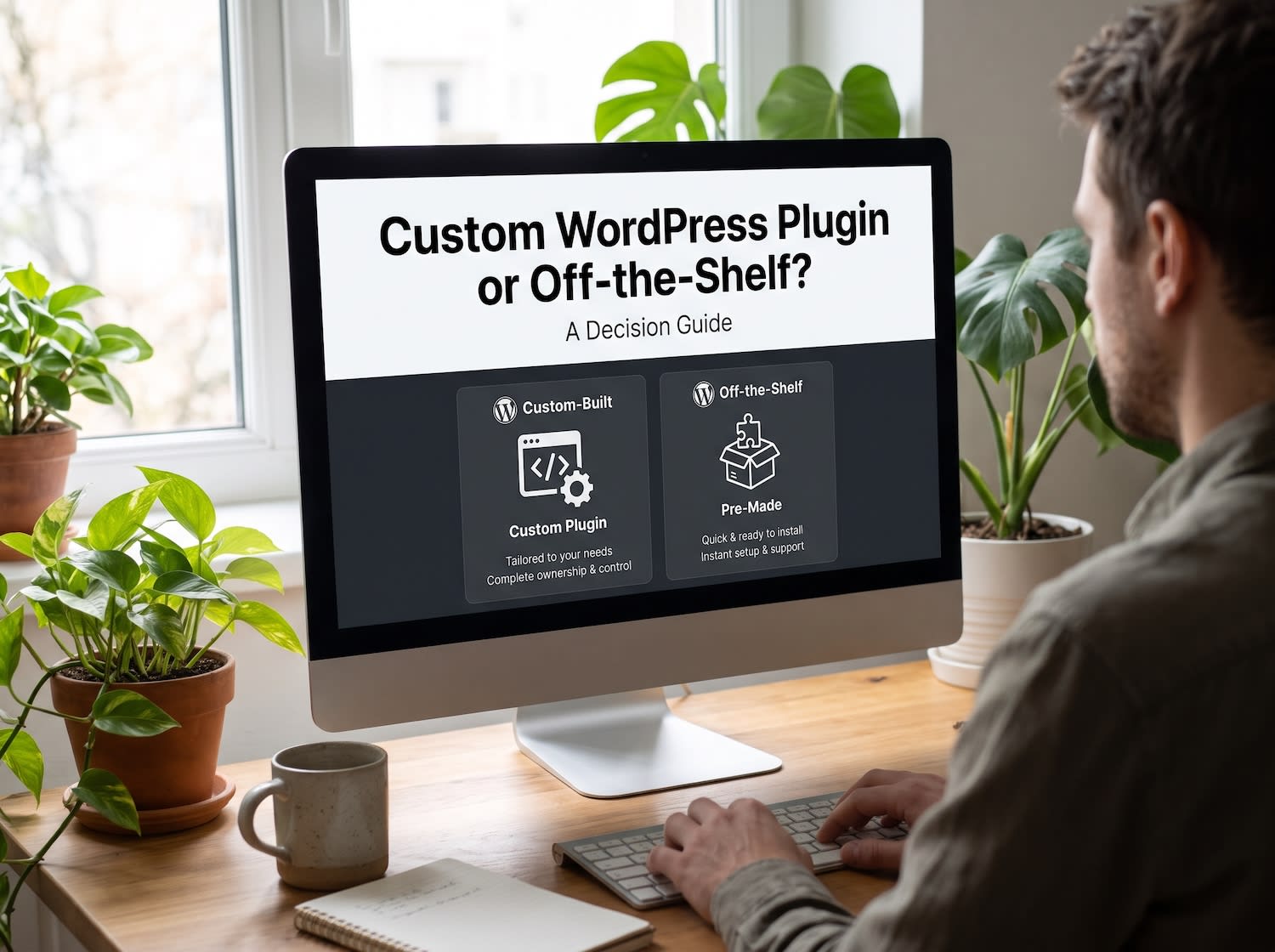
Use an existing plugin when it already does most of the job and is actively maintained. Build a custom one when the job is central to your business, needs a data model no plugin fits, or would require several plugins stacked together. The six questions below turn that rule into a decision.
Step 0: write the requirement in one paragraph
Describe what the feature must do, who uses it and what data it touches. If you cannot write that paragraph, you are not ready to pick either route. Then search for plugins that match it.
The six questions
- Maintenance load. Who will keep it working through WordPress, PHP and plugin updates? For an existing plugin, open its WordPress.org page and check when it was last updated and which WordPress version it was tested with. For a custom plugin, decide who owns updates after launch.
- Security surface. Every plugin is code that runs with your site's privileges. An existing plugin brings code you did not write and cannot easily review. A custom plugin brings code someone must write carefully, with input sanitized, output escaped and capabilities checked. Neither route is safe by default.
- Data model. Does the plugin store data in a way that fits how you work? Large or unusual data, such as thousands of expiring offers, often needs custom post types or tables designed for it. DieRabatte.de's coupon platform managed 4,000+ daily deals through custom post types rather than a generic plugin.
- Performance cost. Check what the plugin loads on every page. A browser's developer tools show the extra scripts and styles, and the free Query Monitor plugin shows database queries per request. A plugin that loads its assets sitewide for a feature used on one page is costing every visitor.
- Licence and renewals. Add up the annual cost of the licence over three years, and check what happens to the features when you stop paying.
- Exit cost. If the plugin disappears or you outgrow it, can you export your data in a usable form? Custom data in a documented structure is easier to move than data in a plugin's private format.
Put these ideas to work.
From a specific fix to a complete website, we can help you define the scope and get it done.
Discuss my websiteWeb DesignShare your goals. We typically reply within 4 hours with questions and practical next steps.
Reading the answers
| If this is true | Lean toward |
|---|---|
| An active plugin covers most of the need and the data is ordinary | Existing plugin |
| The feature is central to revenue and needs special logic | Custom plugin |
| You would need three or more plugins stacked to get there | Custom plugin |
| The plugin is abandoned, or rarely updated | Replace it, with a custom plugin or another maintained one |
| The only gap is one small behavior | Existing plugin plus a small custom plugin using hooks |
The middle route most people miss
If a good plugin does 90% of the job, leave it alone and add the missing 10% in a small custom plugin that uses its hooks and filters. Do not edit the plugin's own files, because the next update will overwrite your changes.
Compare the real costs
Ask for a fixed-scope quote for the custom route and compare it with three years of the existing route: licences, maintenance time and the risk of replacing an abandoned plugin. Count the performance cost too, because a slower site costs conversions.
Frequently asked questions
How do I know if a plugin is maintained?
Check its WordPress.org page for the last update date and the WordPress version it was tested with, then skim recent support threads for unanswered problems.
Is a custom plugin more secure than a popular one?
Not automatically. A popular plugin gets more scrutiny, and a custom plugin has less code that runs on your site. What matters is how carefully the code is written and reviewed.
Can a custom plugin break when WordPress updates?
It can if it relies on private functions. A plugin built on WordPress's public hooks and filters is much less likely to, and you should still test updates on staging.
Not sure which way to go?
Send us the one-paragraph requirement and we will tell you which route fits, and why. See our custom WordPress theme and plugin development services, or read how to create a WordPress plugin.