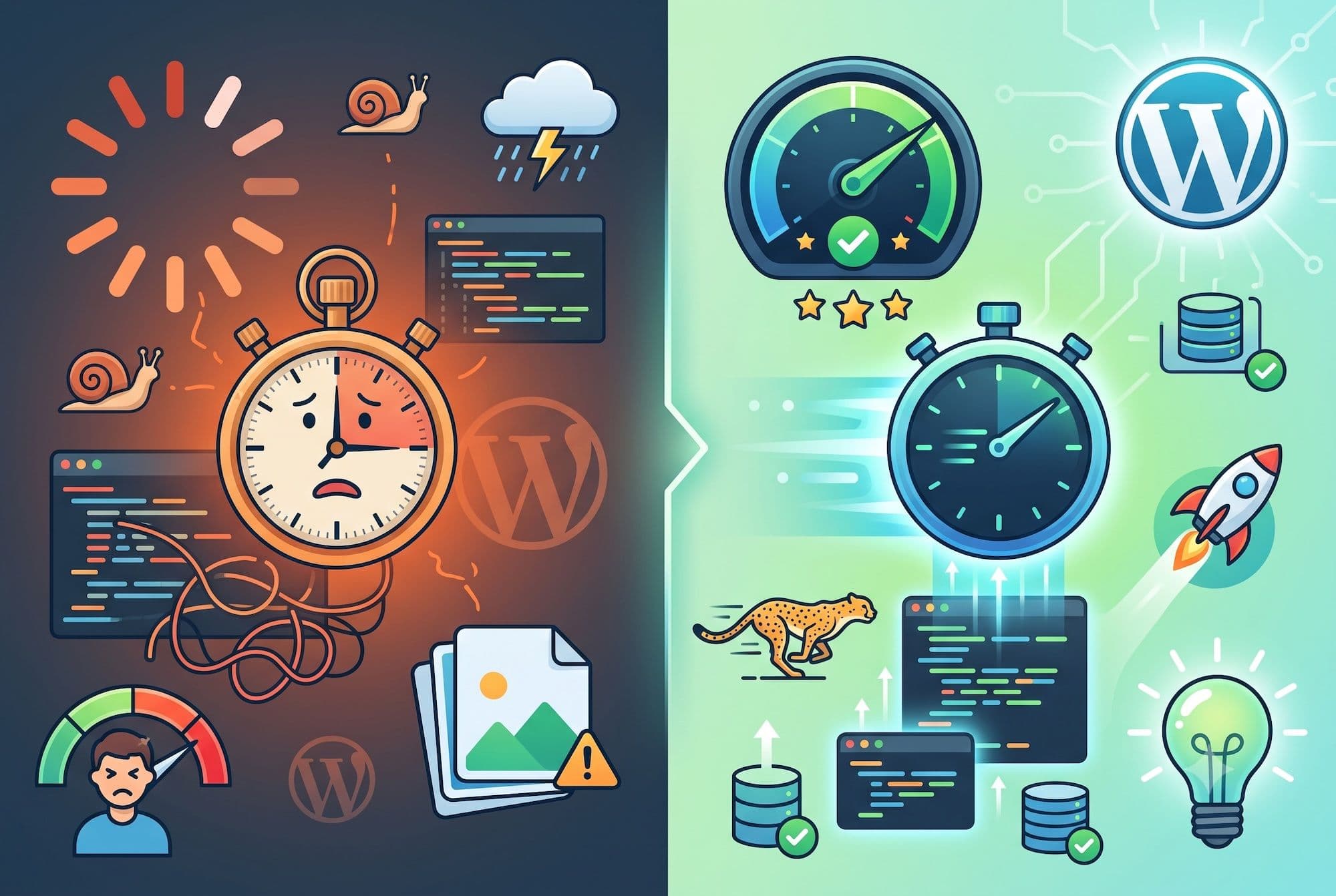

Most WordPress speed optimization services promise "faster loading" without explaining what they actually do. Some install a caching plugin and call it done. Others make sweeping changes that break functionality. Here's exactly what a proper WordPress speed optimization engagement involves — the diagnostic process, the code-level work, and the results you should expect.
Stage 1: Diagnostic Audit
Every engagement starts with measurement, not guesswork. We collect:
Lab data from Google PageSpeed Insights, GTmetrix, and WebPageTest — measuring LCP, INP, CLS, TTFB, total blocking time, and full waterfall analysis of every asset request.
Field data from Google Search Console's Core Web Vitals report — this shows how real visitors experience your site across devices and connection speeds, which often differs significantly from lab tests.
Server metrics — PHP version, memory limits, database size and query count, hosting resource utilization, and whether server-level caching is available.
Asset inventory — every image, script, stylesheet, and font your site loads, with file sizes and whether each is render-blocking.
The output is a prioritized list: the specific issues costing you the most performance, ranked by impact-to-effort ratio.
Stage 2: Media Optimization
Images are typically the largest single contributor to page weight. We:
- Convert all images to next-generation WebP format with automatic fallbacks for older browsers
- Implement responsive srcset so devices download appropriately sized versions
- Configure lazy loading for below-the-fold media
- Compress and resize oversized uploads
- Optimize the media library retroactively (not just new uploads)
On the sub-20 desktop score rescue we handled, the client's homepage was serving 4.2MB of unoptimized images. Media optimization alone cut total page weight by more than half.
Stage 3: Code Optimization
This is where most plugin-based solutions stop and real optimization begins:
- Minify HTML, CSS, and JavaScript to remove whitespace and comments
- Defer and async non-critical scripts so they don't block rendering
- Generate critical CSS — extract the styles needed for above-the-fold content and inline them, loading the rest asynchronously
- Remove unused code — audit which plugin assets load on which pages and disable them where they're not needed
- Self-host fonts to eliminate external requests and use font-display: swap to prevent invisible text during load
Stage 4: Caching Architecture
We implement caching in layers:
- Page caching stores fully rendered HTML so repeat requests skip PHP execution entirely
- Object caching (Redis or Memcached) stores database query results
- Browser caching with proper cache headers so return visitors load from local storage
- CDN configuration to serve static assets from edge locations near your visitors
Where server-level caching is available (on quality managed hosts), we use it in preference to plugin-based caching — it's faster and more reliable.
Stage 5: Database Optimization
- Clear post revisions, spam comments, and trashed content
- Remove expired transients and orphaned metadata
- Optimize database tables
- Identify and fix slow queries
- Set sensible limits going forward (revision caps, autoload optimization)
Stage 6: Testing and Handover
Every change is made in a staging environment and tested against your live functionality before deployment. We verify:
- All forms submit correctly
- E-commerce checkout flows work end to end
- Interactive elements (sliders, modals, filters) function properly
- Mobile experience is unaffected
- No visual regressions across breakpoints
You receive before/after benchmarks, documentation of every change made, and recommendations for maintaining performance going forward.
What Results to Expect
Realistic outcomes depend on your starting point and constraints:
Sites starting under 30 PageSpeed: Typically reach 75–90+ after full optimization. The gains are dramatic because there's usually low-hanging fruit at every layer.
Sites starting 50–70: Typically reach 85–95. Gains come from code-level work rather than obvious fixes.
Sites starting 80+: Gains are incremental (5–15 points) and require deep technical work. Often the better investment is elsewhere.
Constraints that limit results: Budget hosting with high TTFB, heavy third-party scripts you can't remove (certain chat or booking tools), and page-builder themes with unremovable overhead.
We give you an honest assessment in the audit — if your site can't realistically reach green scores without a rebuild or host migration, we'll tell you that before you commit.
Maintaining Performance After Optimization
Performance degrades over time as you add content, install plugins, and WordPress pushes updates. A site optimized today will slow down within 6–12 months without maintenance.
Our include monthly Core Web Vitals monitoring, database optimization, and cache management to keep your site fast long-term.