A WordPress site hit by a Japanese keyword hack lost about 90% of its organic traffic within days. Thousands of spam pages were in Google's index, visitors were being redirected to phishing sites, and Google was showing a "This site may be hacked" warning. This is how the recovery ran, in the order it ran.
What the site was dealing with
The attack was a targeted brute-force campaign. The attackers got past the site's registration filters and used bot emails to create several rogue administrator accounts. Over 6,000 spam posts had been injected into the database, and malicious code was embedded in the site's files. The goal was to stop the damage and rebuild the site's security so it would not happen again.
Stage 1: quarantine and audit the files
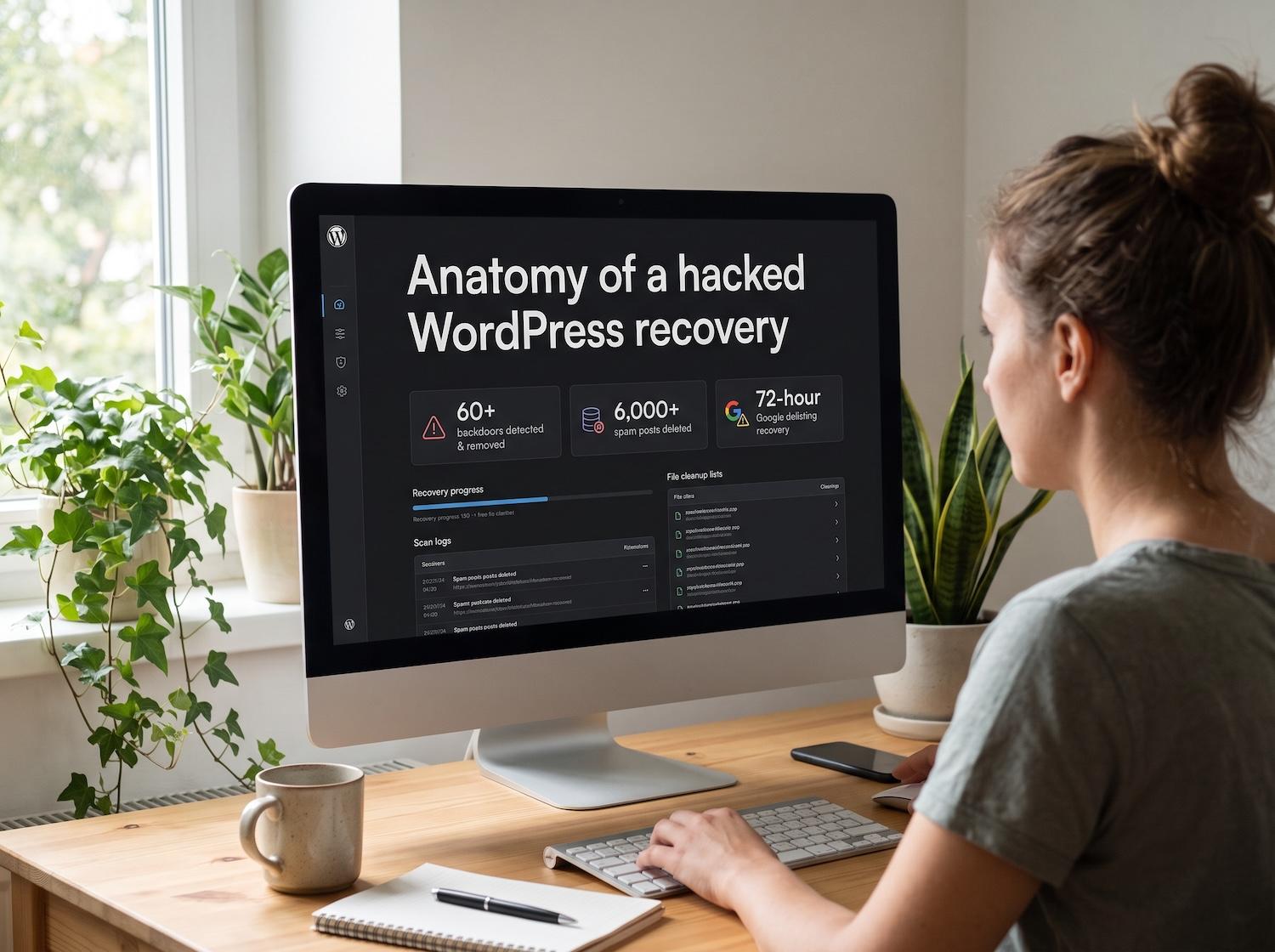
The team quarantined the environment, then audited WordPress core, every theme and every plugin to isolate malicious code. They found and removed more than 60 backdoor files. Those included webshells, obfuscated injections and cron-based re-infectors, which restore malware after a surface cleanup if they are missed.
Stage 2: repair the database
With the files clean, the team cleaned the database. They purged the 6,000+ injected spam posts, deleted the rogue user accounts and cleared orphaned metadata that was dragging down performance. They removed the spam surgically rather than restoring an old backup, so legitimate content and settings were kept. The case study reports zero data loss.
Stage 3: ask Google to forget the spam
Once the site was clean, the team submitted removal requests for the spam-indexed URLs and a reconsideration request for the manual action. Google lifted the "This site may be hacked" action within 72 hours of the request.
Stage 4: harden the site
The standard registration filters had already failed once, so the hardening aimed at the attack path:
- Masked and protected the default WordPress login URL to stop automated brute-force scripts.
- Added strict HTTP security headers against cross-site scripting and clickjacking.
- Deployed server-level Cloudflare WAF rules, so malicious requests are rejected before they reach the application.
- Set up file integrity monitoring to flag unexpected changes to files.
Results as reported
| Measure | Result |
|---|---|
| Backdoor files removed | 60+ |
| Spam posts purged | 6,000+ |
| Google manual action lifted | Within 72 hours of the reconsideration request |
| Organic traffic | Back to pre-hack levels within 4 weeks and above them within 8 weeks |
| Data loss | None reported |
| Reinfection | None reported since hardening |
These results are specific to this engagement. Another site's timeline depends on how deep the infection runs and how Google responds.
What to take from it
- Clean files before the database. A leftover re-infector will restore the spam you just deleted.
- Clean first, then ask Google. The delisting request only makes sense once the site is clean.
- Close the way in. Cleaning without hardening invites a repeat, especially after a brute-force attack.
If you see these signs
Unexpected redirects, unknown administrator users, spam pages in Google or a sudden traffic drop are all warning signs. Check Search Console's Security issues and Manual actions reports, and look at your user list. Do not delete files at random, because you may erase evidence of how the attacker got in. Our guide to the signs of a hacked WordPress site lists what to check.
Frequently asked questions
How long does it take Google to lift a hacked-site warning?
In this case the manual action was lifted within 72 hours of the reconsideration request. Your timeline depends on Google's review and on whether the site is fully clean when you ask.
Can I just restore a backup?
A restore can bring back the same backdoors if the backup was already infected, and it does not close the way the attacker got in. In this recovery the spam was removed surgically so that legitimate content was not lost.
What is a Japanese keyword hack?
It is an SEO spam attack that injects pages of Japanese text and links into a site so that they get indexed under your domain. Read our Japanese keyword hack guide for the symptoms.
Is your site showing these signs?
Every hour an infection stays live costs rankings and trust. Our emergency hacked WordPress site recovery service covers malware removal, database repair, delisting and hardening. You can also read the full case study.