Ang isang imahe ng bayani ay may isang simpleng trabaho: suportahan ang mensahe ng pahina. Kung maantala nito ang page o itatago ang kapaki-pakinabang na paksa sa mobile, hindi sapat ang visual polish lamang.
Piliin ang larawan at ang paghahatid nito nang magkasama. Iniiwasan nito ang karaniwang cycle ng pag-upload ng malaking asset, pagpuna sa isang mabagal na page, at pag-compress nito hanggang sa magmukha itong mahirap.
Decide what the image adds
Itanong kung ipinapaliwanag ng visual ang serbisyo, nagpapakita ng produkto, o nagtatakda ng kapaki-pakinabang na konteksto. Ang isang generic na larawan sa opisina ay maaaring hindi makakuha ng malaking espasyo sa bawat pahina.
If the image is mainly decorative, keep the main message available in text. Do not embed essential service details inside the picture.
Pumili ng isang crop na may silid upang iakma
Leave enough space around the subject for smaller screens. Test the planned headline and buttons beside or over the image.
Iwasan ang paglalagay ng mahalagang detalye sa sukdulan na mga gilid. Maaaring mawala ang kahulugan ng komposisyon sa desktop kapag gumagamit ang isang mobile na layout ng mas makitid na crop.
Suriin ang aktwal na laki ng inihatid
Review the image requested by the page at different widths. Oversized delivery wastes resources; an undersized image can look soft.
The web.dev image optimization guide is a useful technical reference. Match implementation choices to the actual template rather than copying settings blindly.
Isakatuparan ang mga ideyang ito.
Mula sa isang partikular na pag-aayos hanggang sa buong website, tutulungan ka naming linawin ang saklaw at maisagawa ito.
Pag-usapan ang website koPropesyonal na WordPress Speed OptimizationIbahagi ang mga layunin mo. Karaniwan kaming sumasagot sa loob ng isang araw ng trabaho, kasama ang mga tanong at konkretong susunod na hakbang.
Test the whole opening screen
Look at when the heading, image, and main action appear. Check whether content shifts as the image loads.
Our WordPress speed optimization guide covers the wider assessment. A hero is only one part of the page's loading behavior.
Keep a quality comparison
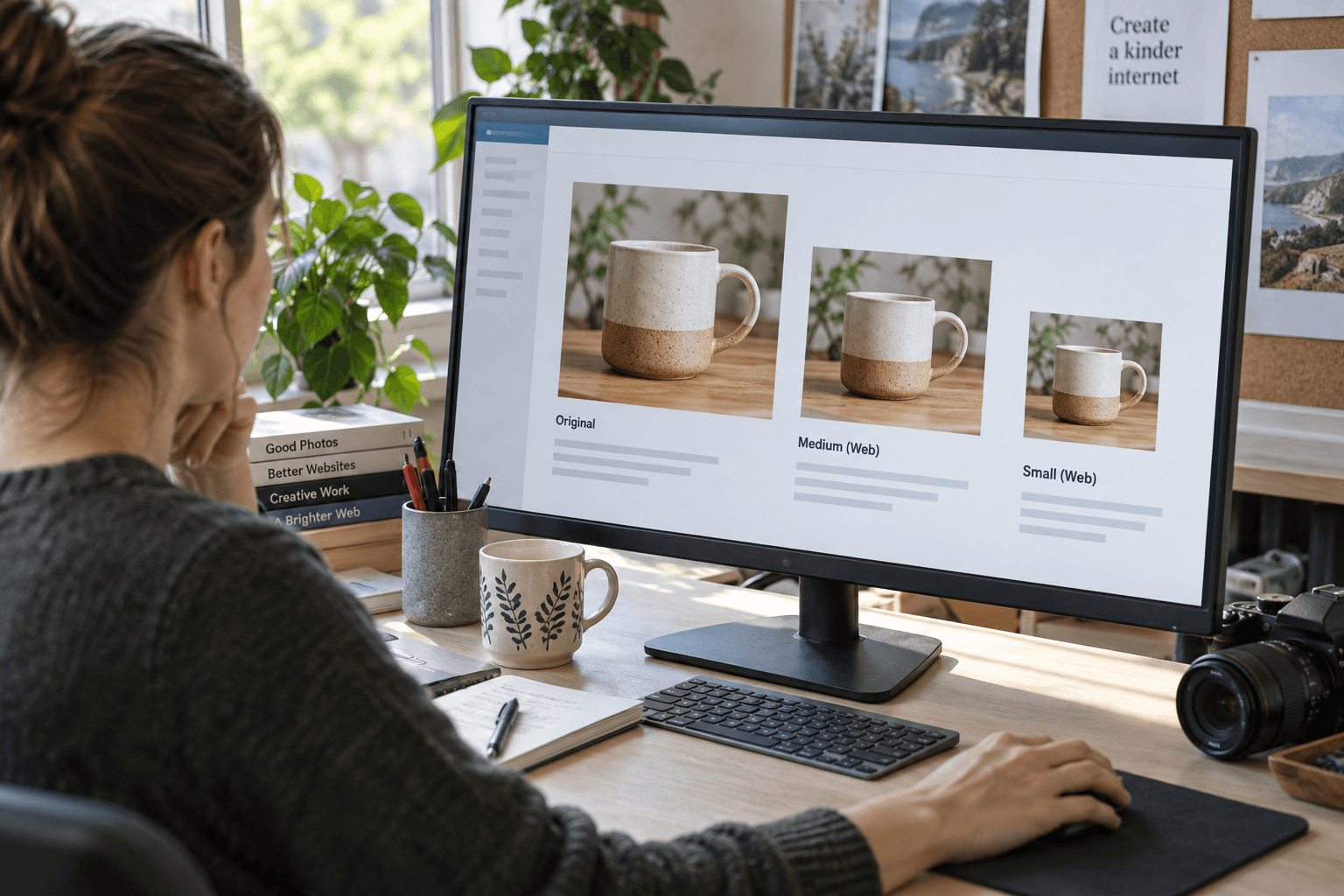
Ihambing ang na-optimize na bersyon sa orihinal sa nilalayong laki ng display. Itanong kung ang detalyeng mahalaga sa mensahe ay nawala.
For implementation help, explore website speed optimization and WordPress development. Keep a note of the chosen crop and placement so later content updates do not undo the work.
The strongest hero image is not necessarily the largest or most dramatic. It is the one that makes the page clearer without getting in the visitor's way.
Mga madalas itanong
Does every page need a large hero image?
No. Use a large visual when it helps explain the page. A simpler opening may be better for some tasks.
Should essential text be baked into the hero image?
Prefer real page text for essential information so it remains readable, adaptable, and accessible.
How do I choose image quality settings?
Compare the result at its actual display size and test page delivery. Avoid a single setting applied blindly to every image.