A hero image has a simple job: support the page's message. If it delays the page or hides the useful subject on mobile, visual polish alone is not enough.
Choose the image and its delivery together. This avoids the common cycle of uploading a large asset, noticing a slow page, and compressing it until it looks poor.
Decide what the image adds
Ask whether the visual explains the service, shows a product, or sets useful context. A generic office photo may not earn a large space on every page.
If the image is mainly decorative, keep the main message available in text. Do not embed essential service details inside the picture.
Choose a crop with room to adapt
Leave enough space around the subject for smaller screens. Test the planned headline and buttons beside or over the image.
Avoid placing important detail at the extreme edges. A desktop composition can lose its meaning when a mobile layout uses a narrower crop.
Check the actual delivered size
Review the image requested by the page at different widths. Oversized delivery wastes resources; an undersized image can look soft.
The web.dev image optimization guide is a useful technical reference. Match implementation choices to the actual template rather than copying settings blindly.
Setzen Sie diese Ideen um.
Von einer gezielten Verbesserung bis zur kompletten Website: Wir helfen Ihnen, den Umfang zu klären und das Vorhaben umzusetzen.
Meine Website besprechenProfessionelle WordPress-GeschwindigkeitsoptimierungTeilen Sie uns Ihre Ziele mit. Wir antworten normalerweise innerhalb eines Werktags mit Fragen und konkreten nächsten Schritten.
Test the whole opening screen
Look at when the heading, image, and main action appear. Check whether content shifts as the image loads.
Our WordPress speed optimization guide covers the wider assessment. A hero is only one part of the page's loading behavior.
Keep a quality comparison
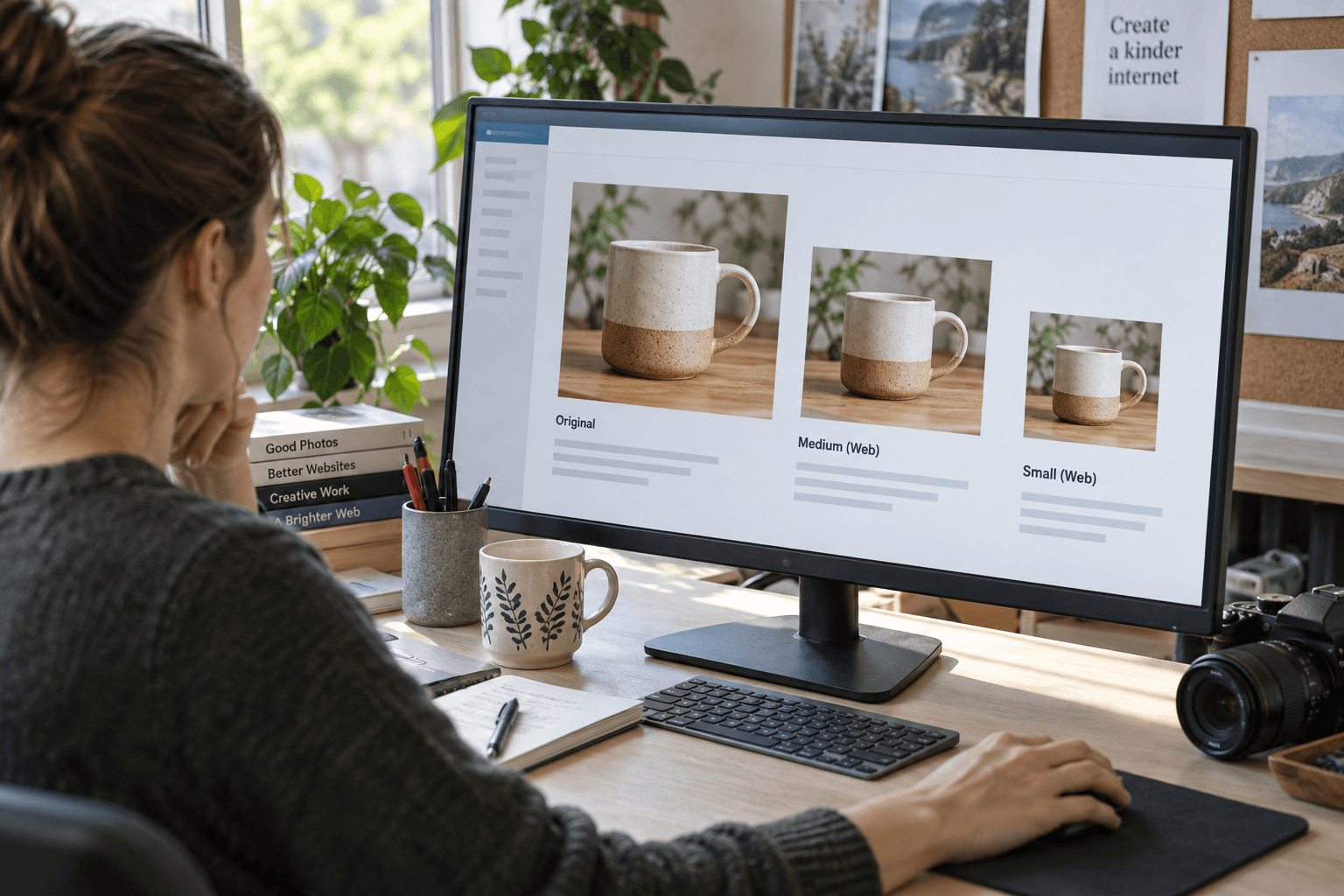
Compare the optimized version with the original at the intended display size. Ask whether detail important to the message has been lost.
For implementation help, explore website speed optimization and WordPress development. Keep a note of the chosen crop and placement so later content updates do not undo the work.
The strongest hero image is not necessarily the largest or most dramatic. It is the one that makes the page clearer without getting in the visitor's way.
Häufig gestellte Fragen
Does every page need a large hero image?
No. Use a large visual when it helps explain the page. A simpler opening may be better for some tasks.
Should essential text be baked into the hero image?
Prefer real page text for essential information so it remains readable, adaptable, and accessible.
How do I choose image quality settings?
Compare the result at its actual display size and test page delivery. Avoid a single setting applied blindly to every image.