Public benchmarks do not use your tasks, and the model that wins one leaderboard can lose on your WordPress work. This post gives you a blind test you can run in an afternoon: five WordPress tasks, a scoring rubric and a script that hides which model wrote which answer. It works for Claude Sonnet 5.5, Claude Opus 5.5, GPT-6.1 Sol or any model you want to compare.
Why test blind
If you know which model wrote an answer, you will judge it differently. A short script that relabels the outputs as A, B and C removes that bias, and you only open the key after scoring. It also helps to give every model the same prompt and the same settings, and to record the settings you used.
The five tasks
Copy each prompt as written, and replace the bracketed parts with your own material.
- Gutenberg block: "Build a custom Gutenberg block called Testimonial with fields for quote, author, role and image. Include block.json and a server-side render callback. Follow the WordPress Coding Standards and escape all output."
- JSON-LD: "Using only the page text below, write valid Service and FAQPage JSON-LD that matches the visible text exactly. Do not add any claim that is not in the text." Then paste a real service page.
- Security review: "Review this WordPress plugin code for security problems. List each issue with the line and a fix." Then paste the snippet below.
- n8n workflow: "Write an n8n workflow as importable JSON. A webhook receives a lead form (name, email, budget, message). If budget is 5000 or more, send a Slack message to #sales; otherwise add a row to a Google Sheet. Include error handling."
- Service-page rewrite: "Rewrite this 150-word service page intro. Answer first, no hype words, and use only the facts provided." Then paste a real intro and its facts.
The security snippet, with six planted flaws
This code is deliberately unsafe. Never use it on a site; it exists to see whether a model finds the flaws.
add_action( 'wp_ajax_save_note', 'ps_save_note' );
function ps_save_note() {
    global $wpdb;
    $title = $_POST['title'];
    $body  = $_POST['body'];
    $wpdb->query( "INSERT INTO {$wpdb->prefix}ps_notes (title, body) VALUES ('$title', '$body')" );
    echo '<p>Saved: ' . $title . '</p>';
    if ( ! empty( $_FILES['attachment'] ) ) {
        move_uploaded_file(
            $_FILES['attachment']['tmp_name'],
            WP_CONTENT_DIR . '/uploads/' . $_FILES['attachment']['name']
        );
    }
    wp_die();
}
The planted flaws are: no nonce check, no capability check, unsanitized input, an unprepared SQL query, unescaped output, and an unrestricted file upload that trusts the file name. Score each model on how many it finds and on false alarms.
A script that hides the model names
Save each output as task1__sonnet.txt, task1__opus.txt, task1__sol.txt and so on in one folder. This script copies them to a second folder with random labels and writes the key to a file. We ran it on sample files and it produced the expected output.
import json, random, shutil, sys
from pathlib import Path

src, dst = Path(sys.argv[1]), Path(sys.argv[2])
dst.mkdir(exist_ok=True)
key = {}
tasks = sorted({f.name.split("__")[0] for f in src.glob("task*__*.txt")})
for t in tasks:
    files = sorted(src.glob(f"{t}__*.txt"))
    random.shuffle(files)
    for label, f in zip("ABCDEFG", files):
        shutil.copy(f, dst / f"{t}_{label}.txt")
        key[f"{t}_{label}"] = f.stem.split("__")[1]
Path("key.json").write_text(json.dumps(key, indent=2))
Run it as python blind.py outputs blinded, score the files in blinded, and open key.json only afterwards.
Score each output
| Score | Meaning |
|---|---|
| 5 | Works as written, secure, follows the standards, needs only cosmetic edits |
| 3 | Works after small fixes, or has one real flaw |
| 1 | Needs a rewrite or has a serious flaw |
| 0 | Does not work or is unsafe |
Check PHP with phpcs --standard=WordPress where it applies, import the n8n JSON into n8n, and validate JSON-LD with Google's Rich Results Test. Time how long you need to review and fix each output with a stopwatch.
Record the cost
From each API's usage data, note input and output tokens, then price them at list prices per million tokens: Claude Sonnet 5.5 at $2 input and $10 output, Claude Opus 5.5 at $4 and $20, and GPT-6.1 Sol at $2 and $10. Our guide to cost per task, not per token explains why you should divide by completed tasks, not just add up tokens.
Keep a simple sheet with one row per task and model:
| Task | Model | Score (0 to 5) | Review minutes | Tokens in / out | Cost |
|---|---|---|---|---|---|
| 1 Gutenberg block | Your model | Your score | Your minutes | Your counts | Your cost |
Fair-test rules
- Same prompt, same material, one run per model per task, and note the effort or reasoning setting you used.
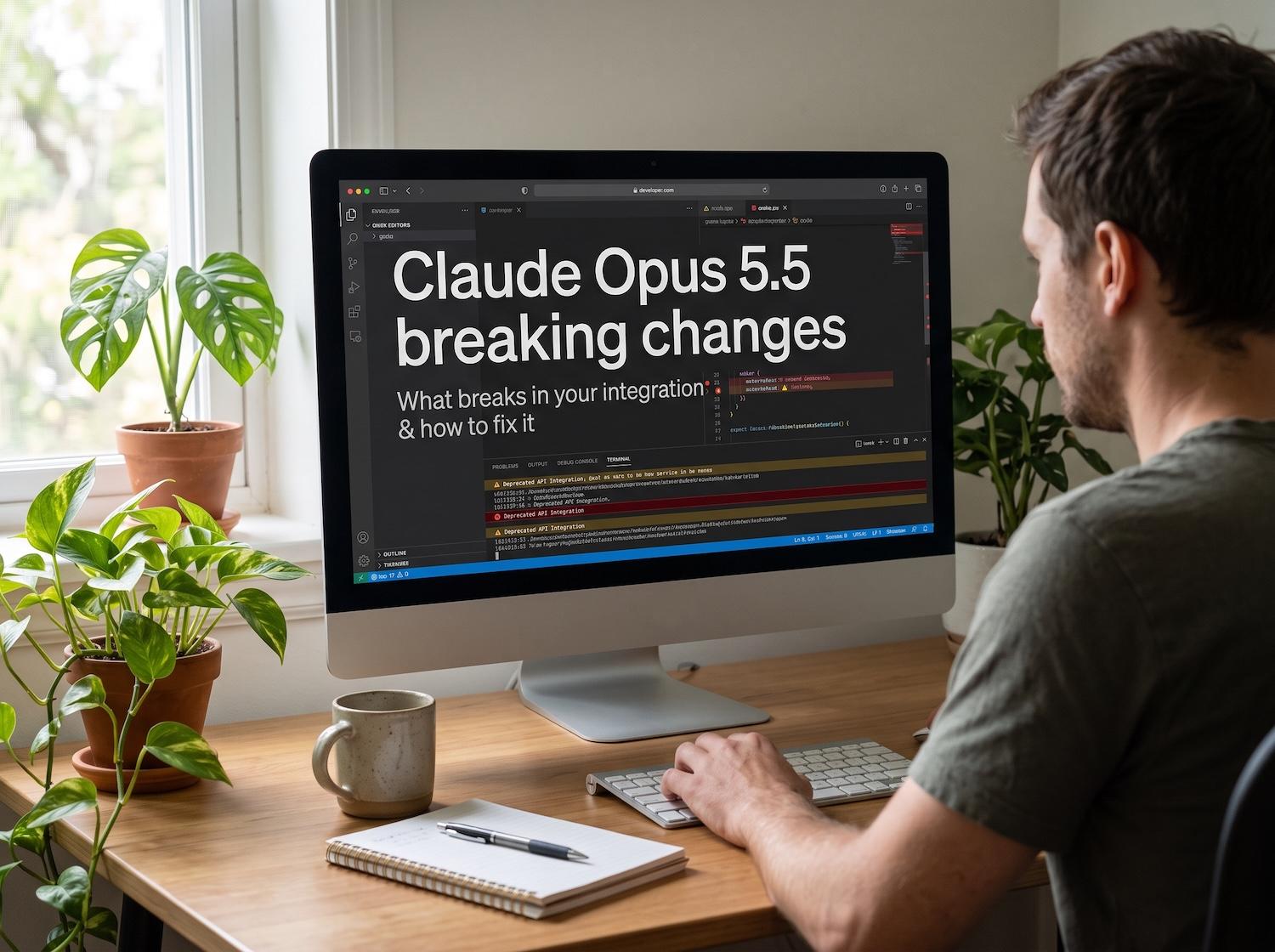
- Opus 5.5 always thinks and has changed API behavior, so read our Opus 5.5 breaking changes guide before you call it.
- Decide your pass and fail rules before you read any output.
- Report losses honestly, including any task where the cheapest model won.
- Make no claim beyond your five tasks.
Frequently asked questions
Why not just use a public benchmark?
Public benchmarks measure their own tasks. Your plugins, themes and workflows may stress different skills, so a small test on your own work is more useful.
How many tasks do I need?
Five tasks give you a first signal, and 20 give you a steadier one. Add tasks from your real backlog as you go.
Can I use this for other models?
Yes. Change the file names in the script and add the new model's prices to your cost sheet.
Want a model chosen and wired in for you?
We test models on your tasks, then connect the best fit to WordPress or Next.js with spend limits and fallbacks. See our AI integration services and our custom plugin development.