WordPress powers nearly half of the internet, making it the platform of choice for businesses, bloggers, and developers worldwide. However, this immense popularity also makes it the primary target for cybercriminals. If you are wondering how to secure a WordPress website, you are not alone. As we move deeper into 2026, the tactics used by hackers have evolved from simple password guessing to sophisticated, automated botnet attacks that can decimate a website in minutes.
Understanding how to secure a WordPress website is no longer just about installing a single plugin; it requires a comprehensive, multi-layered defense strategy. When a site is compromised, the damage extends far beyond a defaced homepage. A successful breach can destroy your SEO rankings, compromise customer data, and permanently damage your brand's reputation.
This guide will walk you through the most critical steps to harden your infrastructure, block malicious traffic, and ensure your digital property remains impenetrable.
The Reality of Modern WordPress Attacks
To understand how to secure a WordPress website, we must first look at how they are typically compromised today. Hackers rely heavily on automation.
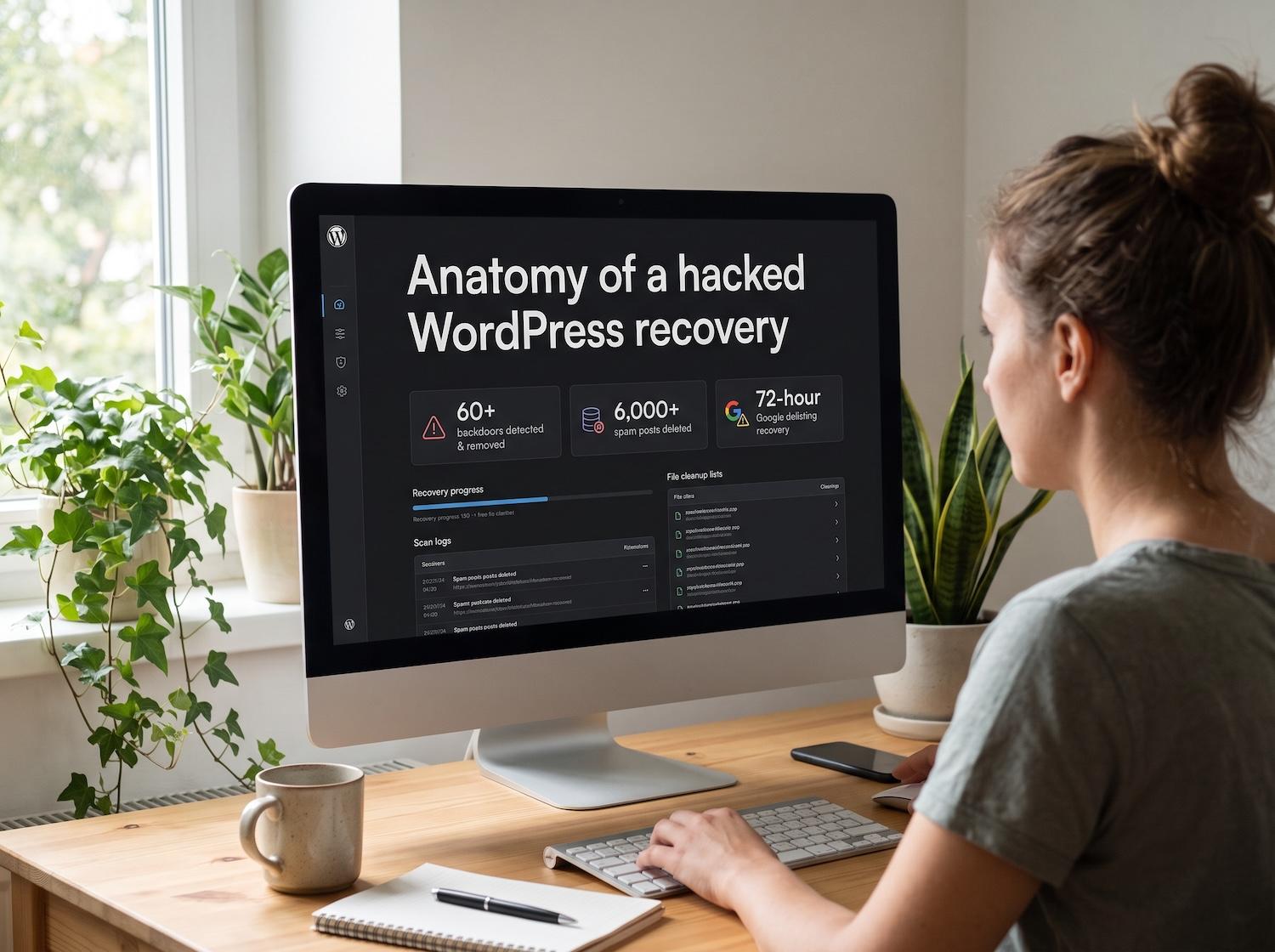
It is incredibly common for a brute-force attack to successfully breach a weakly protected login screen. Once inside, these automated scripts work with terrifying speed. They often establish persistence by immediately creating multiple rogue administrator accounts. Within hours, they can flood your database, publishing over 6,000 spam posts filled with malicious links that completely hijack your site's SEO value.
Furthermore, automated user registration bots have become remarkably evasive. Site owners often find that a hacker is automatically creating users on their WordPress website using specific, repetitive email addresses—such as a persistent hotmail.com account like noreply@hotmail.com. Frustratingly, these bots often bypass basic developer defenses. Even if you write custom code using the standard registration_errors filter to block these specific emails, the bots slip through by exploiting unguarded REST API endpoints or wp-login.php?action=register scripts directly.
To stop these advanced threats, you need more than basic filters. Here is the step-by-step blueprint on how to secure a WordPress website.
Step 1: Lock Down the Login and Admin Areas
The administrative dashboard is the control center of your website. Securing it is the first and most crucial step.
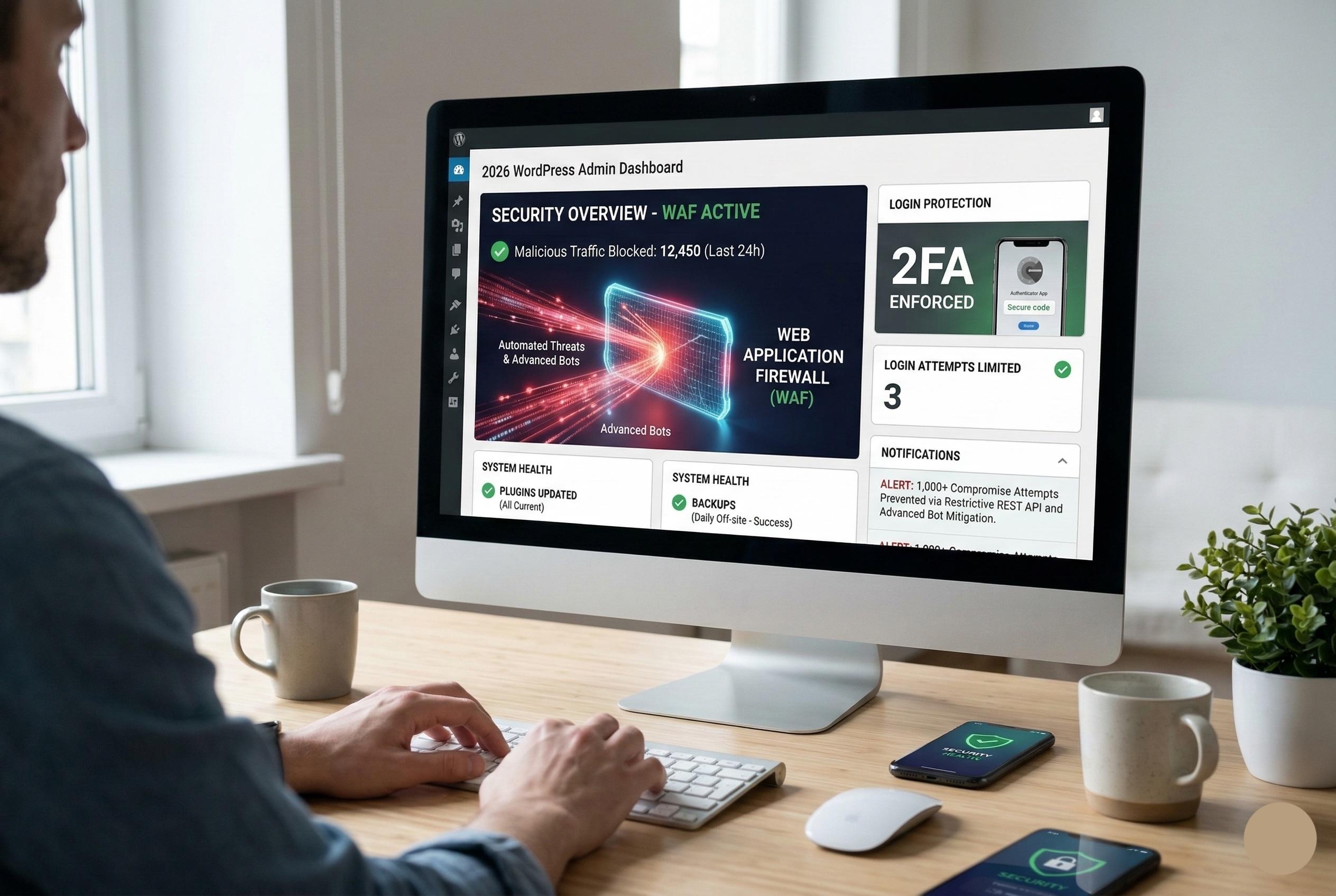
Enforce Two-Factor Authentication (2FA) Passwords alone are no longer sufficient. By implementing Two-Factor Authentication, you require anyone attempting to log in to provide a second form of verification—usually a time-sensitive code sent to an authenticator app on their smartphone. Even if a bot guesses your password, they cannot bypass the 2FA prompt.
Limit Login Attempts By default, WordPress allows unlimited login attempts. This is what enables brute-force attacks to test thousands of passwords a minute. Install a tool that temporarily bans an IP address after three to five failed login attempts. This stops brute-force scripts dead in their tracks.
Change the Default Login URL Every bot knows that the default WordPress login page is located at yourdomain.com/wp-admin or wp-login.php. By changing this URL to something unique (e.g., yourdomain.com/secure-portal-login), you immediately filter out thousands of automated malicious requests that are blindly knocking on the default door.
Step 2: Stop Automated Spam Registrations
If your website allows user registration (such as a WooCommerce store or a membership site), you must protect the registration pathways. As mentioned earlier, basic PHP filters like registration_errors are easily bypassed by modern bots.
To effectively block automated user creation:
- Implement Cloud-Based CAPTCHA: Use Turnstile by Cloudflare or Google reCAPTCHA v3 on your registration and checkout forms. These tools analyze user behavior invisibly and block automated bots before the form is even submitted.
- Restrict the REST API: Bots often use the WordPress REST API to create users, bypassing your frontend forms entirely. If your site does not require public REST API access, restrict it so only authenticated users can make requests.
- Use Dedicated Anti-Spam Plugins: Tools like Akismet or CleanTalk analyze registration data against global databases of known spam emails and IP addresses, blocking malicious actors at the server level.
Step 3: Manage User Roles and Audit Rogue Admins
If you want to know how to secure a WordPress website long-term, you must practice the "Principle of Least Privilege." Never give a user more access than they strictly need.
- Audit Your User List: Regularly review the "Users" tab in your WordPress dashboard. Look for unrecognized accounts, especially those with "Administrator" privileges. If a brute-force attack was previously successful, rogue admin accounts are the backdoors they leave behind. Delete them immediately and assign their posts to a trusted user.
- Downgrade Roles: Does your freelance writer really need Administrator access? Downgrade them to "Editor" or "Author." The fewer admin accounts that exist, the smaller your attack surface.
Put these ideas to work.
From a specific fix to a complete website, we can help you define the scope and get it done.
Discuss my websiteCustom WordPress Web DevelopmentShare your goals. We typically reply within 4 hours with questions and practical next steps.
Step 4: Keep Core, Themes, and Plugins Updated
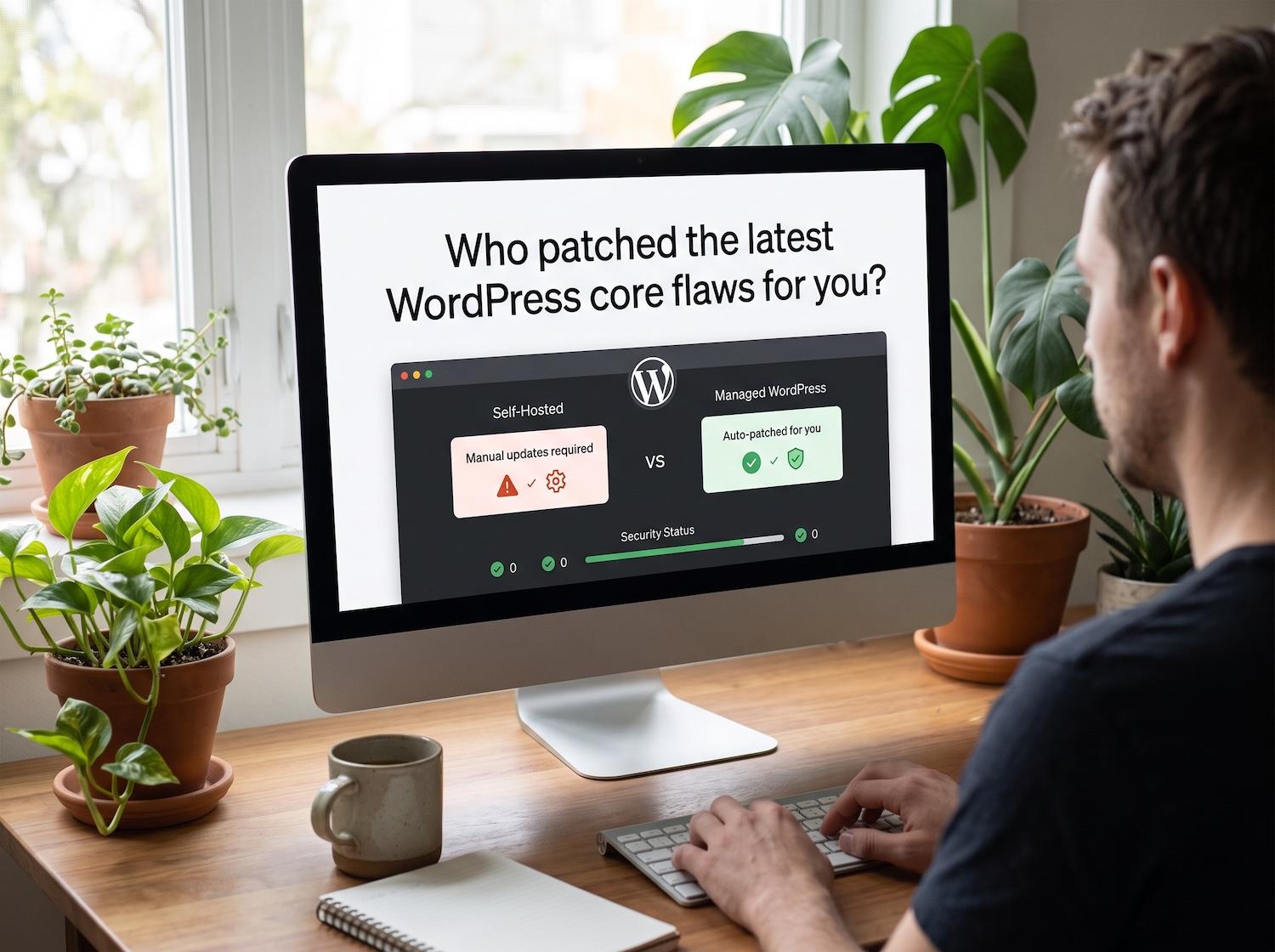
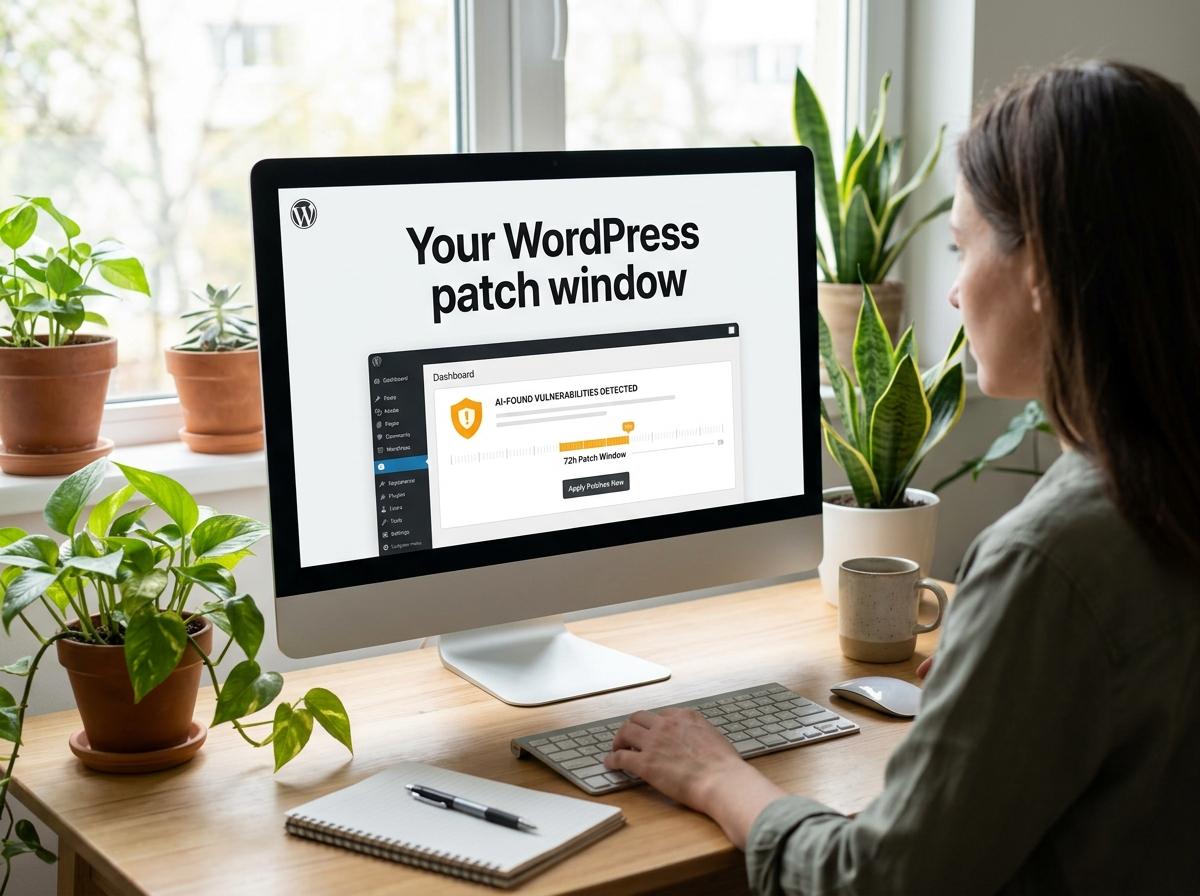
The vast majority of WordPress hacks are not due to weak passwords, but rather outdated software. The WordPress ecosystem relies on third-party plugins and themes. When a developer discovers a security vulnerability (like a Cross-Site Scripting or SQL Injection flaw) in their plugin, they release a patch.
If you do not update the plugin, hackers will use automated scanners to find your site and exploit that known vulnerability to inject malware.
- Enable Automatic Updates: For trusted, critical plugins, turn on automatic updates.
- Delete Unused Plugins: If a plugin is deactivated, it is still sitting on your server and can potentially be exploited. Delete any themes or plugins you are not actively using.
- Avoid Nulled Themes: Never download premium plugins or themes for free from third-party "nulled" sites. These files almost always contain hidden malware and backdoors.
Step 5: Implement a Web Application Firewall (WAF)
A Web Application Firewall is the ultimate shield for your website. While security plugins run inside your WordPress installation, a cloud-based WAF (like Cloudflare or Sucuri) sits between your website and the internet.
When you use a WAF, all incoming traffic is analyzed. If the WAF detects a brute-force attack, a SQL injection attempt, or traffic from a known malicious botnet, it blocks the request before it ever reaches your web server. This not only protects your site but also saves your server resources, preventing your site from crashing under the weight of an attack.
Step 6: Harden the Database and Server Configuration
True security requires hardening the underlying architecture of your website.
Change the Database Prefix By default, WordPress database tables start with wp_. Hackers write automated scripts that target these specific table names. Changing the prefix to something random (e.g., x8f2_wp_) adds a layer of obscurity that breaks automated SQL injection attacks.
Disable File Editing If a hacker manages to access your dashboard, their first move is often to navigate to the Theme File Editor to inject malicious PHP code directly into your theme. You can disable this feature by adding the following line to your wp-config.php file: define( 'DISALLOW_FILE_EDIT', true );
Protect Your wp-config.php File Your wp-config.php file contains your database name, username, and password in plain text. It is the most sensitive file on your server. Ensure its file permissions are set strictly (usually 400 or 440) so that it cannot be written to or read by unauthorized users.
Step 7: Establish a Bulletproof Backup Strategy
No matter how well you learn how to secure a WordPress website, no system is 100% impenetrable. Zero-day vulnerabilities (flaws that are unknown to the developers) can appear at any time. Your ultimate failsafe is a reliable backup strategy.
If your site is hit with 6,000 spam posts and multiple rogue admins, manually cleaning the database can take days. Restoring the site to a clean backup taken the day before the attack takes minutes.
- Automate Backups: Use a plugin like UpdraftPlus or rely on your managed WordPress host to take daily, automated backups.
- Store Off-Site: Never store your backups on the same server as your website. If the server is compromised, your backups will be destroyed too. Store them on secure, third-party cloud storage like Amazon S3, Google Drive, or Dropbox.
Conclusion
Learning how to secure a WordPress website is an ongoing process, not a one-time setup. As cyber threats evolve, so too must your defenses. By locking down your login pages, strictly managing user roles, keeping your software updated, and deploying a robust Web Application Firewall, you create an incredibly hostile environment for hackers.
Remember that automation is the enemy's primary weapon. By implementing the strategies outlined above—especially focusing on stopping automated registrations and brute-force login attempts—you strip away their advantage, ensuring your website remains a safe, fast, and reliable platform for your business.
Frequently Asked Questions (FAQs)
1. What is the most common way WordPress sites get hacked?
The two most common methods are brute-force attacks against weak administrator passwords and the exploitation of vulnerabilities in outdated plugins or themes. Hackers use automated bots to scan the web for sites running old software and inject malware through those known loopholes.
2. Why are bots bypassing my registration_errors filter?
If you have written custom PHP using the registration_errors filter to block specific spam emails (like hotmail.com), bots can often bypass it by submitting user creation requests directly to the WordPress REST API (/wp-json/wp/v2/users) rather than using your frontend registration form. To fix this, you must secure or disable public access to user endpoints in the REST API.
3. Is a free security plugin enough to protect my website?
Free plugins like Wordfence or Solid Security provide excellent foundational protection, including local firewalls and malware scanning. However, for business-critical websites, pairing a security plugin with a cloud-based Web Application Firewall (WAF) like Cloudflare offers significantly better protection against large-scale DDoS and brute-force attacks.
4. How do I know if my site has rogue administrator accounts?
Log into your WordPress dashboard, navigate to the "Users" tab, and click on the "Administrator" filter. Carefully review every account listed. If you see emails or usernames you do not recognize, your site has likely been breached. Delete those accounts immediately and change all remaining passwords.
5. Does changing the WordPress login URL actually improve security?
Yes. While it does not stop a targeted, manual attack by a skilled hacker, changing the login URL from wp-admin to a custom slug defeats 99% of automated brute-force bots. These bots are programmed to blindly attack the default URL; if they cannot find it, they move on to an easier target.
Summary
Securing a WordPress website in 2026 requires defending against highly automated threats. Brute-force attacks frequently lead to compromised dashboards, rogue administrator accounts, and thousands of injected spam posts. To protect your site, you must enforce Two-Factor Authentication (2FA), limit login attempts, and deploy a Web Application Firewall (WAF) to block malicious traffic. Additionally, combating advanced bots that bypass standard registration_errors filters requires restricting REST API access and using cloud-based CAPTCHAs. By maintaining strict user role privileges, keeping all plugins updated, and running daily off-site backups, site owners can effectively neutralize modern cyber threats and maintain a secure digital presence.