
WordPress Maintenance & Care Plans
Monthly WordPress maintenance with tested updates, security monitoring, daily backups, uptime checks and priority support.
Performance figures, response times, and support examples on this page depend on the project. Final targets, coverage, and acceptance criteria are agreed in writing before work begins.
Your WordPress website is a business asset — and like any asset, it loses value the moment it stops being maintained. Outdated plugins are the #1 cause of hacked WordPress sites, failed updates break checkout forms at the worst possible moment, and a site that goes down on a weekend can sit broken until Monday. Our WordPress maintenance plans exist so none of that ever becomes your problem.
What's Included in Every Care Plan
- Core, theme, and plugin updates — applied on a schedule, tested for compatibility, and rolled back instantly if anything breaks.
- Daily off-site backups — stored away from your server, with one-click restore if disaster strikes.
- Security and uptime monitoring with coverage agreed in your care plan — malware scanning, firewall management, and instant alerts if your site goes offline.
- Performance checks — monthly Core Web Vitals review, database optimization, and cache management.
- Priority support and monthly dev time — small fixes, content updates, and tweaks handled within one business day, included in your plan.
- Monthly report — a plain-English summary of updates applied, threats blocked, uptime, and performance.
Simple, Transparent Pricing
We offer three care plan tiers — Essential for standard business sites, Business for e-commerce and membership sites, and Growth for high-traffic setups with monthly development hours included. Every plan is month-to-month with no long-term contracts. Get in touch and we'll recommend the right plan and share exact pricing for your site.
Why Trust Premier Solutions With Your Website
We're not a ticket queue — we're the developers who build and rescue WordPress sites for a living. Our team has recovered severely compromised sites (see our malware removal case study, where we purged 6,000+ injected spam posts and hardened the site against reinfection), and our WordPress security services back every care plan. Maintenance done by actual engineers means small problems get fixed before they become emergencies.
Related services and insights
Continue exploring: what a WordPress maintenance plan should include and why WordPress maintenance matters.
What the service covers
Managed Core, Theme & Plugin Updates
Every update is tested on a staging clone before being pushed to production. Incompatible plugins are flagged and resolved proactively — not after your site breaks.
Daily Automated Backups
Encrypted incremental backups stored on a geographically separate cloud vault (AWS S3 or Google Cloud). One-click restore gets you back online within minutes, not hours.
Uptime & Performance Monitoring
Ping checks every 60 seconds from multiple global nodes. If your server goes down or response time exceeds 2 seconds, our team is alerted instantly.
Monthly Health & Security Reports
A transparent PDF report covering uptime percentage, blocked threats, applied updates, PageSpeed scores, and actionable recommendations — delivered to your inbox every month.
What the work aims to improve
Proactive Availability Monitoring
Uptime MonitoringProactive monitoring helps us detect outages quickly and respond according to the plan's support window. Hosting and third-party failures remain outside any absolute uptime promise.
Lower Update Risk
Staging-First UpdatesStaging-first update workflows reduce the risk of a plugin or theme change disrupting the live site. Every planned change is checked before production deployment.
Reduced Long-Term Costs
Early Issue DetectionPreventative maintenance usually costs less than emergency recovery. Our care plans aim to catch issues early, before they turn into urgent developer hotfixes.
How the work is delivered
Site Health Baseline
Full technical audit of your current WordPress installation — plugin conflicts, outdated software, security gaps, and server configuration inefficiencies.
Staging Environment Setup
A 1:1 mirror of your production site where every update and configuration change is tested before going live.
Backup & Monitoring Deployment
Automated daily backups, uptime pings every 60 seconds, and real-time security scanning are configured and verified.
Ongoing Monthly Maintenance
Weekly plugin/theme/core updates, monthly performance audits, quarterly security reviews, and priority email support.
Before we start
- Share the starting point
- Send your website URL, platform, the problem to solve, and any deadline or budget constraints. An existing site may need an assessment before a solution can be recommended.
- Agree what is included
- Confirm deliverables, exclusions, dependencies, and pricing before work begins. Hosting, paid tools, content entry, and ongoing support should be discussed separately when needed.
- Define acceptance checks
- Agree which pages, devices, integrations, and measurements will be checked. Compare results with a documented baseline where performance or search work is involved.
- Plan access and handover
- Discuss account ownership, the access needed for delivery, documentation, and any training or maintenance arrangements. Confirm ongoing support in the written scope.
Please do not send passwords, API keys, or customer records through the inquiry form or chat.
Frequently Asked Questions
What happens if an update breaks something on my site?
Every planned update is applied to staging first. If a conflict appears, we resolve it before deployment. If a production issue occurs, we roll back from the latest verified backup according to the plan's response window.
Do I really need a maintenance plan?
WordPress core, themes, and plugins release updates constantly — many include critical security patches. Without regular maintenance, your site becomes vulnerable to exploits, compatibility issues, and performance degradation.
What's the difference between a maintenance plan and emergency recovery?
A maintenance plan is preventive and ongoing: scheduled core, theme, and plugin updates tested on staging, security monitoring, backups, and uptime checks. Emergency recovery is reactive treatment for a site that is already compromised. Clients on a maintenance plan are substantially less likely to need recovery, because the most common attack vector — an outdated plugin with a known vulnerability — is closed before it can be exploited.
What affects the cost of a WordPress maintenance plan?
Cost depends on how many sites are covered, how complex each one is (WooCommerce, memberships, custom code), and the monitoring and response level you need. We confirm what each plan includes, and its price, in writing before you start.
How often are backups taken, and where are they stored?
Backups run automatically to offsite storage, so a hosting failure cannot take your backups with it. More importantly, we test restores periodically. An untested backup is an assumption, not a safety net — the moment you actually need it is the worst possible time to discover it has been silently failing for months.
Can you maintain a site that someone else built?
Yes. We take on existing WordPress sites regardless of who built them. We start with an audit covering plugin inventory and known vulnerabilities, theme code quality, user accounts and permissions, backup status, and hosting configuration — so you get a clear picture of what you have inherited before we begin routine maintenance.
What reporting do I get?
You receive a monthly report covering updates applied, threats blocked, backup status, uptime, and any performance or security changes worth your attention. If something needs a decision — an abandoned plugin that should be replaced, for instance — we raise it with a recommendation rather than burying it in a log.
Explore published projects
View All Projects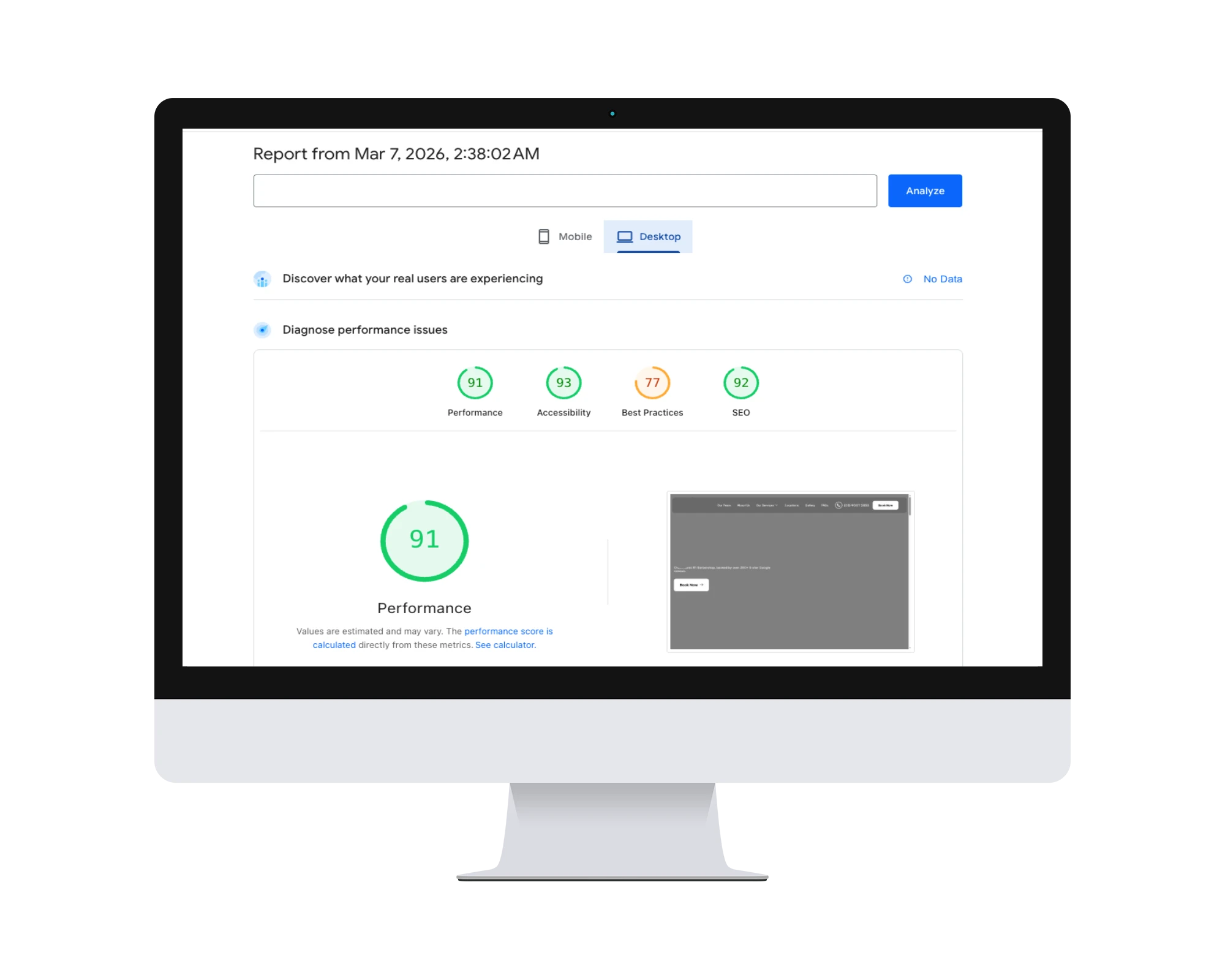
WordPress Speed Optimization: Rescuing a Sub-20 Desktop Score
Premier Solutions rescued a WordPress site failing desktop speed tests (under 20/100) using next-gen WebP images, multi-tiered caching, and JS minification to deliver top-tier Core Web Vitals.
View Case Study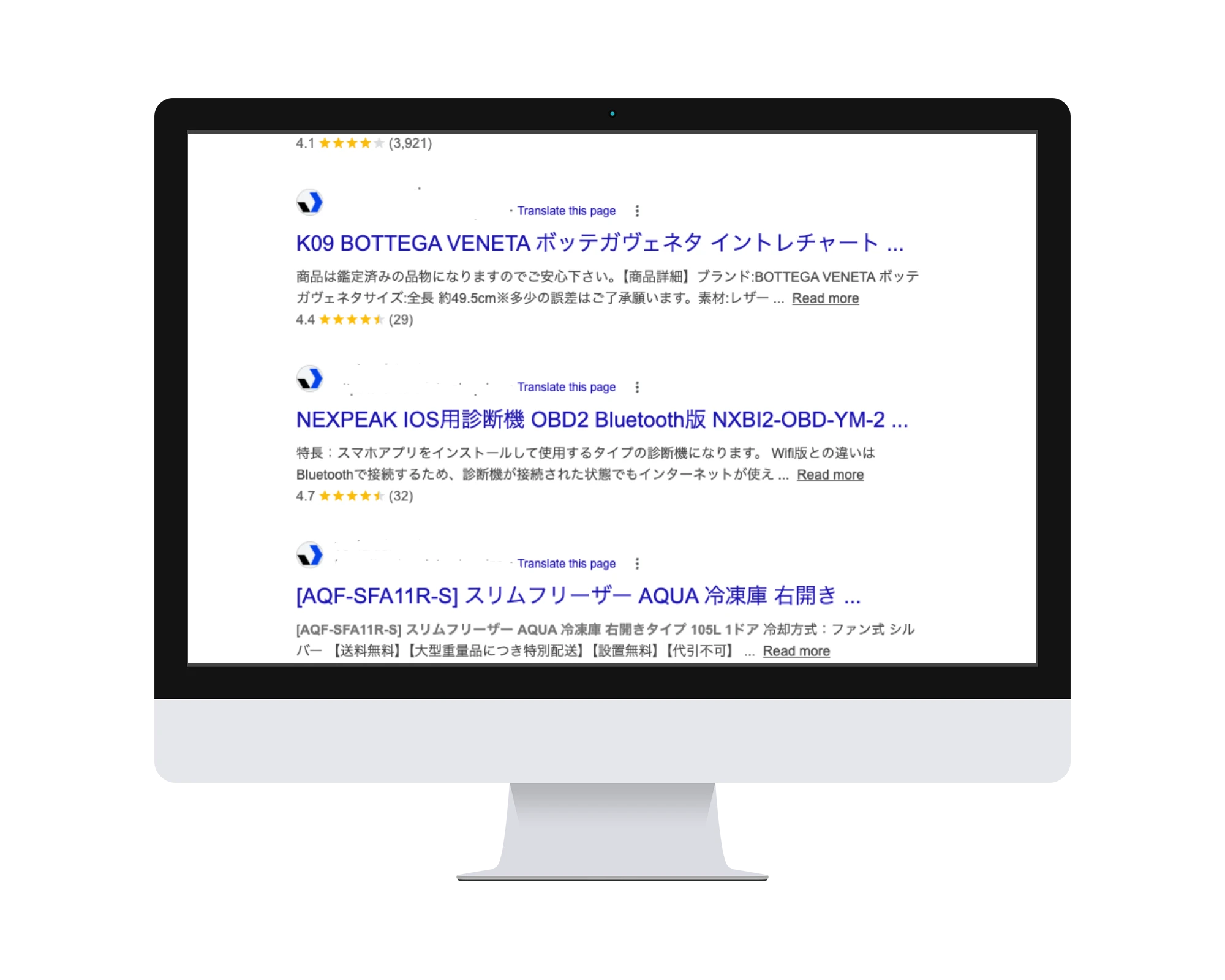
WordPress Security Recovery: Complete Malware Removal & Hardening
A WordPress malware-recovery case study covering spam removal, rogue administrators, clean-file restoration and post-cleanup hardening.
View Case Study
High-Performance Single-Page Portfolio: Next.js & React.js Development
Premier Solutions engineered a fast, single-page personal portfolio with Next.js and React.js — a responsive, highly optimized digital presence with an app-like experience.
View Case StudyExplore our services

AI Search Optimization (AEO & GEO)
Improve how search and AI answer engines understand your website through crawlability, clear content, relevant structured data, and consistent business information.
Learn More
AI Integration & Chatbot Development
Connect Claude, ChatGPT, or Gemini to your website. We build custom AI chatbots, RAG knowledge systems, MCP integrations, and AI-powered workflows for WordPress and Next.js platforms.
Learn More
Emergency Hacked WordPress Site Recovery
Recover a hacked WordPress site with malware removal, rogue-account review, clean-file restoration, and security hardening. Scope, pricing, and timing follow assessment.
Learn More