Launching a new website is a thrilling milestone for any business. You have invested time, money, and creative energy into building a digital storefront that perfectly represents your brand. But a common—and dangerous—misconception is that once a website goes live, the work is done. The reality of the digital landscape is far different. The internet is a living, breathing ecosystem that constantly evolves, and if you leave your site unattended, it will quickly degrade.
If you find yourself asking why you need WordPress website maintenance, the answer is simple: your website is a software application, not a static brochure. Just like your smartphone requires regular operating system updates and your car requires oil changes, your website demands ongoing technical care. Without regular website maintenance, you expose your business to security breaches, plummeting search engine rankings, and a frustrating user experience that drives customers straight to your competitors.
As we navigate through 2026, the technology powering the web has become more complex than ever. From the rollout of WordPress 7.0 to the integration of advanced artificial intelligence, staying updated is mandatory. In this comprehensive guide, we will explore exactly why you need WordPress website maintenance, the hidden costs of neglecting your site, and how partnering with experts can secure your digital future.
1. The Ultimate Priority: Bulletproof Security
The most critical reason why you need WordPress website maintenance is security. WordPress powers over 43% of all websites on the internet. While this massive market share is a testament to its flexibility, it also makes it the number one target for cybercriminals, automated botnets, and malicious scripts.
Hackers rarely target your site because they have a personal vendetta against your business. Instead, they use automated bots that crawl millions of websites looking for known vulnerabilities. These vulnerabilities almost always exist in outdated WordPress core files, abandoned themes, or unpatched plugins. When a developer releases an update for a plugin, the release notes publicly disclose the security flaws they just fixed. If you fail to apply that update, you are essentially leaving a roadmap for hackers to break into your site.
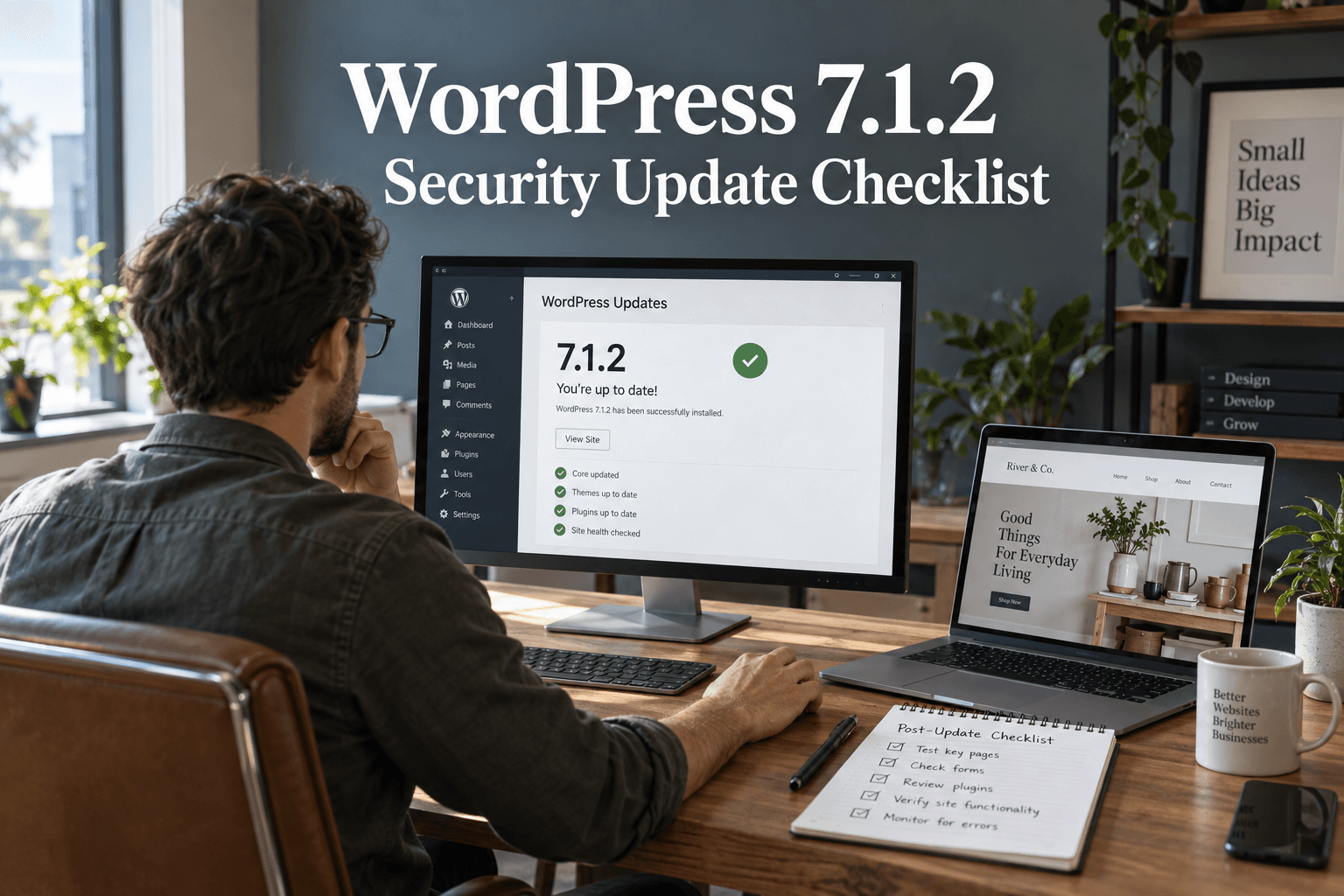
As we highlighted in our comprehensive guide on WordPress Security in 2026, a breached site can lead to devastating consequences. Hackers can steal sensitive customer data, inject spam links into your content, or set up rogue administrator accounts that lock you out of your own business. Regular WordPress site maintenance ensures that security patches are applied immediately, firewalls are monitored, and malware scans are conducted routinely.
Protect Your Business: Don't leave your digital storefront vulnerable to automated attacks. If you want absolute peace of mind, reach out to our team to explore our comprehensive wordpress security services.
2. Maximizing Speed and Core Web Vitals
A fast website is no longer a luxury; it is a fundamental expectation. In today's hyper-connected world, users will abandon a webpage if it takes more than three seconds to load. Over time, an unmaintained WordPress site will naturally slow down. This is due to a phenomenon known as "database bloat."
Every time you save a draft, install a plugin, or receive a spam comment, data is added to your WordPress database. Over months and years, this accumulation of transient data, post revisions, and orphaned plugin files acts like sludge in an engine, making it harder and slower for the server to retrieve the information necessary to load a page.

Furthermore, updates to web browsers and server technologies mean that the code running your site must be periodically optimized. Regular website maintenance involves routine database cleanups, optimizing new images, updating PHP versions, and ensuring your caching mechanisms are functioning perfectly. As we discussed in our article on How to Speed Up a WordPress Website, ignoring these maintenance tasks directly damages your bottom line.
Accelerate Your Growth: A sluggish site kills conversions. If you are struggling with poor load times, let our experts implement advanced wordpress website speed optimization to keep your site running at peak performance.
3. Safeguarding Your SEO and Search Rankings
is a long-term investment. You have likely spent considerable resources creating content, building backlinks, and structuring your site to appease Google's algorithms. However, a lack of WordPress website management services can undo all that hard work in a matter of weeks.
Google's crawlers rely on a healthy, technically sound website to index your pages correctly. Why you need WordPress website maintenance from an SEO perspective comes down to technical health:
- Uptime Monitoring: If your site frequently goes offline due to server errors or plugin conflicts, Google will penalize your rankings, deeming your site unreliable.
- Broken Links (404 Errors): As you add or remove content, internal and external links can break. A high volume of broken links frustrates users and signals to Google that your site is abandoned.
- Core Web Vitals: Google explicitly uses page speed, visual stability, and interactivity as ranking factors. Without maintenance, these metrics will degrade, dragging your rankings down with them.
Ongoing WordPress maintenance services protect your SEO equity by monitoring crawl errors, fixing broken redirects, and ensuring your site meets the strict technical standards of modern search engines.
Dominate the Search Results: Technical health is the foundation of visibility. If you want to climb higher and stay there, partner with us for professional, results-driven seo.
4. Ensuring Theme and Page Builder Compatibility
The beauty of WordPress lies in its modularity. You construct your site using a core system, a theme, and various plugins. However, this modularity is also its greatest fragility. These components are built by different developers all over the world. When WordPress releases a major core update, theme and plugin developers must update their software to remain compatible.
If you update your core but neglect your plugins—or vice versa—you create software conflicts. These conflicts can cause a "White Screen of Death," break your navigation menus, or destroy the layout of your pages. This is especially true for highly dynamic visual page builders.
Why you need WordPress website maintenance is to safely orchestrate these updates. A professional maintenance team will test updates in a safe "staging" environment before applying them to your live site, ensuring that an update to WooCommerce or your page builder doesn't accidentally break your checkout process.
Flawless Design Execution: Whether you need robust maintenance for your current setup or are looking to build a brand new wordpress website using elementor or construct a dynamic platform with divi, our team ensures your visual builders operate without a hitch.
5. Preserving the User Experience (UX)
Your website is often the first interaction a potential customer has with your brand. If they encounter broken images, overlapping text, or a contact form that fails to submit, their trust in your business evaporates instantly.
The digital landscape shifts rapidly. Browsers update their rendering engines, and mobile screen sizes evolve. What looked perfect on an iPhone two years ago might render poorly on today's devices. Regular website maintenance involves routine visual inspections and functionality testing. It ensures that your mobile responsiveness remains intact, your checkout gateways are processing payments, and your lead generation forms are successfully routing emails to your inbox.

Sometimes, however, a site is so outdated that routine maintenance is no longer enough to save the user experience. If your site relies on archaic, unsupported technology, maintaining it becomes more expensive than replacing it.
Is It Time for a Fresh Start? As we noted in our post on When to Redesign WordPress with Elementor Pro, slapping bandages on a failing legacy theme is a losing battle. If your site is visually outdated and technically broken, let our agency seamlessly redesign wordpress website properties to maximize your modern conversions.
6. Adapting to New Technologies: WordPress 7.0 and AI
The internet does not stand still, and neither does WordPress. As we look at the recent release, the platform has fundamentally transformed. With the introduction of the DataViews dashboard, real-time collaboration tools, and the requirement for modern server environments (PHP 7.4+), older, unmaintained websites will simply cease to function correctly if forced to update without professional oversight.
Furthermore, the integration of WordPress AI plugins (connecting to engines like Gemini, Claude, and OpenAI) requires strict technical configurations and secure API key management via the new Connectors API. Why you need WordPress website maintenance is to ensure your underlying infrastructure is robust enough to leverage these cutting-edge, agentic workflows without compromising your site's security or speed.
7. Scalability and Custom Functionality
As your business grows, your website must scale with it. A site built to handle 500 visitors a month requires a vastly different infrastructure than a site handling 50,000 visitors a month. WordPress website management services are not just about fixing what is broken; they are about preparing for the future.