
WordPress Speed Optimization: Rescuing a Sub-20 Desktop Score
Premier Solutions rescued a WordPress site failing desktop speed tests (under 20/100) using next-gen WebP images, multi-tiered caching, and JS minification to deliver top-tier Core Web Vitals.
- Client
- WordPress Speed Optimization Client
- Scope
- WordPress Website Development
- Case study published
Project preview
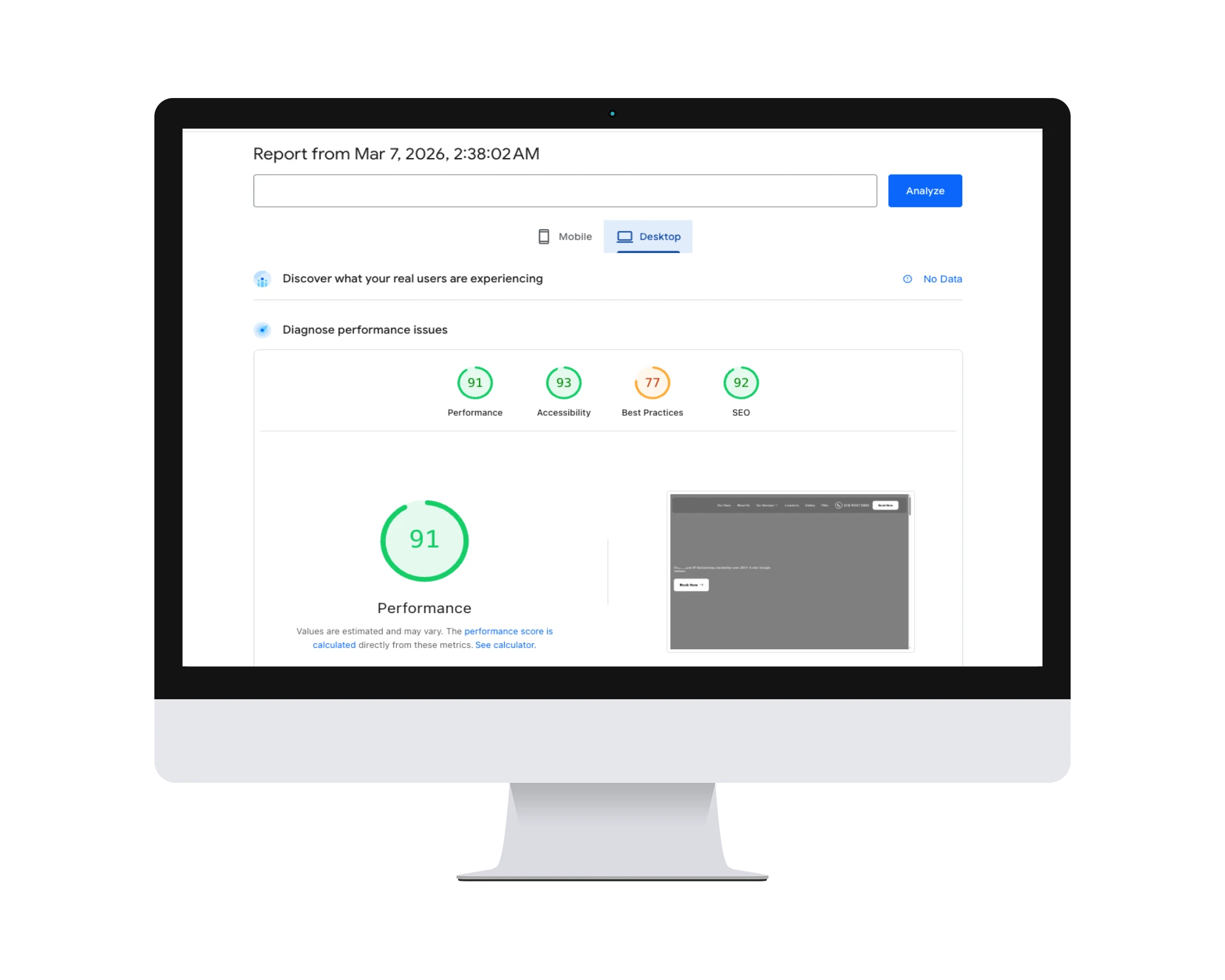
These frames show the same project image at different widths. Open the image to view it in full; the frames are not separate desktop and mobile screenshots.
What changed for this project
These results come from this project record. They describe this project and do not guarantee the same outcome for another website.
PageSpeed Score
98/10018 → 98
Desktop score increased from 18/100 to 98/100 — a 5.4x improvement.
LCP (Largest Contentful Paint)
90% Faster0.7s
Reduced from 7.2 seconds to 0.7 seconds — a 90% improvement in primary paint metric.
Bounce Rate
-52%-52%
Sub-second load times cut bounce rate by more than half, directly increasing engagement.
The client’s challenge
The client's WordPress site scored 18/100 on Google PageSpeed desktop — with a 7.2-second LCP, 6 render-blocking resources, uncompressed images totaling 12 MB per page, and no browser caching configured. Core Web Vitals were failing across every metric.
The approach and implementation
We eliminated render-blocking CSS/JS, converted all images to WebP with lazy loading, configured Redis object caching, implemented Cloudflare edge caching with Brotli compression, and inlined critical above-the-fold CSS. The result: a 98/100 desktop score with all Core Web Vitals in green.
The Challenge
A slow website is a liability: it frustrates users, raises bounce rates, and hurts search rankings. This client's WordPress site was suffering critical performance bottlenecks — a desktop PageSpeed score under 20/100, weighed down by unoptimized media, render-blocking scripts, and slow server response. The challenge was to overhaul the performance architecture without breaking the existing design or functionality.
The Solution
We ran a full performance audit and optimization pass. Starting with the media payload — a primary cause of poor Core Web Vitals — we converted legacy image formats to lightweight next-gen WebP, cutting total page size without losing visual quality.
Next we tackled the code: minifying CSS and JavaScript, and resolving render-blocking issues with async and defer loading so the browser paints visible content immediately while scripts load in the background. Finally, we set up a multi-tiered caching system — page, object, and browser caching — to reduce server load and serve static content in milliseconds.
Results at a Glance
- Desktop PageSpeed from under 20/100 to top-tier performance
- WebP image conversion dramatically reducing total page weight
- Async/defer script loading eliminating render-blocking delays
- Multi-tiered caching serving returning visitors in milliseconds
The Outcome
By eliminating front-end bloat and optimizing server response, the site went from a sub-20 desktop score to top-tier performance metrics. WebP images and asynchronous loading created a near-instant browsing experience, securing a frictionless user journey and a significant boost to the site's SEO potential.
Is Your WordPress Site Slow?
We fix Core Web Vitals at the code level for real ranking gains. Explore our WordPress speed optimization services or get a free speed audit.
Related services and insights
Continue exploring: why a WordPress site becomes slow and the Core Web Vitals WordPress guide.
Results shown are specific to this engagement and are not forecasts. Outcomes vary with the starting condition, traffic, market, hosting, and ongoing changes.
More project stories
View All Portfolios
WordPress Security Recovery: Complete Malware Removal & Hardening
A WordPress malware-recovery case study covering spam removal, rogue administrators, clean-file restoration and post-cleanup hardening.
View Portfolio
Apex Miles Website Case Study
Premier Solutions transformed a competitor benchmark into a unique, lead-generating WordPress site for Apex Miles using Elementor — a complete UX/UI and technical build from a blank canvas.
View Portfolio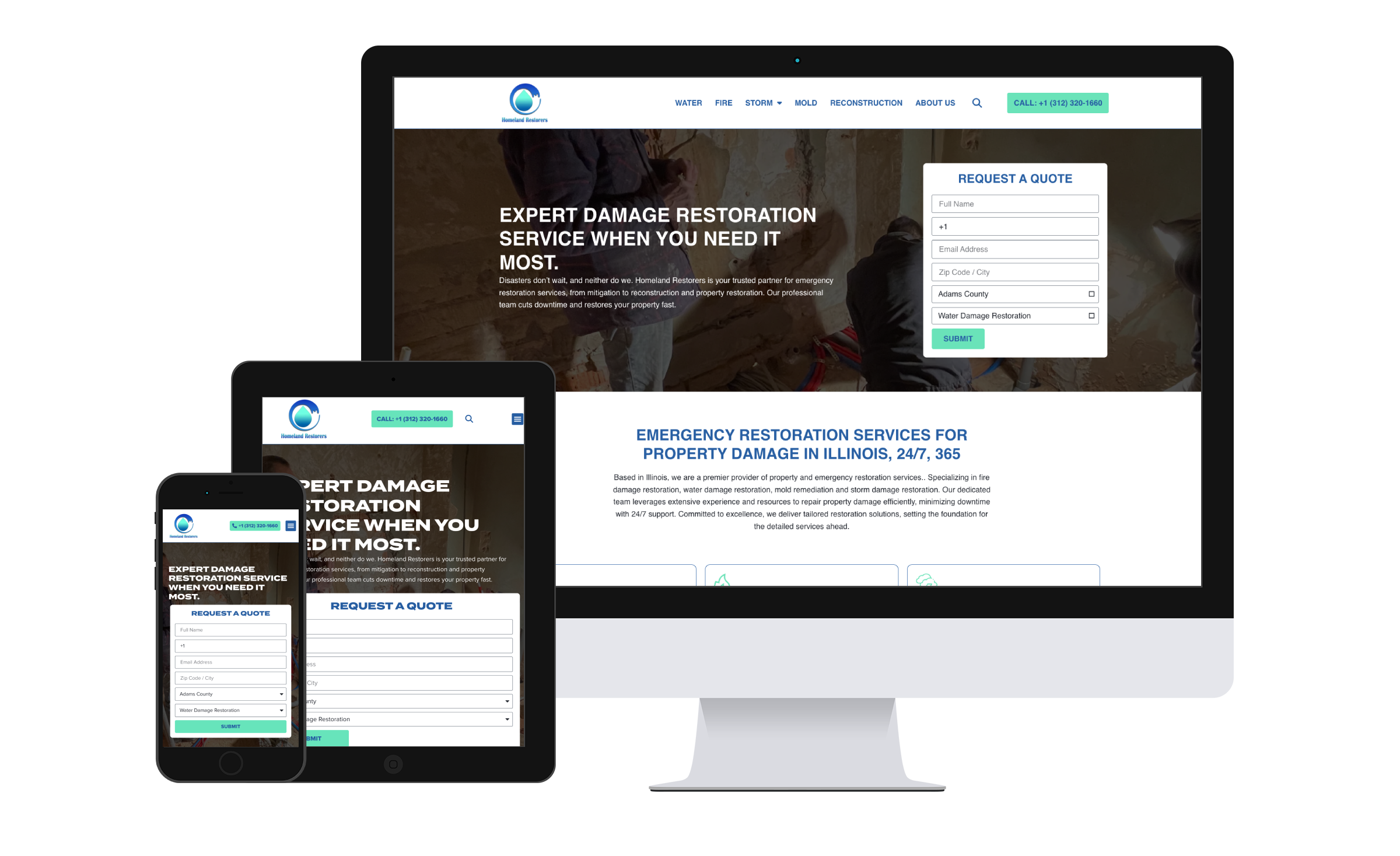
Homeland Restorers: Architecting a Rapid-Response Platform for Emergency Services
Premier Solutions built a high-performance, mobile-first WordPress site for Homeland Restorers, turning emergency restoration searches into service calls with fast performance and click-to-call UX.
View PortfolioExplore our services
View All ServicesNext.js & React Apps
High-performance server-rendered apps built for speed, edge delivery, and modern client interactions.
Learn MoreWordPress Development
Custom WordPress themes, plugins, and editing workflows built around the project requirements.
Learn MoreTechnical SEO
Crawlability, structured data, internal links, and content rendering reviews.
Learn More