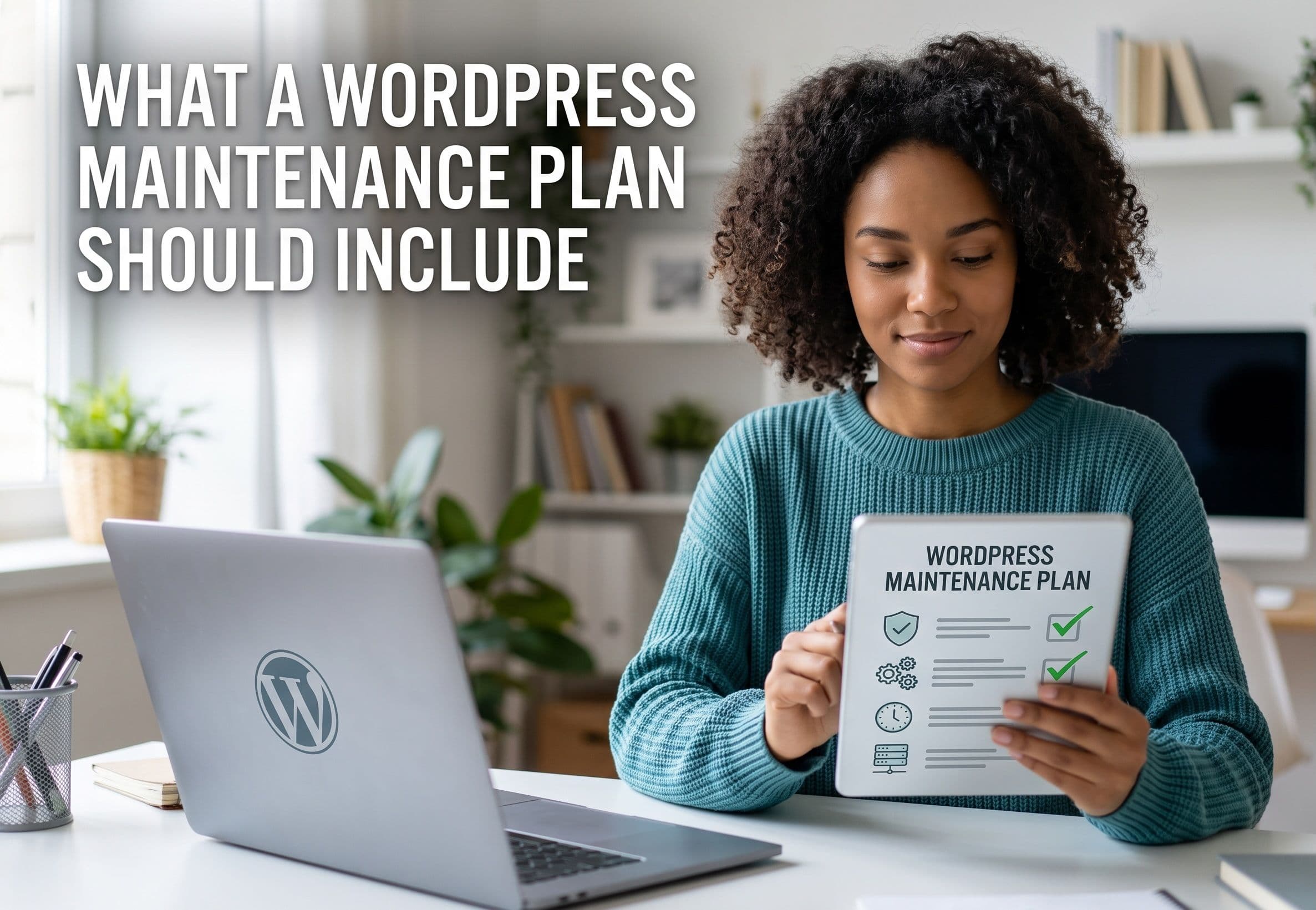
WordPress maintenance plans range from $15/month to $500/month, and the difference isn't always obvious from the sales page. Some providers run automated plugin updates and call it maintenance. Others provide genuine technical partnership. Here's what a proper WordPress care plan should include, what to watch out for, and how to evaluate whether you're getting value.
The Essential Checklist
1. Core, Theme, and Plugin Updates
What good looks like: Updates applied on a defined schedule (weekly minimum), tested in staging before production, with a rollback plan if something breaks. Compatibility verified before applying major version updates.
What to watch for: "Automatic updates enabled" is not a maintenance service — that's a WordPress setting you can toggle yourself. The value is in testing and handling conflicts, not in clicking update.
Outdated plugins are the leading cause of hacked WordPress sites, which makes this the single most important item on the list.
2. Daily Off-Site Backups
What good looks like: Automated daily backups of both files and database, stored off-site (separate from your hosting), with at least 30 days of retention and tested restore capability.
What to watch for: Backups stored on the same server as your site are useless if the server fails or is compromised. Also verify that restores are actually tested — an untested backup is a hope, not a plan.
3. Security Monitoring
What good looks like: Real-time malware scanning, file integrity monitoring (alerts when core files change unexpectedly), failed login monitoring, and blacklist status checks.
What to watch for: A security plugin installed on your site isn't the same as monitoring. Monitoring means someone (or something) is watching the alerts and responding.
4. Uptime Monitoring
What good looks like: Checks every 1–5 minutes from multiple geographic locations, with immediate alerts to your provider (not just to you) when the site goes down.
What to watch for: Uptime monitoring that only notifies you is half a service. You want your provider notified so they can investigate before you even notice.
5. Performance Monitoring
What good looks like: Monthly checks, database optimization, cache management, and alerts when performance degrades.
What to watch for: Performance degrades naturally as you add content and plugins. A plan without performance monitoring means you'll discover the problem when your rankings drop.
6. Support and Development Time
What good looks like: A defined response time SLA for issues, plus included monthly time for small fixes and content updates. Clear escalation for emergencies.
What to watch for: "Unlimited support" usually isn't. Read the fine print on what counts as support versus billable development.
7. Monthly Reporting
What good looks like: A plain-English report covering: updates applied, threats blocked, uptime percentage, performance metrics, and backup status.
What to watch for: Automated reports with no human commentary. The value is in someone reviewing the data and flagging anything that needs your attention.
Red Flags in Maintenance Plans
No staging environment. If updates are applied directly to your live site, you're one bad plugin update away from downtime.
No security incident coverage. Ask explicitly: if my site gets hacked while under your maintenance plan, what happens? Some providers charge full recovery rates. Others include cleanup.
Long-term contracts. Quality providers offer month-to-month because they're confident you'll stay. Annual lock-ins with early termination fees are a red flag.
No access to your own site. Some providers restrict your admin access to prevent you "breaking things." You should always have full ownership and access to your own site.
Vague scope. "We'll take care of everything" isn't a scope. You want a documented list of what's included and what's billable.
How to Evaluate a Provider
Ask these questions before signing:
- Do you test updates in staging before applying to production?
- Where are backups stored, and how often do you test restores?
- What's your response time for a site-down emergency?
- If my site gets hacked, is cleanup included?
- How much development time is included monthly, and what counts as billable?
- Can I see a sample monthly report?
- Is this month-to-month, or is there a contract term?
What Maintenance Actually Prevents
The value of maintenance is measured in problems that don't happen:
Security breaches. Sites with current updates and active monitoring are dramatically less likely to be compromised. When they are, the infection is caught in hours rather than weeks — that thousands of spam posts had been injected.
Broken updates. A plugin update that conflicts with your theme can take down your checkout, your contact forms, or your entire site. Staging testing catches this before customers do.
Performance decay. Sites slow down over time. Monthly optimization keeps Core Web Vitals in the green, protecting your rankings.
Data loss. Server failures, bad deployments, and hacks all happen. A tested daily backup turns a catastrophe into a 20-minute restore.