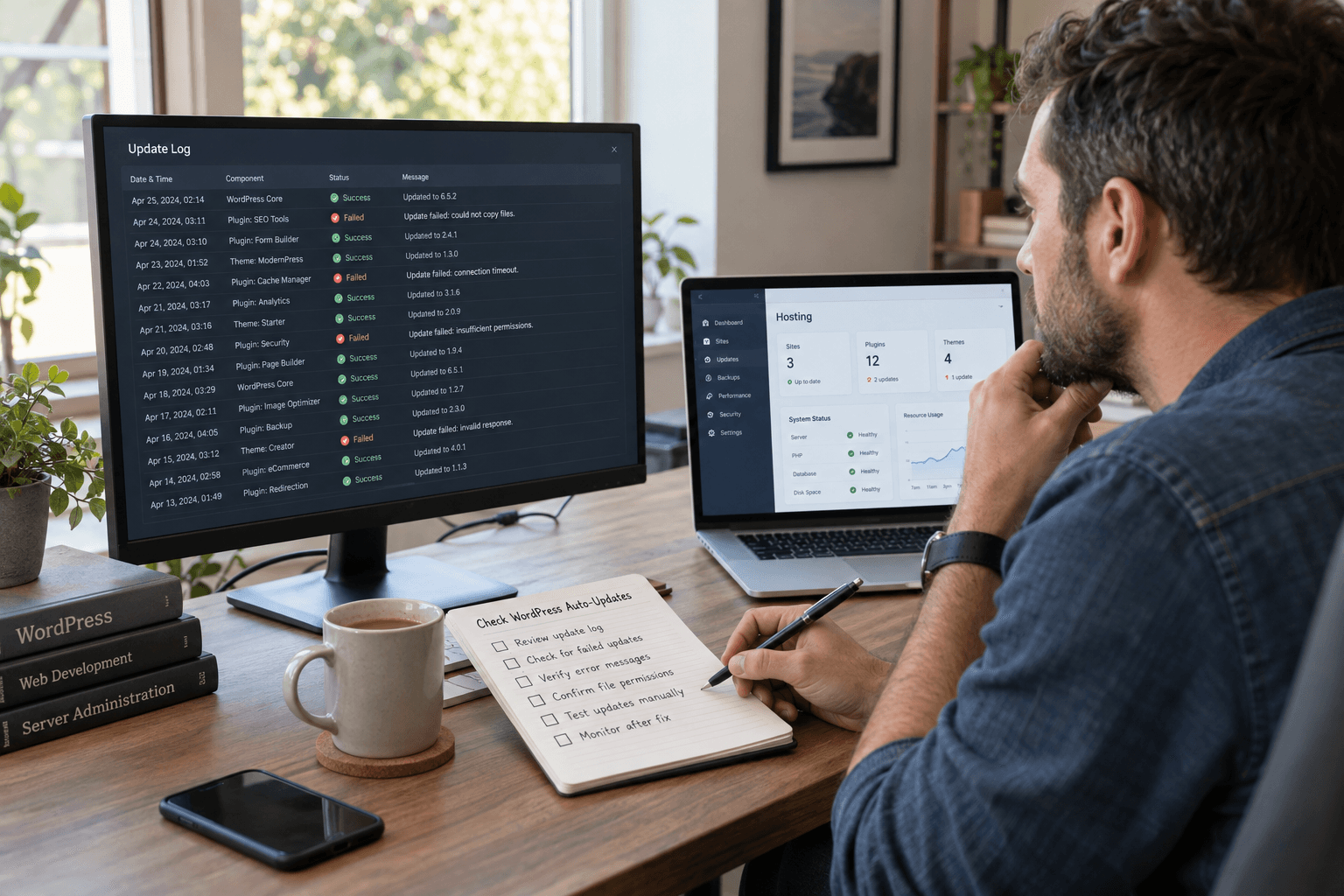
Automatic updates are easy to trust because they happen out of sight. That is also why a failed update can go unnoticed until someone checks the dashboard.
The safest question is not “Are automatic updates enabled?” It is “Did this installation receive the expected update, and does it still work?”
Establish the expected result
Identify the site and the release you expect it to run. Open the production dashboard and record the displayed version. Keep staging, development and live installations on separate lines in your notes.
Compare that evidence with the host's maintenance record or the update notification. A disagreement is a reason to investigate, not to keep pressing the update button.
The official WordPress updating guide explains the supported update routes. Follow the route appropriate to your installation.
Collect the failure details
Save the exact message, the approximate time and the last successful update. Ask the maintainer to review relevant hosting logs and configuration. Possible causes include access, storage, scheduling or connectivity problems; the message and environment should guide the diagnosis.
Do not make broad permission changes simply because an update could not write a file. Changing the wrong access rule may create a second problem.
Before another attempt, confirm a usable recovery copy using the backup and recovery guide.
Recover one step at a time
Agree who will perform the repair and what they will change. If the host applies a manual update, ask for confirmation of the final installed version. Keep unrelated plugin and design work outside this repair.
Next, test a public page, sign-in and the site's key enquiry or purchase flow. A successful installation message does not establish that every integration still works.
Add a small verification habit
After important releases, maintain a list of sites with three outcomes: verified, failed or awaiting confirmation. Avoid a vague “probably done” status.
Use to make unresolved failures visible. If nobody owns this recurring check, a should define the responsibility explicitly.