
Loading…
Loading…
Prioritize a WordPress security patch without losing track of backups, business risk or ownership. Use a clear triage and verification routine.
Share your goals. We usually reply within one business day with questions and practical next steps.
A patch notice lands while your team is preparing a launch. One person wants to update every site at once. Another wants to wait until next week. Neither response tells you what the business actually needs.
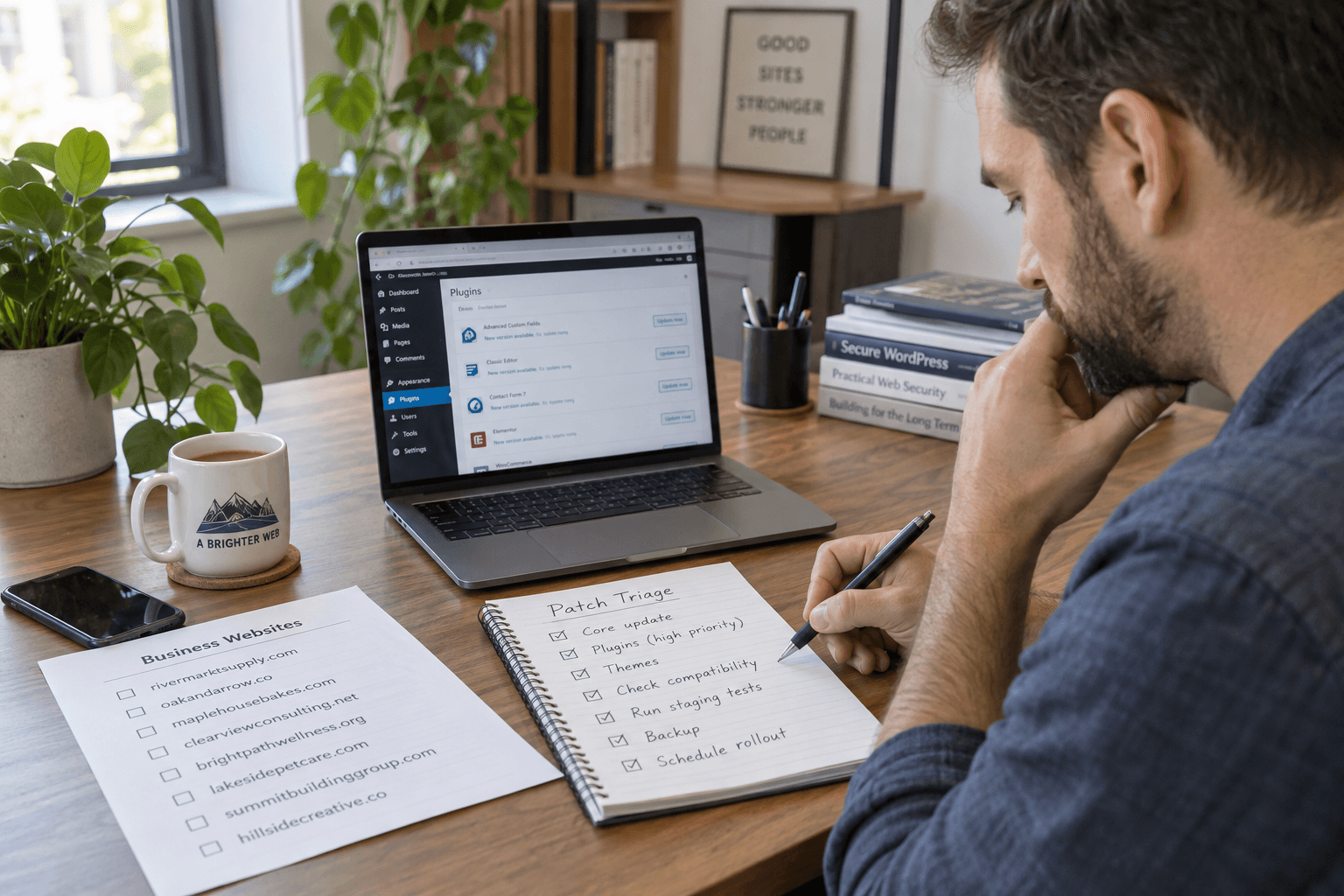
WordPress security patch triage is the short decision process between reading an advisory and assigning the work. The goal is to act promptly with a clear owner, not to turn an urgent fix into a long meeting.
Record the advisory, the installed version and the site address. Check production separately from staging. If a supplier manages updates, ask for the version they verified rather than a general statement that maintenance is covered.
The September 22 WordPress security release is a timely reminder to read official notices. Recheck the current release before acting; this article is a process, not a permanent version recommendation.
Name one person to apply the change and one to check the customer journey. Identify the recovery copy and who can restore it. For a store, note whether orders will continue arriving during the work.
Use three questions to set the order:
These questions help sequence the work. They are not reasons to leave a critical issue unattended. If compatibility is unclear, ask the host or developer for an immediate plan.
From a specific fix to a complete website, we can help you define the scope and get it done.
Share your goals. We usually reply within one business day with questions and practical next steps.
Avoid bundling the patch with a new design, plugin replacement or database cleanup. A small change is easier to verify. Use your post-update testing routine to check the most valuable paths.
Record the resulting version and test outcomes. An update email alone is not a completed verification.
A useful record says what changed, who checked it and what remains unresolved. If the patch failed, give the next action a named owner and a time for review.
For a wider assessment, use the security audit checklist. Premier Sol's WordPress security service can help turn uncertain patch notices into a scoped response.
No. Confirm which installations are affected, then consider business impact and recovery readiness. Keep urgent exposure in view throughout.
Use a short staging check when available. If it becomes a long delay, agree an urgent alternative with the maintainer.
A verified installed version, recorded functional checks and a clear owner for any remaining issue.
Explore the services that can help you apply what you have learned.

WordPress security audits, hardening, malware removal, managed updates, and scoped monitoring. Published recovery case studies show the work performed on individual sites.
Explore this serviceMonthly WordPress maintenance with tested updates, security monitoring, daily backups, uptime checks and priority support.
Explore this service
Recover a hacked WordPress site with malware removal, rogue-account review, clean-file restoration, and security hardening. Scope, pricing, and timing follow assessment.

Check WordPress image quality after upload and processing, including crop, orientation, transparency, dimensions, and the image actually served to visitors.
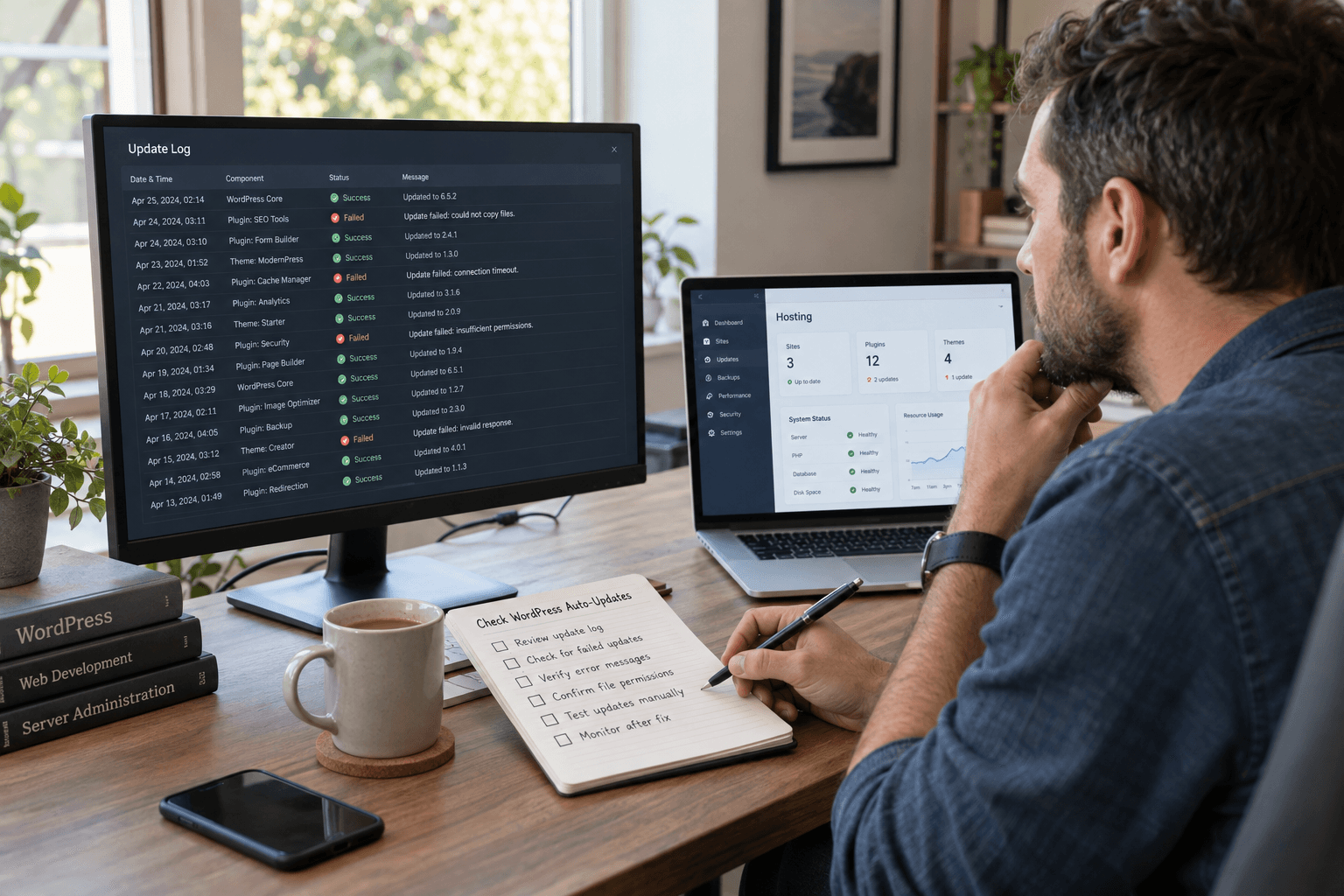
Check WordPress auto-update failures with a simple evidence trail. Confirm the installed version, find the blocker and verify the recovery.

Test WordPress responsive styling across real page content, mobile navigation, forms, and zoom levels before approving a theme or editor change.