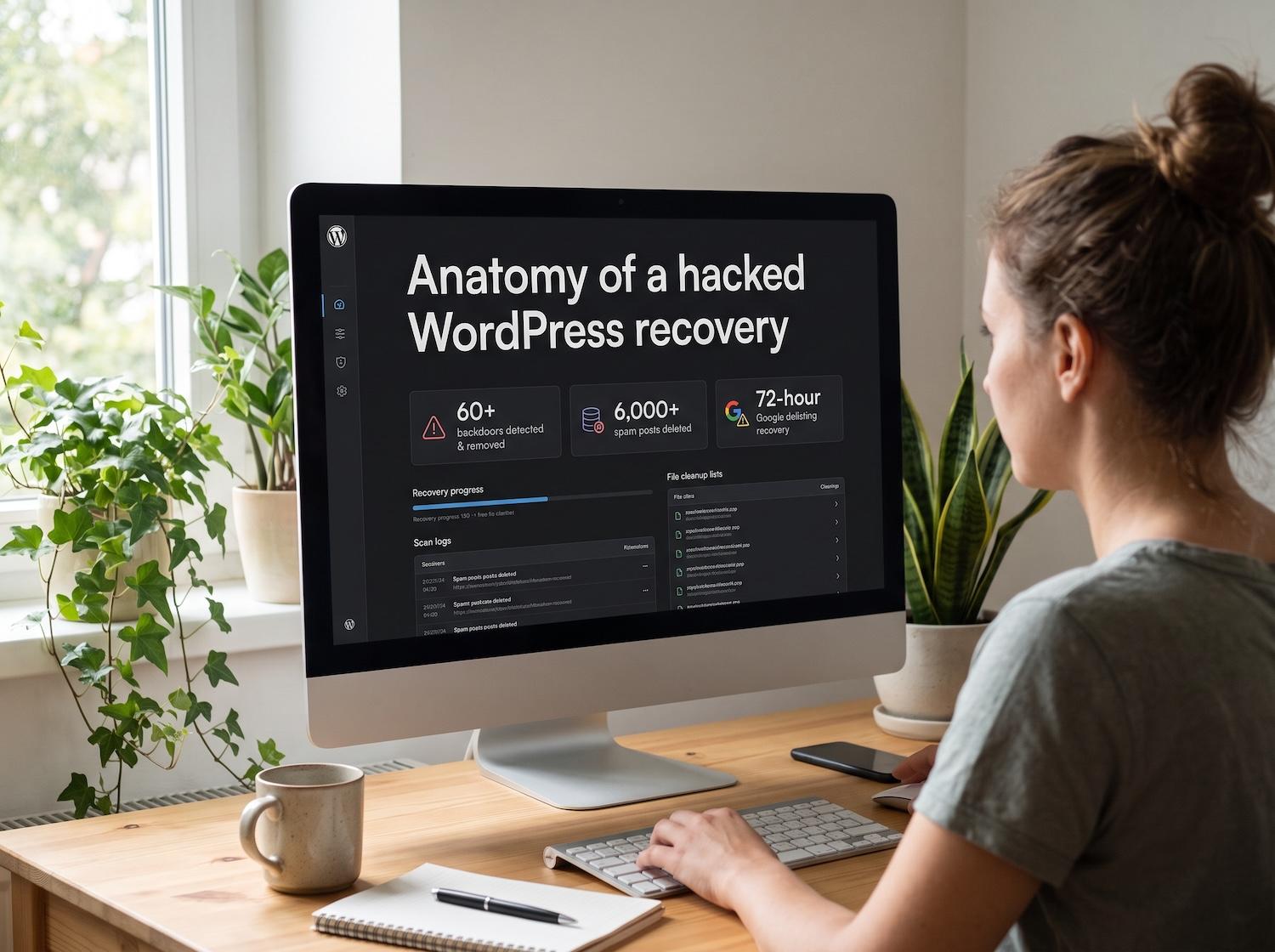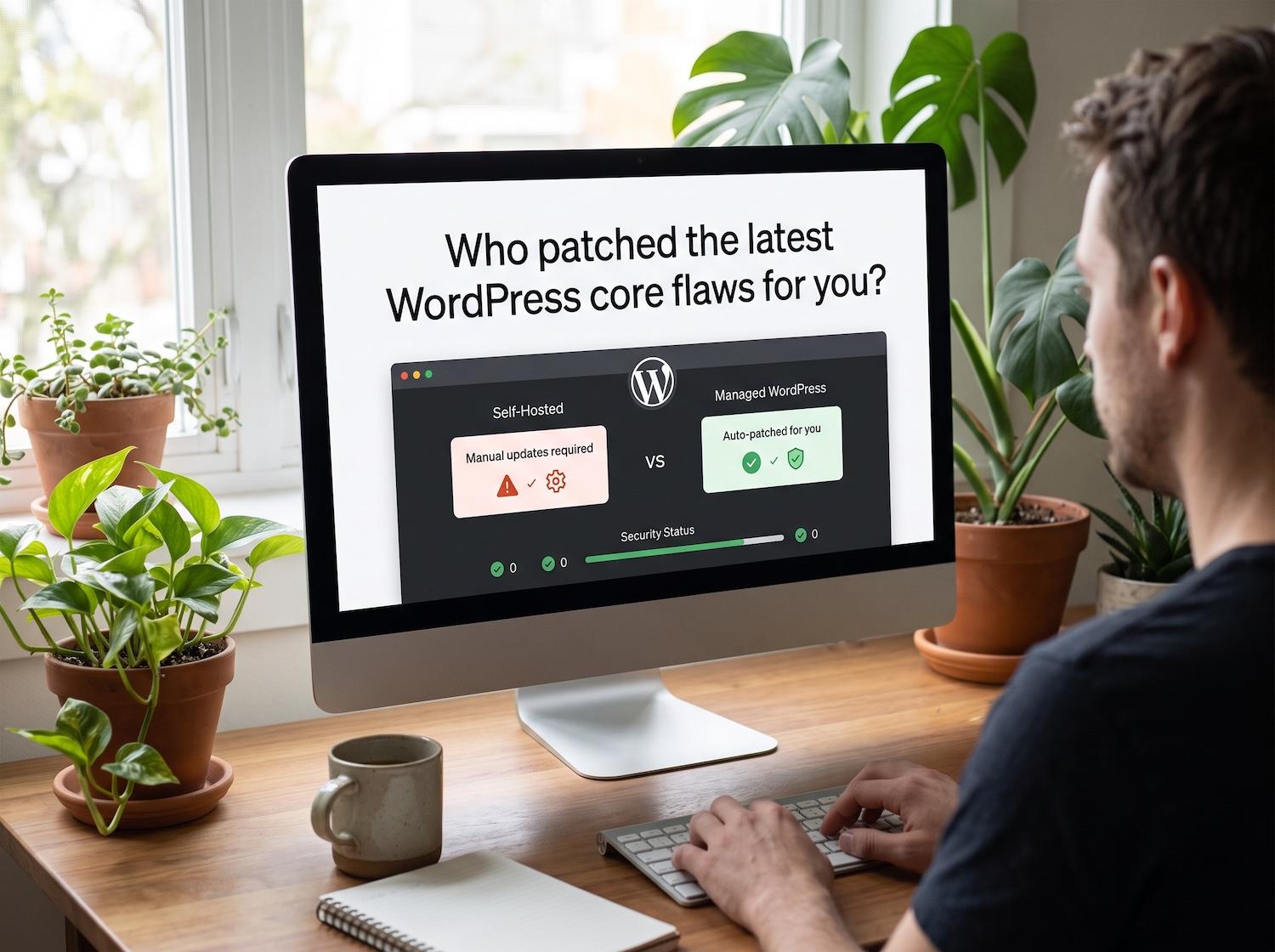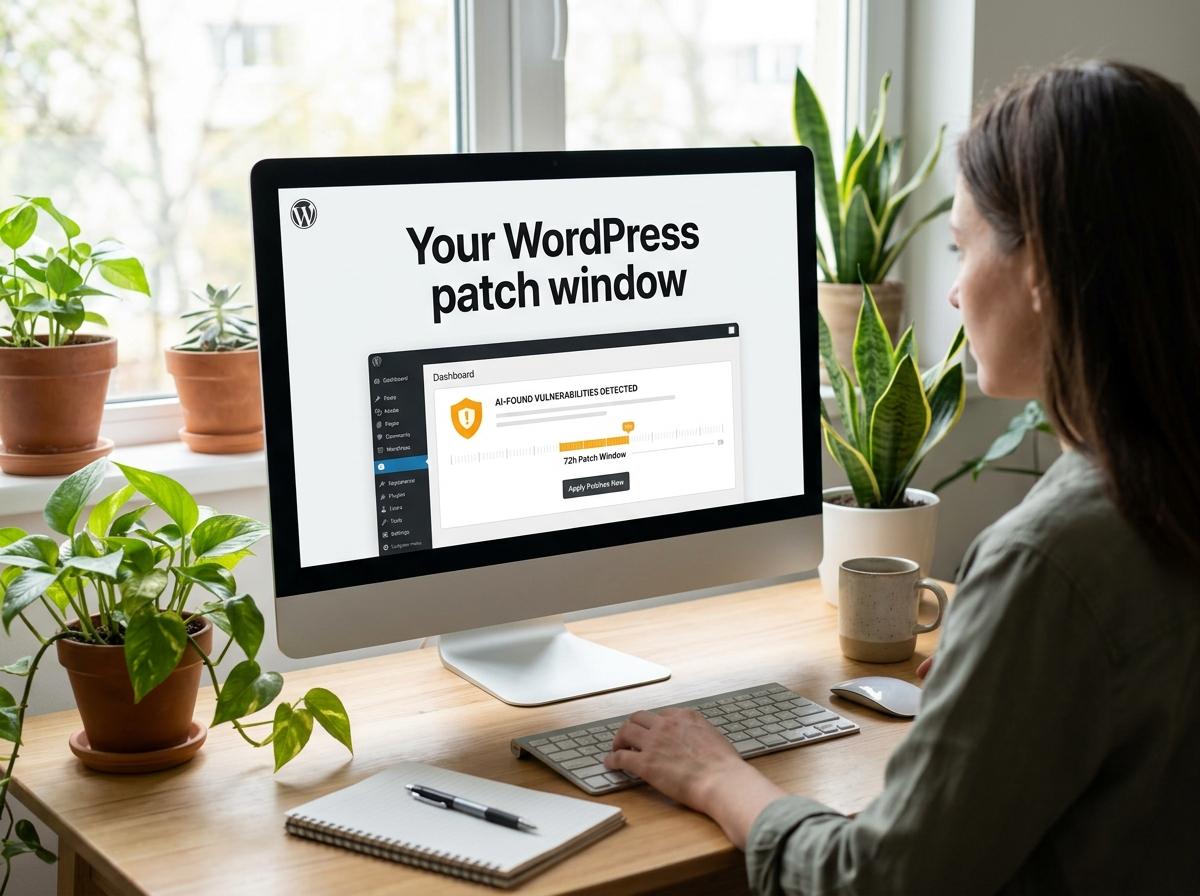
A WordPress malware scanner can shorten an investigation, but it cannot replace judgment. The useful question is not simply whether a tool found something. It is whether the result explains the site’s symptoms, identifies the route of entry, and gives you enough evidence to clean the website without breaking it.
This guide shows how to prepare a safe scan, combine server-side and remote checks, interpret suspicious results, and verify the cleanup. It is written for business owners and developers who need a repeatable response rather than a list of scanner brands.
What a WordPress malware scanner checks
A capable scanner compares WordPress core files with trusted versions, inspects plugins and themes, searches PHP and JavaScript for suspicious patterns, reviews database content, and looks for unexpected administrator accounts or scheduled tasks. Remote scanners examine what visitors receive and can reveal redirects or injected scripts that appear only under certain conditions.
No single scan sees everything. A server-side tool may inspect private files but miss behavior triggered only for search visitors. A remote tool sees the public response but cannot inspect a hidden loader. Use both perspectives when a compromise is suspected.
If the site is actively redirecting visitors or exposing data, follow Hacked WordPress Site? Emergency Recovery Steps before making broad changes that could destroy evidence.
Prepare before you scan
Take a complete snapshot of the files and database, record administrator accounts, and note the exact symptoms. Preserve web-server and security logs if available. A pre-cleanup copy lets you investigate safely, recover a file deleted by mistake, and compare the compromised state with the cleaned site.
- Restrict public access if the site is redirecting users, stealing credentials, or distributing malware.
- Create a verified backup before deleting, replacing, or quarantining anything.
- List active and inactive plugins, themes, users, scheduled tasks, and integrations.
- Rotate hosting, SFTP, database, and administrator credentials from a known-clean device.
- Clone the site to an isolated environment when that will not delay urgent containment.
Run the scan in layers
Start with WordPress core integrity, then scan active and inactive themes and plugins. Inactive software can still be reachable, so remove abandoned code instead of leaving it installed. Inspect uploads for executable files and compare extensions with the file’s actual content.
Next, inspect the database for injected scripts, hidden links, unfamiliar options, and rogue users. Review scheduled tasks, must-use plugins, and server configuration because attackers often place persistence outside ordinary plugin folders. Finish with an external scan from more than one browser or network.
A detection that returns after deletion usually means the original access path remains open. Use Why WordPress Malware Keeps Coming Back to distinguish incomplete cleanup, hidden persistence, stolen credentials, and a fresh compromise.
Put these ideas to work.
From a specific fix to a complete website, we can help you define the scope and get it done.
Discuss my websiteEmergency Hacked WordPress Site RecoveryShare your goals. We typically reply within 4 hours with questions and practical next steps.
Interpret findings without causing damage
Treat severity labels as a starting point. A changed core file is strong evidence when it cannot be explained by an update, but an unfamiliar filename alone is not proof. Minified scripts, caches, premium plugins, and custom code can trigger false positives.
For every finding, record its path or database location, modification time, owner, code signature, related log entries, and whether the same indicator appears elsewhere. Group connected findings into one incident. Ten files restored by one hidden backdoor are not ten unrelated infections.
Quarantine suspicious files outside the web root instead of deleting them during the first pass. Replace core, plugins, and themes from trusted packages. Do not copy a fresh package over an infected directory because obsolete malicious files may remain.
When a scan reports obfuscated PHP or the infection returns, use the manual checks in WordPress Backdoor: How to Find and Remove Hidden Malware.
Verify the site is genuinely clean
Run the same scans again after replacement, search logs for the original exploit, and test forms, checkout, email, and administrator access. Confirm that all users and scheduled tasks are legitimate. Monitor file changes, outgoing messages, traffic sources, and server load for several days.
For a structured second pass, complete the WordPress Security Audit Checklist and document every item that was checked, changed, or deliberately accepted.
When to escalate the cleanup
Bring in an incident-response specialist when the site handles payments or personal information, malware returns, several websites share the hosting account, the database is heavily modified, or you cannot identify the entry point. The objective is not merely to remove visible code; it is to restore trust in the environment.
Premier Sol’s Emergency Hacked WordPress Site Recovery service combines forensic cleanup, credential rotation, vulnerability remediation, and post-recovery checks.
See the process and outcome in this WordPress security recovery case study.
Frequently Asked Questions
Can a WordPress malware scanner remove every infection automatically?
No. Automated cleanup can remove known signatures, but hidden backdoors, stolen administrator accounts, database injections, scheduled tasks, and vulnerable entry points often need manual investigation.
Should I scan the live WordPress site or a staging copy?
Start with a controlled backup or staging copy when possible. If the live site is actively redirecting visitors or distributing malware, contain it first and scan both the live environment and a verified copy.
What should I do with a file a scanner flags as suspicious?
Do not delete it immediately. Record its path and hash, compare it with a trusted source, check when it changed, and confirm whether the site depends on it before quarantining or replacing it.
How often should a business WordPress site be scanned?
Use continuous or daily monitoring for important sites, and run deeper scans after updates, administrator changes, unusual traffic, security alerts, or unexplained file modifications.