Marketers and agency teams reportedly lose close to 40% of their working week to repetitive, low-value tasks — pulling reports, copying content between platforms, checking whether client sites are still online. None of that work is hard. All of it is tedious, and all of it is exactly what n8n was built to remove. This isn't a theoretical productivity pitch: below are five specific n8n wordpress automation workflows that agencies are running in production right now, what each one actually replaces, and roughly how many hours a week it gets back.
What is n8n, in plain terms?
n8n is a workflow automation tool — think of it as connective tissue between the apps you already use. You build a workflow visually (trigger → steps → destination) without writing much code, and n8n runs it on a schedule or whenever something happens, like a new WordPress post or a form submission. It connects natively to 500+ tools, including WordPress, Google Sheets, Slack, HubSpot, and any AI model, and for anything without a native connector, an HTTP Request node can call almost any API directly. The practical difference from something like Zapier: n8n bills per workflow run, not per step inside it, which is why a 10-step workflow can cost a fraction of the equivalent on step-based platforms.
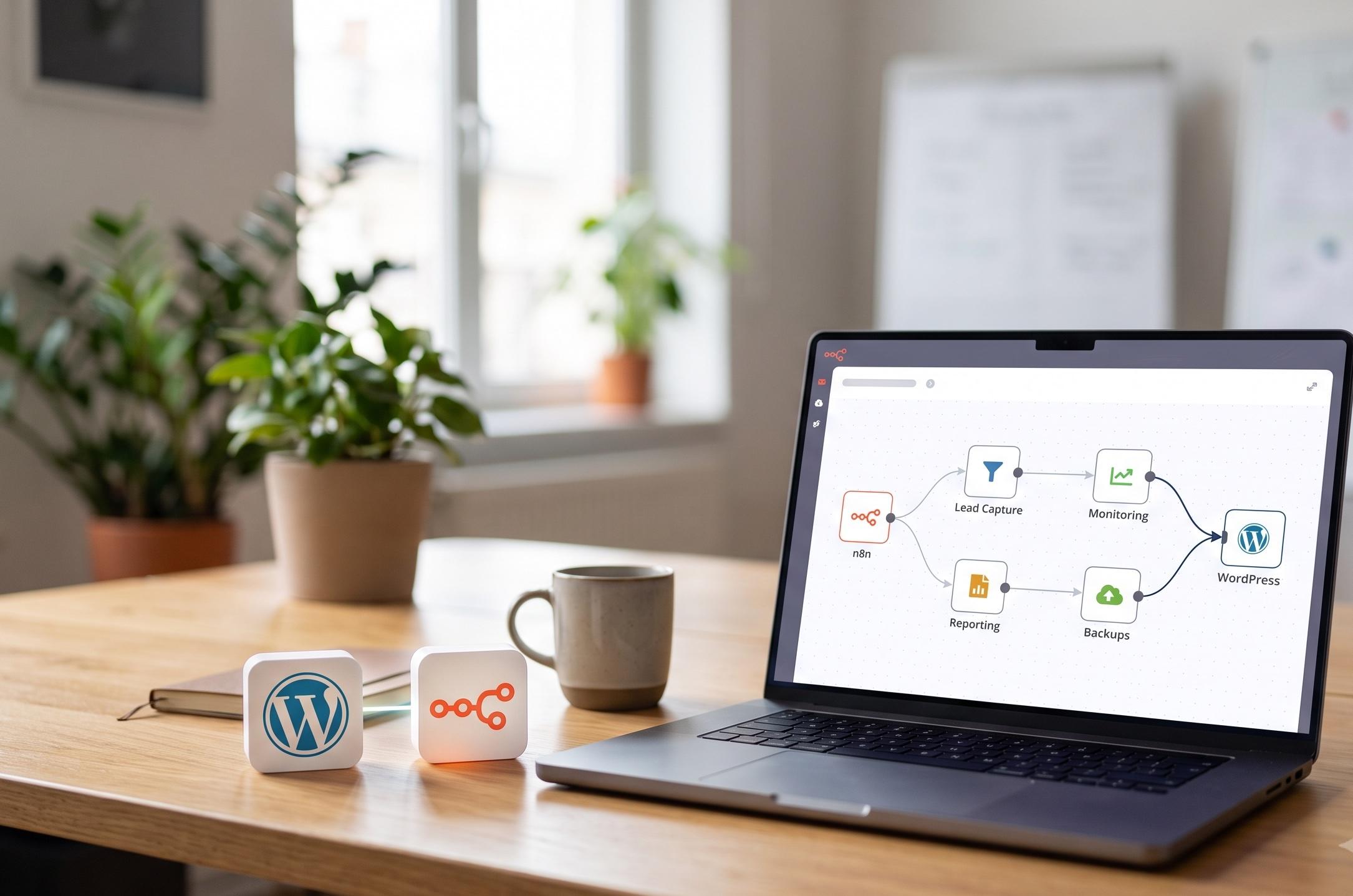
The five automations, at a glance
1. Client SEO and performance reporting
This is the highest-value automation for almost any agency, because reporting is recurring, client-facing, and almost entirely mechanical. A scheduled n8n workflow pulls data from Google Search Console, Google Analytics 4, and PageSpeed Insights for each client site, formats it into a branded report, and delivers it to Slack, email, or a shared dashboard — on the same day, every month, without anyone touching a spreadsheet.
Because n8n connects natively to Search Console and GA4, and can call almost any other SEO tool's API through an HTTP Request node, the same workflow scales from one client to fifty without additional manual work per report.
2. Lead capture → CRM and instant response
Every minute between a form submission and a follow-up is a minute a lead has to reconsider. A WordPress form submission (Contact Form 7, Gravity Forms, or WPForms) triggers an n8n workflow the instant it's submitted: it creates or updates a CRM record, posts a Slack alert to the right team member, and sends a personalized auto-reply email — all before anyone has manually opened their inbox. For an agency managing intake across multiple client sites, this closes the single biggest gap between marketing spend and sales follow-up.
3. Content publish and multi-channel distribution
Publishing a post to WordPress is the easy part. Reformatting it for LinkedIn, trimming it for X, and pulling a summary into the newsletter is where the hours actually go. An n8n workflow triggered by a new WordPress post can pull the title, excerpt, and featured image, reformat each version for its destination, and schedule it across social channels and email — turning one publish action into full multi-channel distribution automatically. Agencies running this kind of workflow have reported scaling content output several times over per writer, simply by removing the manual distribution step.
4. Multi-site health and security monitoring
Agencies managing more than a handful of WordPress sites know the real risk isn't one dramatic failure — it's a small issue on a low-priority client site going unnoticed for weeks. A scheduled n8n workflow can check uptime, SSL certificate expiry, available core/plugin updates, and broken links across every managed site in one pass, then post a single digest to Slack flagging anything that needs attention. It won't replace a proper security process, but it closes the gap between “we should check that” and “someone actually checked that.”
5. Automated backups and update audit trail
Backups that depend on someone remembering to click a button eventually don't happen. A scheduled n8n workflow can trigger backups via the WordPress REST API or a backup plugin's webhook, confirm the backup completed successfully, and log every plugin, theme, and core version change to a simple audit trail — useful both for disaster recovery and for showing a client exactly what changed and when if something breaks after an update.
What this actually costs to run
For most agencies running the five workflows above across a normal client roster, self-hosting on a small VPS or a Cloud Starter plan comfortably covers the volume — the execution counts here are workflow runs, not individual steps, which keeps the real monthly cost far lower than it looks at first glance.
Common mistakes agencies make with these workflows
- Automating a broken process — if client reporting is inconsistent today, automating it just makes inconsistency happen faster
- No error notifications — a workflow that fails silently at 3am can go unnoticed for weeks; always route failures to Slack or email
- Over-automating client-facing content — keep a human review step before anything publishes under a client's name
- Treating one workflow as “done forever” — WordPress plugin updates and API changes mean workflows need occasional maintenance, not just a one-time build
Put these ideas to work.
From a specific fix to a complete website, we can help you define the scope and get it done.
Discuss my websiteCustom WordPress Web DevelopmentShare your goals. We typically reply within 4 hours with questions and practical next steps.
Getting started without overbuilding
- Start with one workflow, not five — client reporting is usually the fastest win
- Build it for your most demanding client first; it'll surface edge cases faster
- Keep a human approval step on anything client-facing until you trust the output
- Log failures somewhere visible — a silent failed automation is worse than no automation
If you're new to the tool itself, our comprehensive n8n workflow automation guide covers the core concepts, nodes, and AI agent capabilities in more depth before you start building.
Frequently Asked Questions
Do I need to know how to code to build these n8n workflows?
No — n8n workflows are built visually by connecting nodes, and the five automations above don't require custom scripting. Some workflows benefit from a simple HTTP Request node for a tool without a native n8n integration, but that's configuration, not programming.
Is n8n better than Zapier for a WordPress agency?
For most agencies running multiple workflows across multiple clients, yes, primarily on cost: n8n bills per workflow run rather than per step, and the self-hosted Community Edition is free with unlimited executions. Zapier can still be simpler for a single, very basic automation.
How long does it take to set up one of these automations?
A single well-scoped workflow, like the client reporting automation, typically takes a few hours to build and test properly. A full rollout across all five automations for an existing client roster is more realistically a 1–3 week project, depending on how many different site setups need to be accounted for.
Is self-hosted n8n secure enough for client data?
It can be, and for agencies handling sensitive client data it's often the more defensible option — API keys and workflow data stay on infrastructure you control rather than a third party's servers. It does put the responsibility for server security and updates on your team, though, which is worth weighing against the convenience of n8n Cloud.
What's the very first n8n workflow I should build?
Client SEO and performance reporting. It has the clearest, most measurable time savings, it's low-risk since it's read-only (pulling data, not changing anything on a live site), and it gives your team a concrete before-and-after to justify investing in the rest.
Summary
n8n plus WordPress isn't a novelty stack — it's a practical way for agencies to remove the recurring, mechanical work that eats into billable hours without adding headcount. Client reporting, lead capture, content distribution, site monitoring, and backups are five of the highest-value starting points, each solving a specific, recurring bottleneck rather than a one-off task. Start with a single workflow, prove the time savings, and expand from there — the cost of running all five, whether self-hosted or on n8n Cloud, is typically a fraction of the hours it gets back every month.
Reference Links
- n8n SEO Automation: 10 Workflows for 2026 — OpenHosst
- Top 10 n8n Workflows for Marketing Operations in 2026 — DarwinApps
- n8n Pricing 2026: All Plans + Free Tier — ConnectSafely
Want these workflows built for your agency?
We build and maintain n8n automations specifically for agencies running WordPress client rosters — reporting, lead capture, monitoring, and everything in between. Tell us what's eating your team's hours and we'll scope exactly which workflow pays for itself first.
Get a scoped n8n automation quote →
If site monitoring is your bigger pain point, see our WordPress security services, or if reporting is what's eating your week, start with our SEO services.