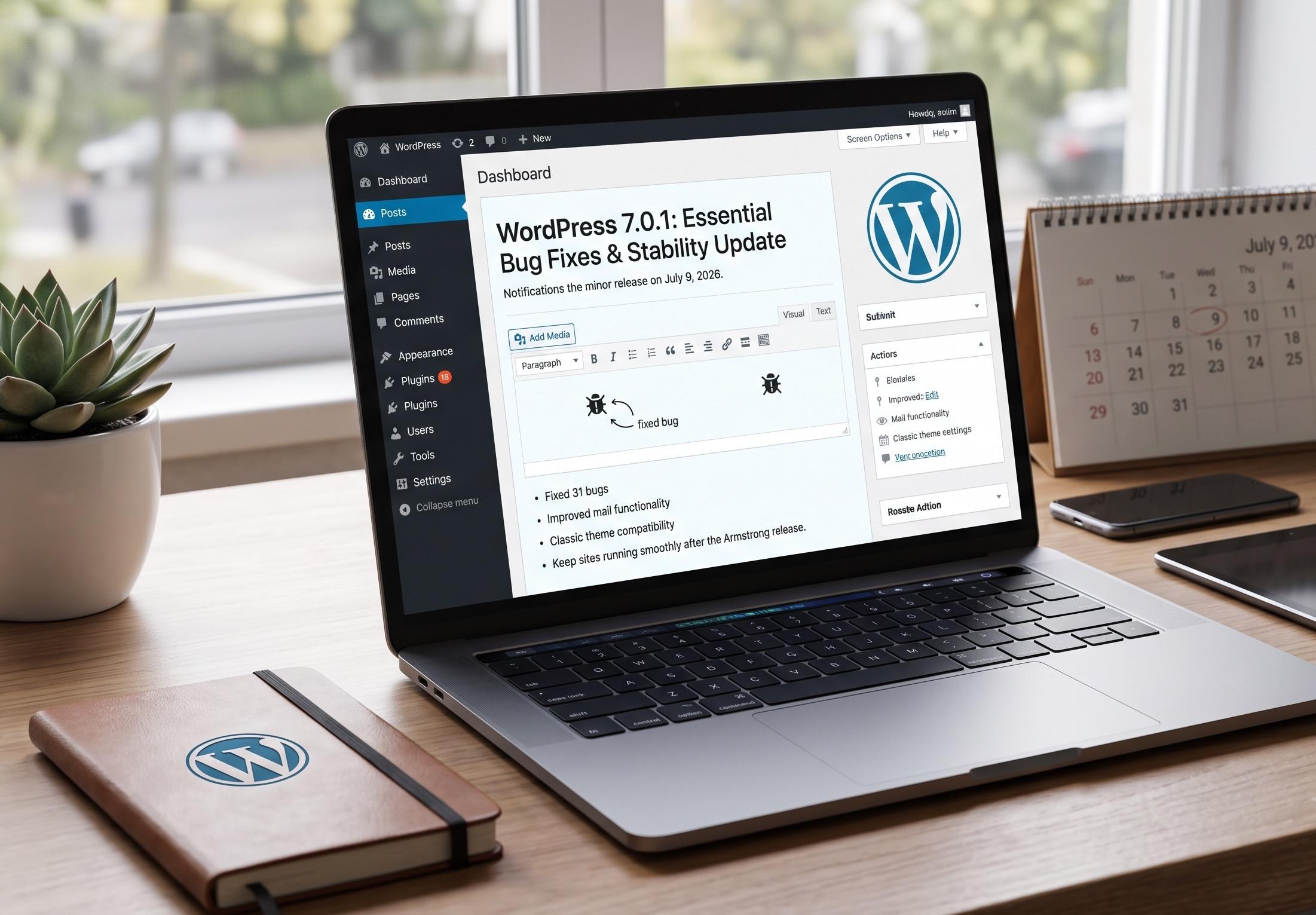
If you woke up to an update notification in your WordPress dashboard this month, you're not imagining things — WordPress 7.0.1 was officially released on July 9, 2026. For site owners who just got comfortable with the sweeping changes introduced in WordPress 7.0 "Armstrong" back in May, this new release might raise a simple question: is this another major overhaul, or something smaller?
The short answer: WordPress 7.0.1 is a maintenance release, not a feature release. But that doesn't mean you should ignore it. In this guide, we'll break down exactly what WordPress 7.0.1 is, what it improves, how it fits into the bigger WordPress 7.0 picture, and why keeping your WordPress core updated should always be part of your website maintenance routine — explained in plain language, even if you've never touched a line of code.
What Is WordPress 7.0.1?
WordPress 7.0.1 is a minor bug-fix release that follows the major WordPress 7.0 update. Minor releases like this one are WordPress's way of tidying up loose ends — fixing bugs, smoothing out rough edges, and improving stability without introducing new features or requiring you to relearn anything about how your site works.
This particular release was led by core contributors Aaron Jorbin, Brian Haas, Carlos Bravo, and Estela Rueda, and it addresses 31 confirmed bugs across WordPress Core and the Block Editor. In simple terms: if you noticed small glitches, formatting quirks, or unexpected behavior after updating to WordPress 7.0, this release is designed to quietly clean those up.
Key facts about WordPress 7.0.1:
Why WordPress 7.0.1 Matters (Even Though It's "Just" a Bug Fix)
It's tempting to dismiss a point release like WordPress 7.0.1 as unimportant compared to a headline-grabbing major version. But maintenance releases play a critical role in keeping your website secure, stable, and reliable. Here's why this specific update deserves your attention:
- It stabilizes the block editor. WordPress 7.0 introduced significant editor changes, and any large release tends to surface unexpected bugs once it's used across millions of real websites. WordPress 7.0.1 addresses editor-related issues that could affect how content is created, saved, or displayed.
- It resolves mail-related bugs. Email functionality — from password resets to contact form notifications — is essential to nearly every WordPress site. Fixes in this area help ensure these processes work as expected.
- It improves compatibility with classic themes. Not every WordPress website has switched to block themes yet. This update includes fixes that help sites still running classic themes continue functioning smoothly alongside the newer WordPress core.
- It reduces the risk of compounding issues. Small bugs left unpatched can interact with plugins, themes, and custom code in unpredictable ways. Applying maintenance releases promptly prevents minor glitches from becoming bigger headaches down the line.
A Quick Recap: What Changed in WordPress 7.0 "Armstrong"
To fully appreciate what WordPress 7.0.1 is fixing, it helps to understand what WordPress 7.0 introduced in the first place. Released on May 20, 2026, and named after jazz legend Louis Armstrong, WordPress 7.0 was one of the most significant releases the platform has shipped in years. Its core focus areas included:
- Native AI infrastructure — A new AI Client and Abilities API were introduced, giving WordPress a standardized, provider-agnostic way to connect with external AI tools like OpenAI, Anthropic, and Google, rather than relying on separate, disconnected plugin integrations.
- A modernized admin dashboard — Classic list tables were replaced with dynamic, React-based DataViews, and a new Command Palette (triggered with ⌘K or Ctrl+K) was added for faster navigation.
- A block-level Notes system — Editorial teams gained the ability to leave comments on specific blocks, tag teammates, and propose suggested edits, supporting asynchronous collaboration.
- New design and block features — Responsive Grid blocks, schema-ready Breadcrumbs blocks, and viewport-based visibility controls expanded what site builders can do without third-party plugins.
- A notable omission — Real-time collaborative editing, the headline feature many users anticipated, was pulled from the release just before launch due to stability concerns and is expected to arrive in a future WordPress version instead.
WordPress 7.0 was a genuinely ambitious release, and as with any major software update touched by hundreds of contributors and used across millions of live websites, some bugs were inevitable. That's exactly the gap that WordPress 7.0.1 exists to close.
Put these ideas to work.
From a specific fix to a complete website, we can help you define the scope and get it done.
Discuss my websiteCustom WordPress Web DevelopmentShare your goals. We typically reply within 4 hours with questions and practical next steps.
How to Update Your Website to WordPress 7.0.1 Safely
Updating WordPress core is generally straightforward, but a little caution goes a long way — especially after a major release like 7.0. Here's a safe, step-by-step approach:
- Back up your website first. Before applying any WordPress update, create a full backup of your files and database. This gives you a safety net if anything doesn't behave as expected.
- Check plugin and theme compatibility. Visit each plugin's WordPress.org page and confirm its "Tested up to" version. Since 7.0.1 is a minor patch, compatibility issues are far less likely than with 7.0 itself, but it's still worth a quick check.
- Test on a staging site if possible. If you manage a business-critical website or an online store, apply the update to a staging environment first to confirm everything works as expected.
- Update through your dashboard. Go to Dashboard > Updates in your WordPress admin area and apply the update. Most sites with automatic background updates enabled for minor releases will already have received WordPress 7.0.1 automatically.
- Clear your cache. After updating, clear any caching plugins or CDN caches so visitors see the latest, updated version of your site.
- Monitor your site briefly afterward. Check key pages, forms, and the editor itself to confirm everything is functioning normally.
Should You Update Right Away?
For the vast majority of websites, yes — updating to WordPress 7.0.1 promptly is the right move. Because this is a bug-fix release rather than a feature release, it carries a much lower risk profile than a major version jump like WordPress 7.0 did. Minor releases like this one exist specifically to resolve issues, not introduce new ones, which is why WordPress often rolls them out as automatic background updates by default.
That said, if your website relies on heavily customized themes, complex plugin stacks, or custom-built functionality, a brief compatibility check before updating your live site is still good practice — the same caution you'd apply to any core update, regardless of size.
Final Thoughts on Keeping WordPress Updated
Software maintenance rarely makes headlines, but releases like WordPress 7.0.1 are exactly what keep the platform running smoothly for the millions of websites built on it. Staying current with both major releases and the smaller maintenance updates that follow is one of the simplest, most effective things you can do to protect your website's stability, performance, and security. If you'd like a refresher on locking down your WordPress website more broadly, our guide on WordPress security best practices covers the essential steps in detail.
Frequently Asked Questions (FAQs)
1. Is WordPress 7.0.1 a major update?
No. WordPress 7.0.1 is a minor maintenance release that fixes 31 bugs found after the WordPress 7.0 "Armstrong" launch. It does not introduce new features.
2. Will updating to WordPress 7.0.1 break my plugins or theme?
It's unlikely. Because this is a bug-fix release rather than a major version change, compatibility issues are far less common than with a major release like WordPress 7.0. Still, checking your key plugins beforehand is good practice.
3. Do I need to manually update to WordPress 7.0.1?
Not necessarily. Many WordPress sites have automatic background updates enabled for minor releases, meaning 7.0.1 may already be installed. You can confirm your current version under Dashboard > Updates.
4. What does WordPress 7.0.1 actually fix?
It resolves 31 bugs across WordPress Core and the Block Editor, specifically addressing issues related to the block editor, mail functionality, and classic theme compatibility.
5. What happened to real-time collaboration in WordPress 7.0?
Real-time collaborative editing was removed from WordPress 7.0 shortly before its release due to stability and performance concerns under multi-user load. It's expected to be revisited in a future WordPress release rather than in the 7.0.x maintenance series.
Summary
WordPress 7.0.1, released on July 9, 2026, is a minor maintenance update that fixes 31 bugs affecting the block editor, mail functionality, and classic theme compatibility following the major WordPress 7.0 "Armstrong" release. While it doesn't bring new features, it plays an important role in stabilizing the platform after a significant core update. Updating promptly — after a quick backup and compatibility check — helps keep your WordPress website running smoothly, securely, and free of the small glitches that maintenance releases are designed to catch.
Need Help Managing Your WordPress Updates?
Keeping up with WordPress core releases, plugin compatibility, and security patches can be time-consuming — especially for busy business owners who'd rather focus on running their business than babysitting their website. At Premier Solutions, we offer ongoing WordPress maintenance and support so your site stays updated, secure, and running smoothly at all times. Get in touch with our team today to see how we can take WordPress updates off your plate for good.