An old article can need maintenance without needing a new identity. If readers arrive for a checklist, replacing it with a broad opinion piece may make the page less useful even when the writing is newer.
Treat a content refresh as a repair job with a clear purpose. Keep the parts that answer the reader's question and change the parts that no longer do.
Write down the page's job
Before editing, finish this sentence: “Someone reads this page because they need to…” Be specific. “Understand website security” is broad; “check a WordPress site after an update” is a usable task.
Compare that statement with the queries and pages in your search data. If the article serves several unrelated needs, decide which one the URL should own.
Preserve the useful structure
Save a copy of the article and note sections worth keeping. Examples, troubleshooting details, and clear definitions can remain valuable even when a screenshot or product name has aged.
Use a focused reference such as our WordPress security testing guide to see how one practical task can anchor a page.
Replace weak details with better answers
Check factual claims against current primary sources. Remove advice that no longer applies, explain exceptions, and add a concrete example where the old article was vague.
Do not change a date merely to make unchanged content look fresh. Google's people-first content guidance is a useful editorial reference when deciding whether a revision adds value.
Put these ideas to work.
From a specific fix to a complete website, we can help you define the scope and get it done.
Share your goals. We usually reply within one business day with questions and practical next steps.
Improve the next step
A refreshed article should guide the reader somewhere useful. Add a contextual link to a relevant existing guide or service, not a list of unrelated keywords.
For example, a maintenance checklist can point to WordPress maintenance services when a reader wants help carrying out recurring checks.
Check the published result
Review headings, links, mobile layout, and the visible FAQ after uploading. Keep the URL stable unless there is a clear reason to move it and a proper redirect plan.
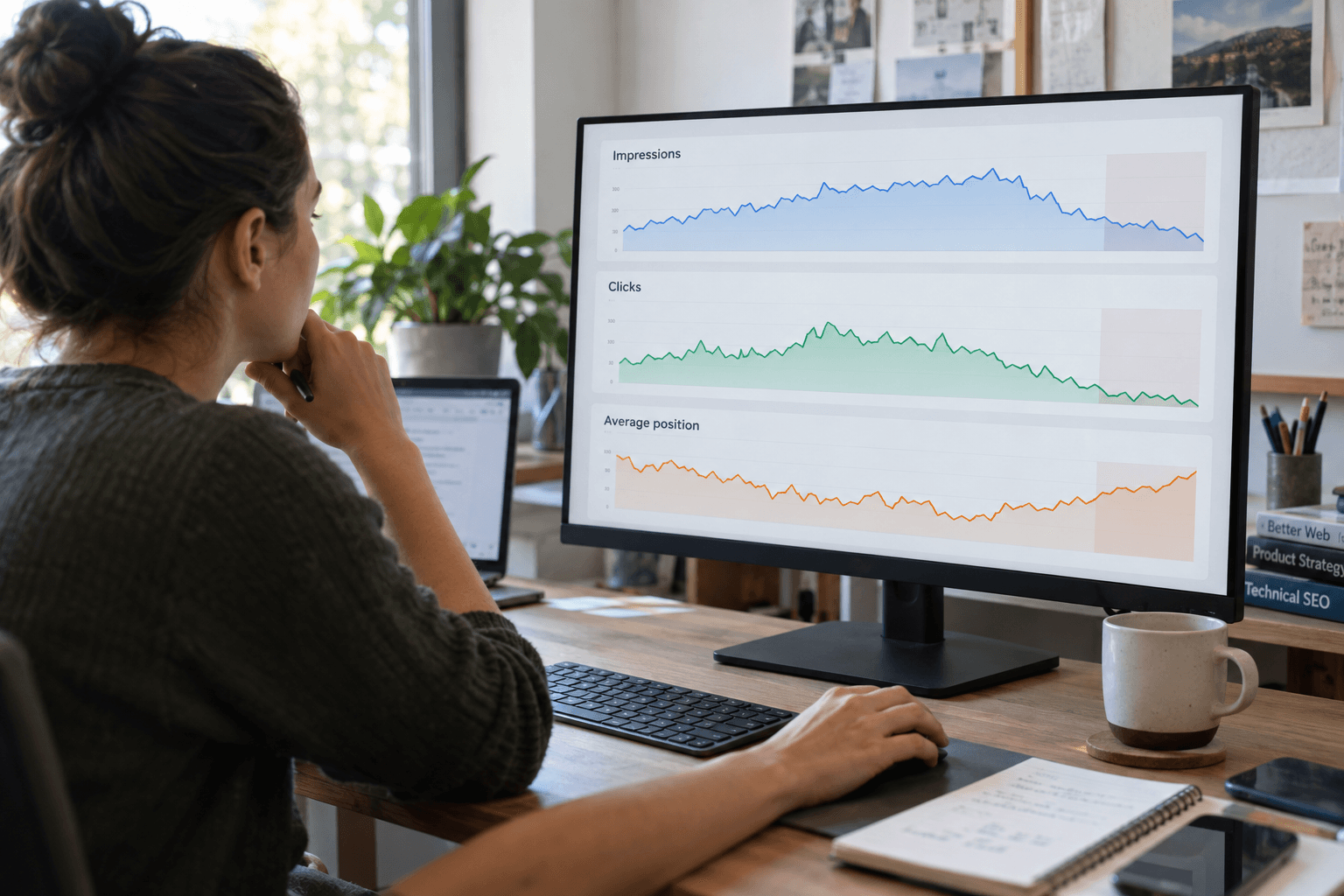
Record what changed and why. Then review the page after it has gathered enough comparable data. Avoid editing it every few days because a short-term graph looks uneven.
If several older articles overlap, ask for an SEO content review before refreshing all of them. Sometimes one stronger page is a better answer than three similar rewrites.
Frequently asked questions
Should I change the URL when refreshing a blog?
Usually keep a useful, relevant URL. Change it only for a clear reason and plan redirects and internal-link updates.
How much new content does a refresh need?
There is no useful fixed percentage. Change what is inaccurate, incomplete, confusing, or no longer relevant to the reader's task.
Should I remove every old example?
No. Keep examples that remain accurate and helpful. Update or replace those that could mislead readers.