A folder full of backups can create false comfort. Until someone restores one, you do not know whether the files are complete, the credentials work or the instructions make sense.
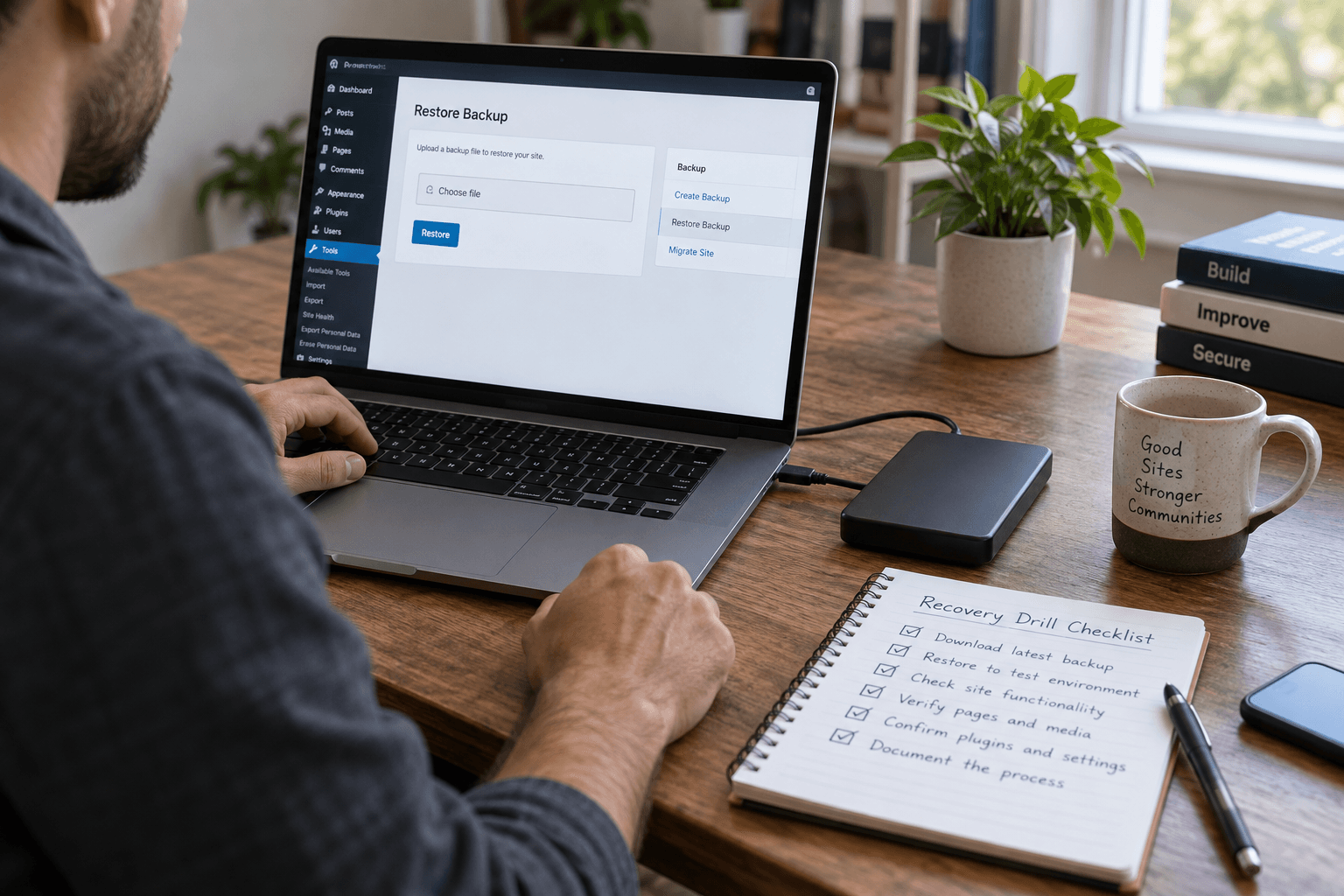
A WordPress restore drill tests the recovery process away from the live site. It should answer a practical question: could another responsible person bring this business website back?
Define a safe test destination
Use an isolated environment that cannot send real customer emails, take payments or trigger live integrations. Protect access and keep the copy out of search results. Handle copied customer data according to your existing privacy rules.
Our staging security guide covers the risks of treating a test copy like a harmless spare website.
Choose a recovery point deliberately
Record the backup date and what it contains. Confirm whether files and database belong to the same recovery point. List any external systems that are not included, such as email, payment records or a separate media store.
The WordPress backup documentation is a useful starting reference. Your host's actual backup scope still needs checking.
Follow the written instructions
Ask the tester to use the runbook rather than rely on the original developer's memory. Note every missing credential, unclear step and unexpected dependency.
Measure elapsed recovery time without claiming it predicts every future incident. A calm rehearsal and a damaged production environment are different situations.
Put these ideas to work.
From a specific fix to a complete website, we can help you define the scope and get it done.
Share your goals. We usually reply within one business day with questions and practical next steps.
Test what the business needs
Open representative pages. Check image availability, sign-in and a safe test form. Compare a few known records with the expected recovery point. Use test settings for commerce and integrations.
If an order is missing because it arrived after the backup, that is not necessarily a restore fault. It reveals the data-loss window you need to plan for.
Turn the result into a better plan
Record what worked, what failed and what must change. Re-run the failed portion after repair. Keep the recovery instructions where an authorized person can reach them during an outage.
The broader backup and recovery guide helps connect this drill to business decisions. Ask your maintenance provider who owns the next rehearsal and what evidence you will receive.
Frequently asked questions
Should I restore a backup over the live site to test it?
No. Use an isolated destination so the rehearsal does not overwrite current orders or other live changes.
Does a successful restore guarantee fast recovery later?
No. It provides useful evidence, but a real incident may involve different damage or access problems.
How do I choose the next drill date?
Base it on business risk and changes to hosting, backup tooling or the website. Repeat after material changes.