


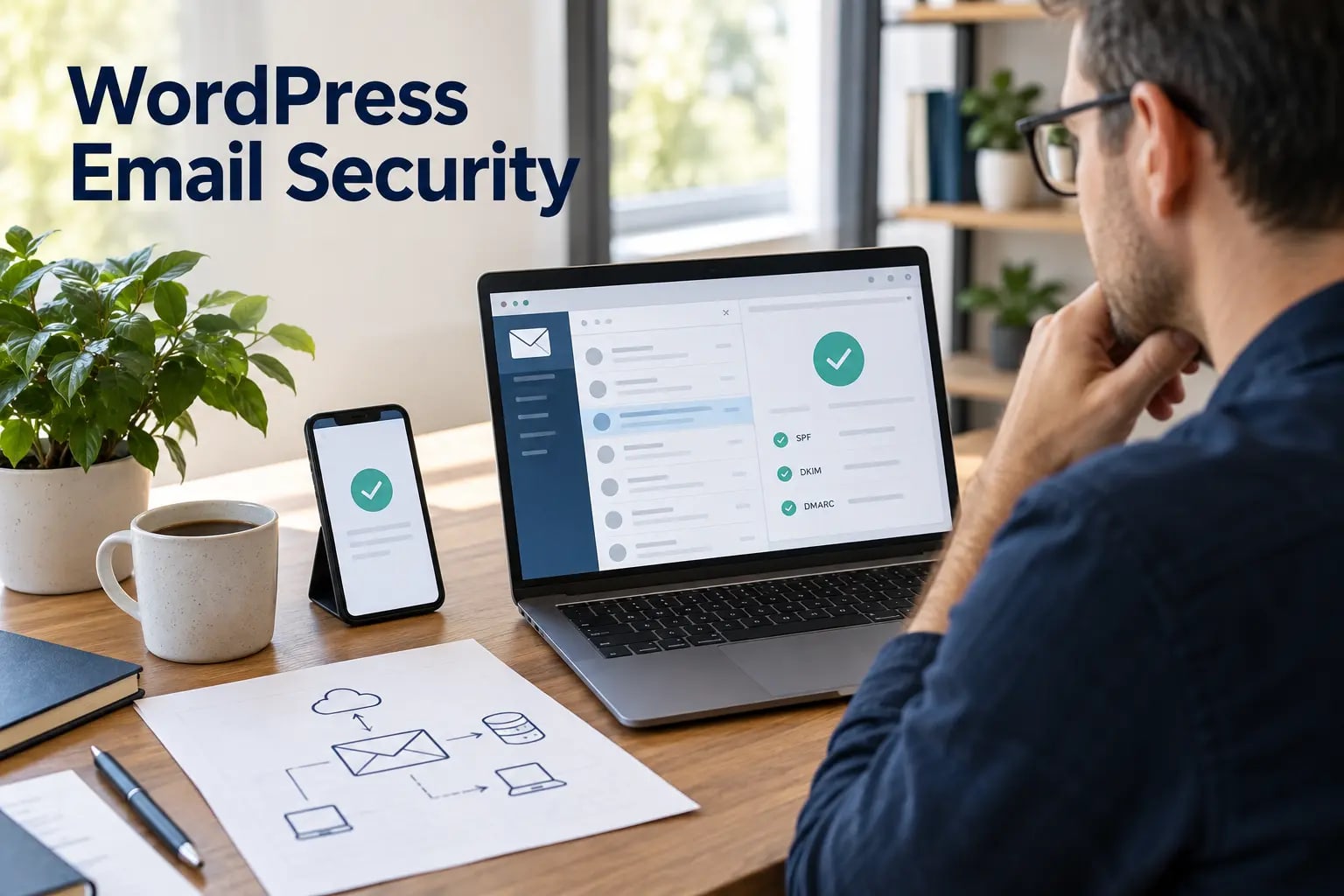
WordPress email carries password resets, order receipts, account alerts, form notifications and administrator messages. When sending is unreliable, users miss important actions. When authentication is weak, attackers can impersonate the domain, steal mail credentials or abuse the site to send spam.
Email security has two connected layers: how WordPress hands a message to a trusted provider, and how the domain proves that provider is authorized. Fixing only one layer can leave delivery or identity gaps.
1. Use an authenticated sending service
Default server mail may work, but it often lacks consistent identity, reputation and diagnostics. Route production mail through a reputable transactional provider using authenticated SMTP or an API. Use a dedicated sending identity for the website rather than a personal mailbox.
If the provider supports limited API credentials, prefer a key that can send only from the required domain or stream. Avoid the same credential across unrelated websites; one compromised site should not expose every client’s email.
Protect mail credentials with the same access discipline used in our WordPress security audit checklist: limited administrators, controlled configuration access and regular credential review.
2. Publish SPF carefully
SPF tells receiving servers which systems may send mail for a domain. Build one valid SPF record that includes only active providers and stays within DNS lookup limits. Remove abandoned services and avoid broad mechanisms that authorize more infrastructure than necessary.
SPF checks the envelope sender and can fail alignment when the visible From address uses a different domain. That is why SPF alone is not enough for modern domain protection.
Treat DNS access as a critical account and follow the registrar and record controls in our WordPress domain security guide before changing email authentication records.
3. Enable DKIM signing
DKIM adds a cryptographic signature to outgoing messages. The receiving server checks it against a public key in DNS. Enable DKIM in the email provider, publish the requested selector records and verify that real WordPress messages pass and align with the From domain. Rotate keys according to provider guidance and remove unused selectors.
4. Introduce DMARC with reporting
DMARC requires aligned SPF or DKIM and tells receivers what to do when authentication fails. Begin with monitoring and aggregate reports so legitimate sources can be discovered. Correct alignment problems, then move deliberately toward quarantine or rejection. Do not publish an aggressive policy before password resets, invoices, forms and marketing systems have been tested.
- Inventory every service that sends as the domain.
- Verify SPF and DKIM alignment for representative WordPress messages.
- Review aggregate reports for unknown sources and persistent failures.
- Increase enforcement only after legitimate mail consistently passes.
Put these ideas to work.
From a specific fix to a complete website, we can help you define the scope and get it done.
Discuss my websiteWeb DesignShare your goals. We typically reply within 4 hours with questions and practical next steps.
5. Secure the WordPress integration
Keep the mail plugin and its dependencies updated. Store credentials in server configuration or another protected secret store when the hosting model allows it. Restrict who can edit sender addresses, test tools, routing rules and templates. Disable verbose mail debugging after troubleshooting because logs may contain addresses, message content or reset links.
Monitor plugin changes using the process in our WordPress plugin supply-chain security guide because a mail integration often has access to both site data and an external sending account.
6. Protect forms from becoming a mail relay
Validate and sanitize form fields, set a fixed domain-based From address and place the visitor address in Reply-To when appropriate. Rate-limit submissions, add anti-automation controls and avoid inserting untrusted data into headers. A public form should not let a visitor choose arbitrary recipients.
7. Monitor delivery and abuse
Track authentication failures, bounces, complaint rates, sudden volume changes and disabled credentials. Alert on sender-domain changes and repeated test-email activity by administrators. Keep transactional and marketing streams separate where possible so a campaign problem does not block password resets or receipts.
Connect email alerts to the broader event review in our WordPress security monitoring guide so unusual sending can be compared with logins, plugin changes and form abuse.
WordPress email-security checklist
- Production email uses a trusted authenticated provider.
- Credentials are unique, least-privileged and not exposed in logs.
- SPF lists only active senders and remains syntactically valid.
- DKIM passes and aligns with the visible sender domain.
- DMARC reports are reviewed before enforcement increases.
- Forms cannot control headers or arbitrary recipients.
- Transactional delivery, bounces and abuse signals are monitored.
Include email tests in routine WordPress maintenance after DNS, hosting, mail-provider or form-plugin changes.
Final takeaway
Reliable WordPress email depends on authenticated transport, protected credentials and aligned domain records. Use a trusted sender, publish SPF and DKIM accurately, roll out DMARC with evidence and monitor both delivery and abuse. The result is safer account communication and fewer important messages lost to spam folders.
Frequently asked questions
Does WordPress need an SMTP plugin to send email securely?
WordPress needs a reliable authenticated path to a mail provider. That may use SMTP or a provider API through a maintained integration; the right choice depends on hosting and operational needs.
Are SPF and DKIM the same thing?
No. SPF authorizes sending systems for the envelope domain, while DKIM signs message content with a domain key. DMARC evaluates alignment and policy using one or both.
Should I set DMARC to reject immediately?
Usually not. Start with reporting, identify every legitimate sender, fix alignment and then increase enforcement in measured steps to avoid blocking valid mail.
Where should WordPress mail credentials be stored?
Use protected server configuration or a secret-management feature when available. Limit access, use dedicated credentials and avoid exposing secrets in content fields, repositories or debug logs.



