


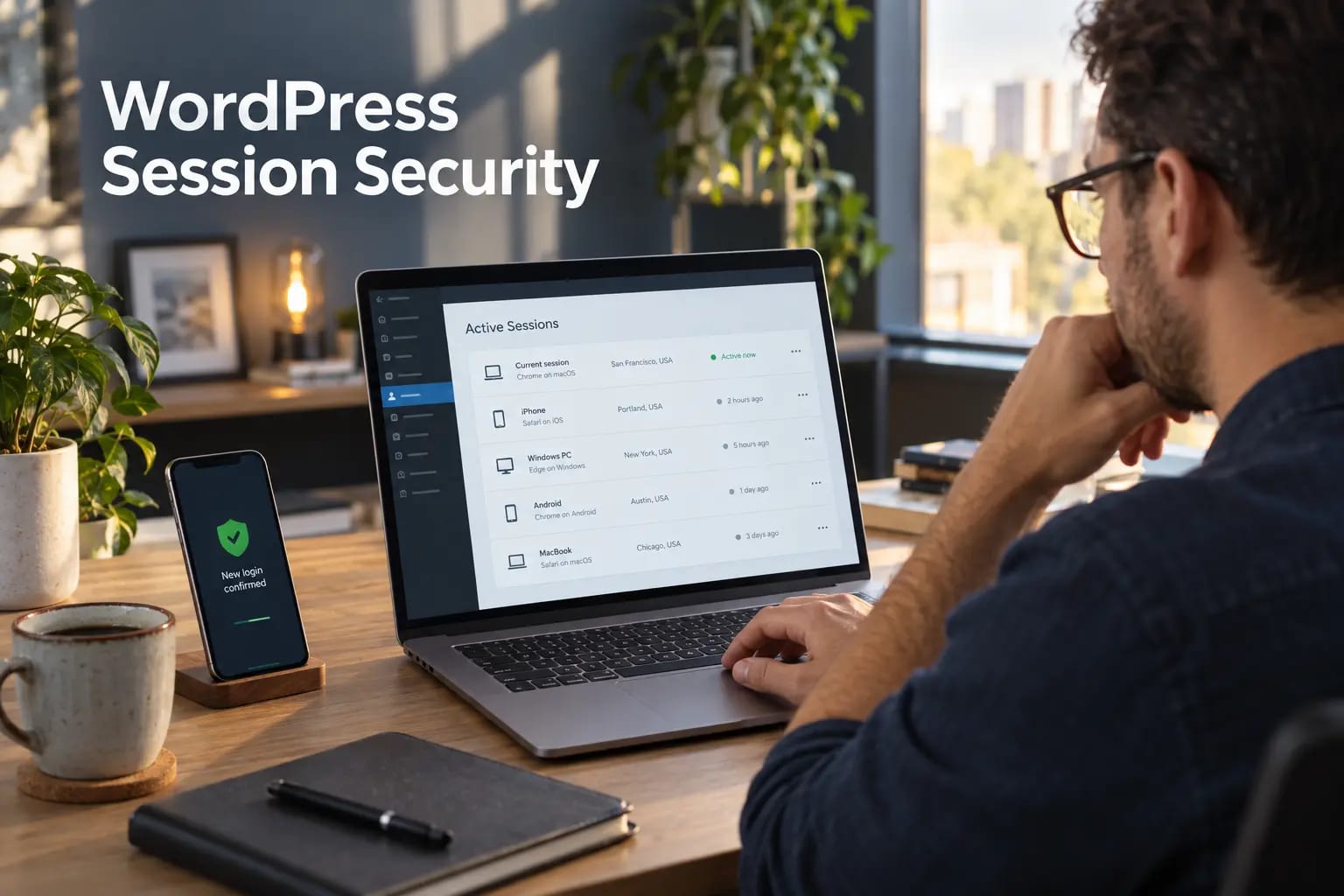
A strong password protects the moment a user signs in, but the session created after login can remain valuable to an attacker. Stolen cookies, forgotten devices, shared computers and accounts that were never offboarded can all preserve access without another password prompt. Session security is the discipline of controlling that access from login to logout.
Begin with the controls in our WordPress login security guide, then extend them to the full lifetime of every authenticated session. The goal is simple: keep legitimate users signed in long enough to work, while making stolen or abandoned sessions short-lived and easy to revoke.
How WordPress sessions work
WordPress uses authentication cookies to recognize signed-in users. The cookie contains information that WordPress validates against server-side session data. Logging out invalidates the current session; WordPress also provides a “log out everywhere else” action that can destroy other active sessions for the account.
A session is therefore more than a browser tab. Closing a tab does not necessarily sign the user out, and changing a password should be paired with a review of active devices. Treat authentication cookies like temporary keys: protect how they are transmitted, limit how long they remain useful and revoke them when risk changes.
1. Enforce HTTPS and safer cookie delivery
Serve the entire site, especially wp-admin and login pages, over HTTPS. Redirect HTTP requests consistently and remove mixed content so authentication cookies are not exposed on insecure requests. Verify Secure and HttpOnly cookie behavior at the browser level after proxy, CDN or load-balancer changes.
Use the transport and browser protections in the WordPress security headers guide as a companion check. Headers do not replace secure cookies, but they reduce common opportunities for script injection, framing and downgrade mistakes.
2. Make privileged sessions harder to steal
Administrator and editor accounts deserve stricter controls than low-risk subscriber accounts. Require unique named accounts, strong password-manager-generated credentials and multi-factor authentication. Avoid shared admin logins because they make session ownership and revocation impossible to audit.
For the most sensitive roles, follow the WordPress two-factor authentication guide, store recovery codes securely and test the recovery process before an emergency.
3. Define session duration by risk
The right timeout depends on the role, device and business workflow. A short absolute lifetime for administrators reduces exposure, while an idle timeout limits access left open on unattended devices. Customer-facing sites may need a longer, user-friendly window, but checkout, profile and payment changes should require fresh confirmation.
- Use shorter idle and absolute timeouts for administrators, support staff and finance roles.
- Avoid “remember me” on shared or unmanaged computers.
- Re-authenticate before password, email, role or payment-setting changes.
- Document exceptions instead of silently extending every user’s session.
Put these ideas to work.
From a specific fix to a complete website, we can help you define the scope and get it done.
Discuss my websiteWeb DesignShare your goals. We typically reply within 4 hours with questions and practical next steps.
4. Revoke sessions during account changes
Force logout after a suspected compromise, password reset, role change or staff departure. Removing a user from a team is not complete until all of that person’s sessions, API credentials and application passwords are revoked. Review administrator accounts monthly and immediately after contractor work ends.
If an unfamiliar privileged account appears, use the steps in how to find and remove rogue WordPress administrators before restoring access. Preserve evidence, rotate credentials and check for persistence rather than deleting the account and moving on.
5. Monitor the events around sessions
A login log becomes useful when it captures the account, time, IP address, device context, result and follow-up action. Alert on repeated failures, successful administrator logins from unusual locations, privilege changes and mass session revocations. Keep only the data you need and define a retention period.
Combine those signals with the file and configuration alerts in our WordPress security monitoring guide. A session alert is much more actionable when you can see whether plugins, users or critical files changed immediately afterward.
A practical session-security checklist
- HTTPS is enforced across the public site, login and administration area.
- Every privileged user has an individual account and MFA.
- Idle and absolute session limits match the risk of each role.
- Users can review and revoke their other active sessions.
- Offboarding revokes sessions, passwords, API keys and application passwords.
- Login and privilege events generate reviewed alerts.
Add these checks to a recurring WordPress security audit so session controls are tested after authentication, hosting or CDN changes.
Final takeaway
Session security closes the gap between a successful login and a safe logout. HTTPS, MFA, role-based timeouts, reliable revocation and useful monitoring work together. Start with privileged accounts, test the full lifecycle on staging and make session review part of routine maintenance.
Frequently asked questions
Does closing the browser log a user out of WordPress?
Not always. A persistent authentication cookie can keep the user signed in after the browser closes, depending on the login choice and site configuration. Use the WordPress logout action to invalidate the session.
Should WordPress administrators use shorter sessions?
Usually yes. Privileged sessions have greater impact if stolen, so shorter idle and absolute timeouts are sensible when they do not disrupt essential work.
When should I force all users to log in again?
Force reauthentication after a suspected breach, important authentication changes, emergency credential rotation or a flaw that may have exposed session cookies.
Is MFA enough to stop session hijacking?
No. MFA protects the login step, but a stolen authenticated cookie may bypass a new login challenge. Combine MFA with HTTPS, secure cookies, timeouts, revocation and monitoring.



