Most WordPress sites aren't hacked by sophisticated attackers targeting them personally — they're hacked by automated bots scanning millions of sites for the same handful of preventable mistakes. Outdated plugins, weak passwords, nulled themes, and missing security headers are behind the overwhelming majority of compromised WordPress sites. Here are the 10 mistakes that get sites hacked in 2026, and exactly how to fix each one before an attacker finds it.
Why WordPress Sites Get Targeted
WordPress powers over 40% of the web, which makes it the number-one target for automated attacks. Bots don't care how big or small your site is — they run scripts that probe thousands of sites per hour for known vulnerabilities, exposed login pages, and weak credentials. The good news: because these attacks are automated and predictable, closing the common entry points below stops the vast majority of them. If you suspect your site is already compromised, start with our guide on the 12 warning signs your WordPress site has been hacked.
10 WordPress Security Mistakes That Get Sites Hacked
1. Running Outdated Plugins, Themes, or Core
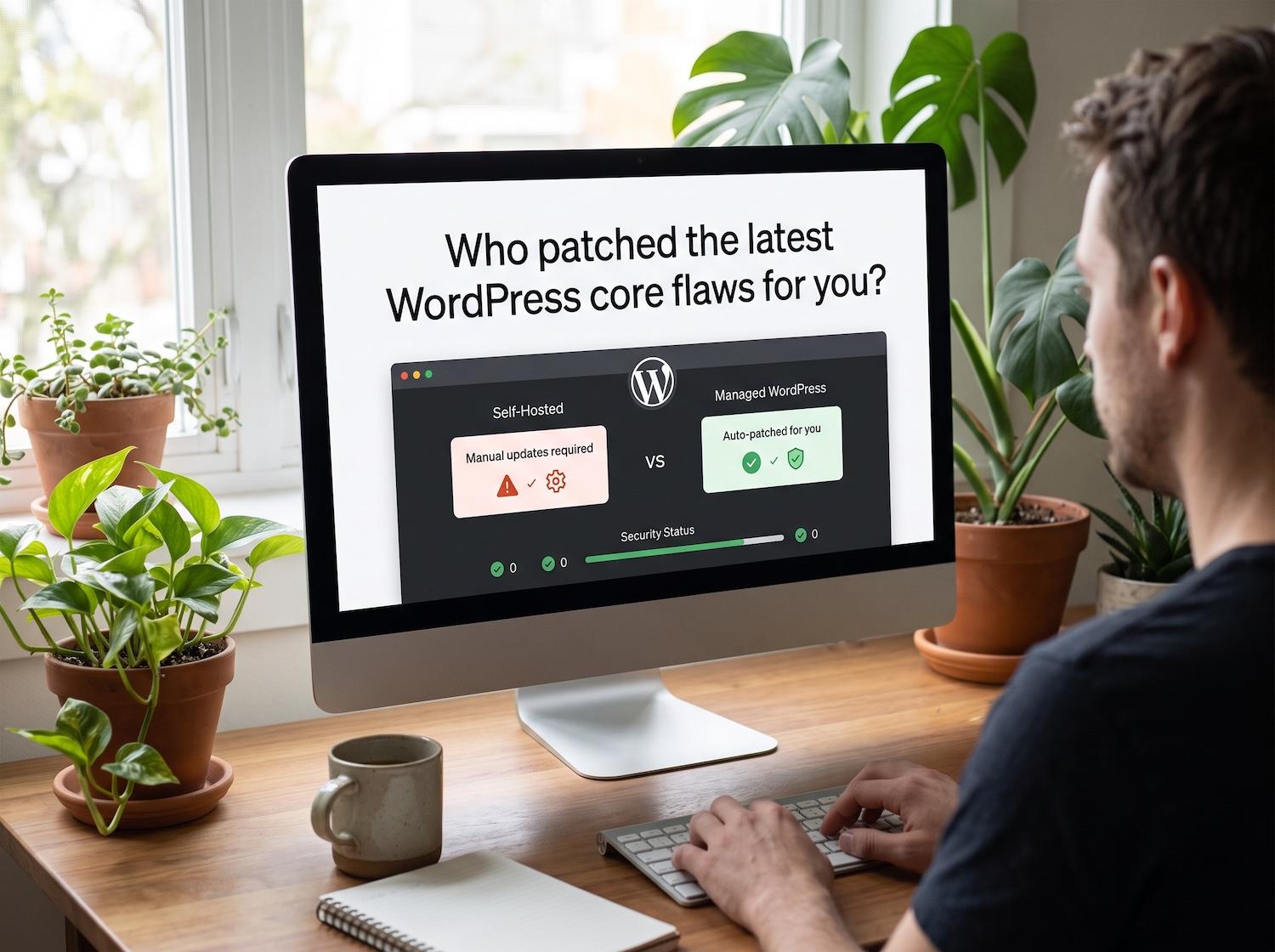
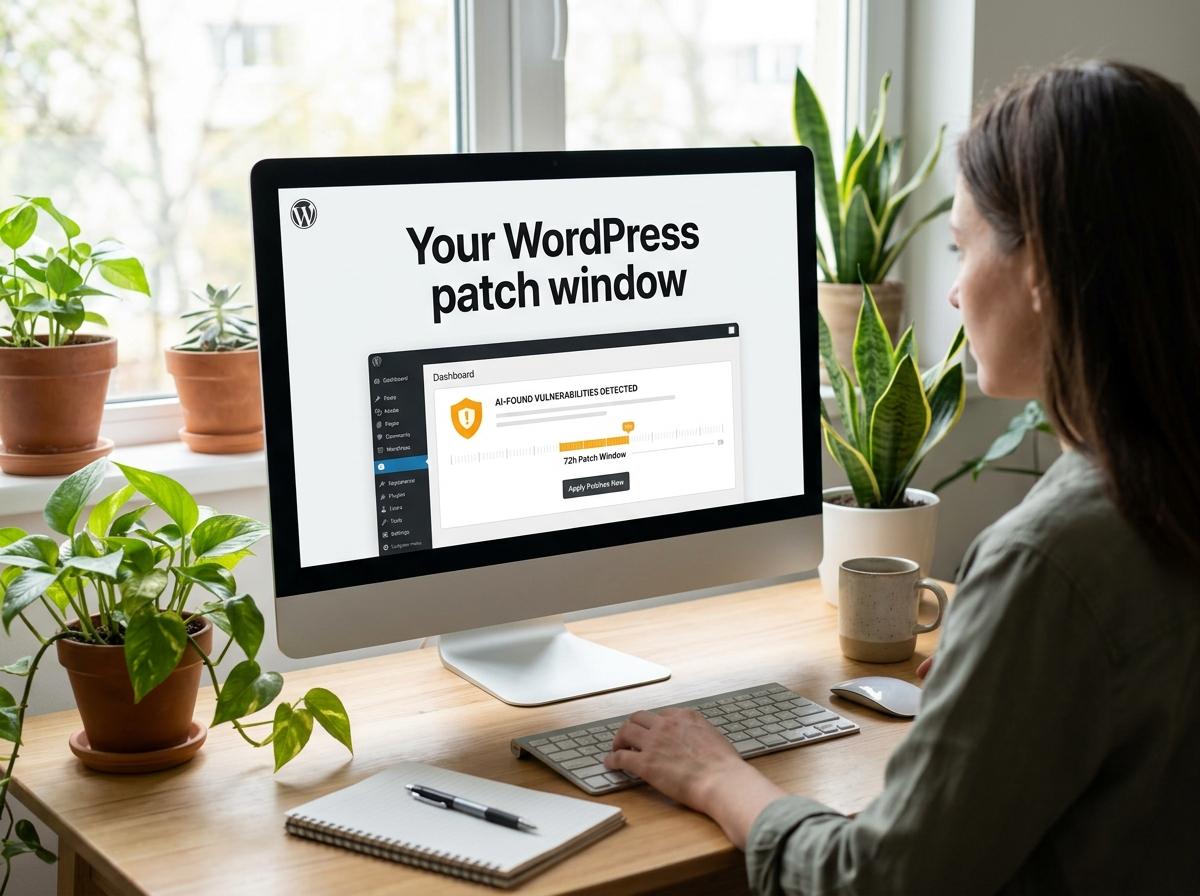
Outdated software is the single biggest cause of hacked WordPress sites. When a vulnerability is publicly disclosed and patched, attackers immediately scan for sites still running the old version — the patch itself becomes a roadmap for the attack.
The fix: Update core, themes, and plugins on a schedule — ideally weekly. Enable auto-updates for trusted plugins, and test major updates in staging first so nothing breaks. If managing updates across multiple sites is a burden, a maintenance plan handles it for you.
2. Using Nulled (Pirated) Themes and Plugins
"Free" premium plugins from unofficial sites are one of the fastest ways to get hacked. Nulled software is very often bundled with hidden backdoors, malware, and spam injectors — the "free" download is the bait, and your site is the payload.
The fix: Only install themes and plugins from the official WordPress repository or reputable premium developers. Never use nulled software — the licensing savings are trivial compared to a cleanup. We break down exactly why in our guide on why nulled WordPress plugins destroy websites.
3. Weak Passwords and No Two-Factor Authentication
Brute-force attacks guess thousands of username/password combinations per minute. A weak or reused admin password is an open door, and "admin" as a username makes the bot's job half done.
The fix: Use long, unique passwords (a password manager makes this painless), never use "admin" as a username, and enable two-factor authentication (2FA) on every admin account. 2FA alone stops the overwhelming majority of brute-force attacks even if a password leaks.
4. Leaving the Login Page Unprotected
Every WordPress site has its login page at the same default location, and bots know it. An unprotected login page invites unlimited brute-force attempts and floods your server with malicious traffic.
The fix: Limit login attempts (lock out an IP after a few failures), add a CAPTCHA, and consider masking the default login URL. These three changes together neutralize automated login attacks almost entirely.
5. No Web Application Firewall (WAF)
Without a firewall, malicious requests reach your site directly. A WAF filters traffic before it hits WordPress, blocking known attack patterns — SQL injection, cross-site scripting, and bad bots — at the door.
The fix: Deploy a firewall — either a plugin-based WAF like Wordfence or a cloud-based one like Cloudflare. Not sure which fits your setup? We compare both in our Wordfence vs Cloudflare firewall guide.
6. Missing Security Headers
HTTP security headers tell browsers how to safely handle your site's content. Without them, your site is more exposed to cross-site scripting (XSS), clickjacking, and MIME-type attacks that can hijack user sessions or inject malicious content.
The fix: Implement key security headers — Content-Security-Policy, X-Frame-Options, X-Content-Type-Options, and Strict-Transport-Security. These can be added at the server level or via a security plugin, and they close a class of attacks most site owners never think about.
7. Weak File Permissions and Exposed Config Files
Incorrect file permissions let attackers write to files they shouldn't be able to touch. An exposed wp-config.php — which holds your database credentials — is a catastrophic leak.
The fix: Set directories to 755 and files to 644, and set wp-config.php to 600. Disable file editing in the dashboard by adding DISALLOW_FILE_EDIT to wp-config.php, and block direct access to sensitive files at the server level.
8. No Backups (or Backups Stored on the Same Server)
This one doesn't prevent a hack — it prevents a disaster. If your only backup lives on the same server as your site, a compromise or server failure takes both down together, leaving you with nothing to restore.
The fix: Run automated daily backups stored off-site (cloud storage separate from your host), and test that a restore actually works. A clean, recent backup turns a catastrophic hack into a minor inconvenience.
9. Too Many Admin Users and Unused Accounts
Every administrator account is a potential entry point. Old accounts from former employees, contractors, or abandoned plugins expand your attack surface — and if one has a weak password, it's a way in.
The fix: Audit your user list regularly. Give each person the lowest role they need (not everyone needs Administrator), delete unused accounts, and remove access the moment someone stops working with you.
10. No Monitoring — Finding Out Too Late
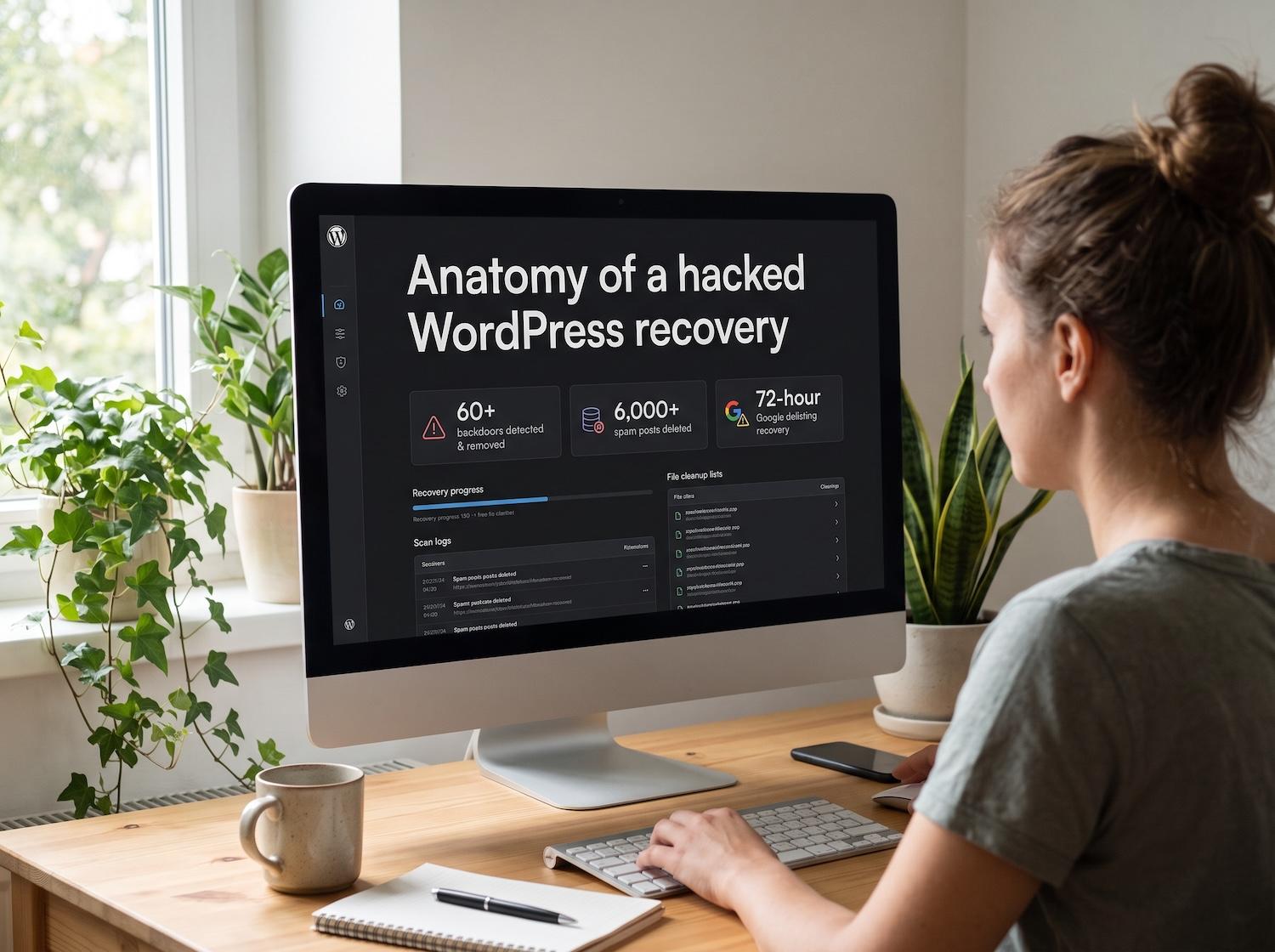
Most site owners discover a hack days or weeks after it happens — usually when Google flags the site or a customer complains. By then the damage to rankings and reputation is done. Modern malware hides on purpose, so "the site looks fine" is not evidence it's clean.
The fix: Set up real-time monitoring — malware scanning, file-integrity checks, and uptime alerts — so you're notified the moment something changes. Catching a compromise in hours instead of weeks is the difference between a quick fix and a full recovery.
Put these ideas to work.
From a specific fix to a complete website, we can help you define the scope and get it done.
Discuss my websiteEmergency Hacked WordPress Site RecoveryShare your goals. We typically reply within 4 hours with questions and practical next steps.
Your WordPress Security Checklist
- Update core, themes, and plugins weekly
- Only use software from official, reputable sources — never nulled
- Strong unique passwords + 2FA on every admin account
- Limit login attempts and protect the login page
- Deploy a Web Application Firewall
- Add HTTP security headers
- Set correct file permissions and protect wp-config.php
- Automated daily off-site backups
- Audit admin users and remove unused accounts
- Real-time monitoring and alerts
For a deeper dive into specific vulnerabilities and attack vectors, read our full guide on WordPress security flaws and how to protect your site from hackers.
Frequently Asked Questions
What is the most common way WordPress sites get hacked?
Outdated plugins, themes, and core software are the most common cause. When a vulnerability is patched, attackers scan for sites still running the old version. Keeping everything updated closes the largest single attack vector.
Is a security plugin enough to protect my WordPress site?
A security plugin is a strong baseline, but it's one layer. Real protection combines updates, strong passwords with 2FA, a firewall, security headers, correct file permissions, backups, and monitoring. No single plugin covers all of these.
How often should I update WordPress?
Check for updates at least weekly, and apply security updates as soon as they're released. Enable auto-updates for trusted plugins, and test major version updates in a staging environment first to avoid conflicts.
Can a hacked WordPress site be fixed without losing content?
Yes. In most cases a professional cleanup removes malware surgically while preserving your content, media, and settings. The key is also closing the entry point so the site doesn't get reinfected — removal without hardening is only half the job.
Summary
Almost every WordPress hack traces back to a preventable mistake: outdated software, nulled plugins, weak passwords, unprotected logins, no firewall, missing security headers, weak file permissions, no backups, too many admin accounts, or no monitoring. Fix these ten and you close the doors attackers actually use. If you'd rather have specialists lock down your site — or you're dealing with a compromise right now — our WordPress security services cover hardening, monitoring, and emergency hacked-site recovery. Get a free security scan to see where your site stands.