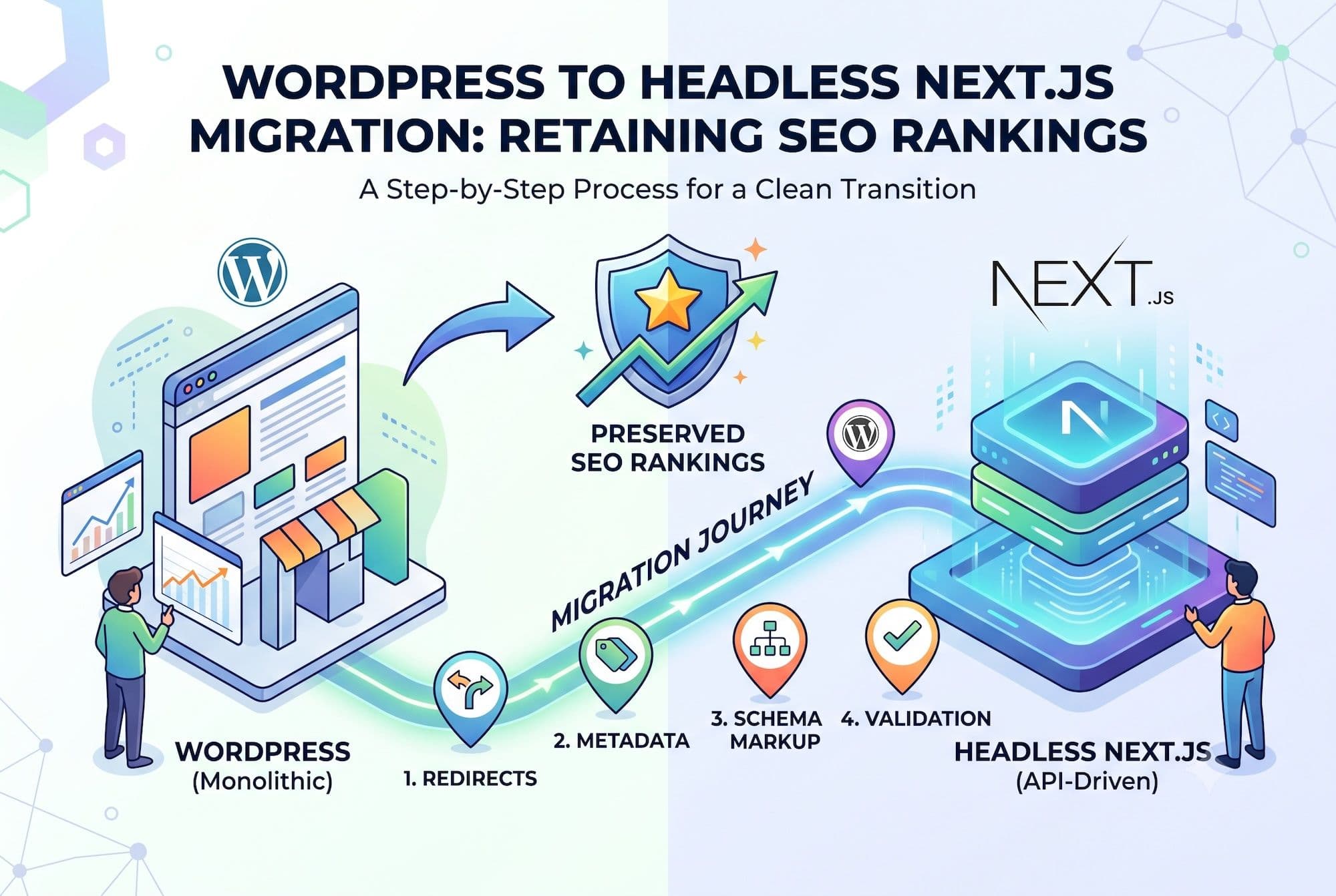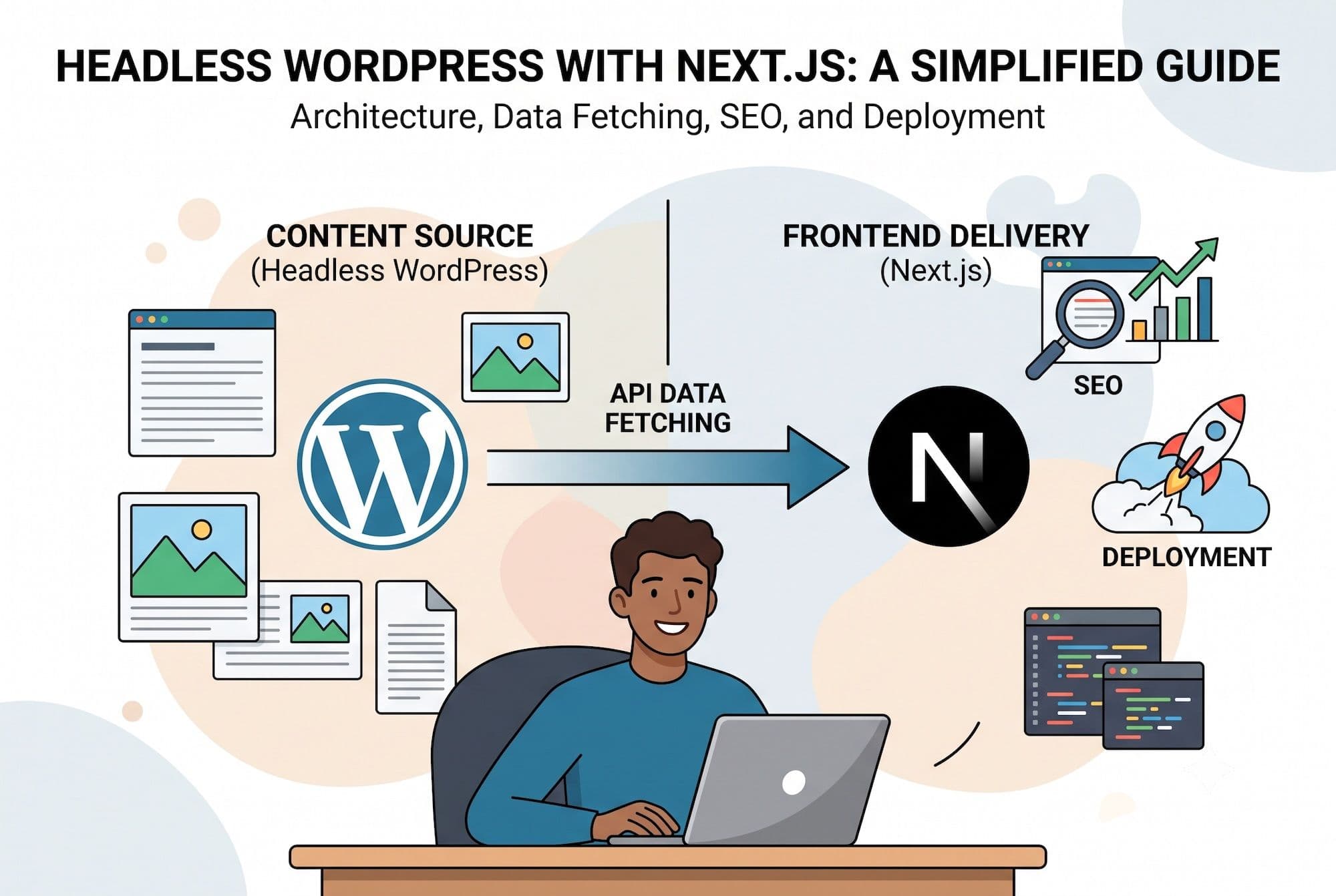
Headless WordPress separates your content management from your presentation layer: WordPress handles content, and a Next.js frontend renders it. The result is a site with WordPress's familiar editing experience and Next.js's speed and flexibility. Here's how it works, when it's worth the added complexity, and what implementing it actually involves.
What "Headless WordPress" Means
In traditional WordPress, the same application handles both content storage and page rendering. Your theme's PHP templates query the database, assemble HTML, and send it to the browser.
In headless WordPress, you decouple these. WordPress becomes a content API — it stores your posts, pages, and media, and exposes them via REST API or GraphQL. A separate Next.js application fetches that content and renders the pages. Your editors still log into WordPress and use the block editor exactly as before. Visitors never see WordPress at all.
When Headless Is Worth It
Headless adds complexity. It's the right choice when:
You need maximum performance. Next.js static generation produces pre-rendered HTML served from a CDN edge. There's no PHP execution, no database query, no server processing on request — just a file. This is faster than any WordPress caching setup can achieve.
You want design freedom beyond themes. No theme constraints, no page-builder limitations. Your frontend is a React application — you can build any interface you can design.
You're serving multiple frontends. One WordPress backend can feed a website, a mobile app, digital signage, and a partner API simultaneously.
Your team includes React developers. If your engineering team works in React/Next.js daily, headless lets them work in their native stack while content editors stay in WordPress.
You need modern developer tooling. TypeScript, component libraries, CI/CD pipelines, preview deployments, and the entire modern JavaScript ecosystem.
When Headless Is Not Worth It
Simple content sites. A blog or brochure site with standard functionality doesn't justify the added architecture. A well-optimized traditional WordPress site will serve you better for less.
Plugin-dependent functionality. Many WordPress plugins render their own frontend output. Contact forms, sliders, booking systems, and membership plugins often don't work headlessly without custom rebuilding.
Small budgets. Headless typically costs 1.5–2x a traditional WordPress build because you're building two applications instead of one.
No JavaScript expertise on the team. If nobody on your team can maintain a React application, you're creating a dependency on external developers for every frontend change.
Architecture Overview
A headless WordPress + Next.js setup has these components:
WordPress backend — hosted separately (often on a subdomain like cms.yoursite.com), configured to expose content via WPGraphQL or the built-in REST API. Frontend rendering is disabled or redirected.
Next.js frontend — the public-facing application. Fetches content at build time (SSG) for static pages, or at request time (SSR) for dynamic content. Deployed to Vercel, Netlify, or your own infrastructure.
Revalidation pipeline — when content changes in WordPress, a webhook triggers Next.js to regenerate affected pages. This is Incremental Static Regeneration (ISR), and it's what makes static generation practical for frequently-updated content.
Media handling — images uploaded to WordPress served through Next.js Image optimization or a dedicated CDN.
Data Fetching Approach
WPGraphQL is generally preferred over the REST API because you request exactly the fields you need in a single query, rather than over-fetching and making multiple round trips.
For static generation, fetch content at build time using `generateStaticParams` for dynamic routes. For frequently-updated content, use ISR with a revalidation interval or on-demand revalidation triggered by WordPress webhooks.
For truly dynamic content (search results, user-specific data), use server components with runtime fetching.
SEO in Headless WordPress
This is where headless implementations most often go wrong — and where the most damage happens.
Server-side rendering is mandatory. Google's crawler renders JavaScript, but most AI crawlers (GPTBot, ClaudeBot, PerplexityBot) do not. If your content only exists after client-side hydration, it's invisible to AI engines. Next.js SSR/SSG solves this by default, but only if you don't undermine it with client-only components for critical content.
Metadata must transfer. Your Yoast or RankMath fields need to be exposed via GraphQL and rendered into Next.js metadata. This includes titles, descriptions, canonical URLs, Open Graph tags, and schema markup.
URL structure should match your existing WordPress permalinks if you're migrating, or use 301 redirects for every changed URL.
Sitemaps need regenerating in Next.js — your WordPress sitemap won't reflect the new frontend URLs.
For a complete SEO-preserving migration process, see our dedicated guide on .
Real-World Considerations
Preview functionality requires custom implementation. WordPress's built-in preview won't work — you need a preview route in Next.js that fetches draft content using an authenticated request.
Forms need rethinking. Contact Form 7 and Gravity Forms render their own HTML. You'll either use their REST endpoints with a custom React form, or switch to a headless-friendly form service.
Comments require either a custom implementation against the WordPress comments API or a third-party service.
Hosting costs increase — you're paying for WordPress hosting plus frontend hosting, though frontend hosting on Vercel/Netlify is often free at small scale.