The artificial intelligence revolution of 2026 has reached a watershed moment. For years, interacting with artificial intelligence meant opening a browser tab, typing a prompt into a text box, waiting for a response, and manually copying the output into your actual software tools. Even as frontier models grew remarkably capable in reasoning and coding, the human remained the bottleneck—the manual router clicking buttons between disconnected platforms.
In August 2026, xAI (in close partnership with Cursor and SpaceX) dismantled this paradigm by introducing Grok Bot.
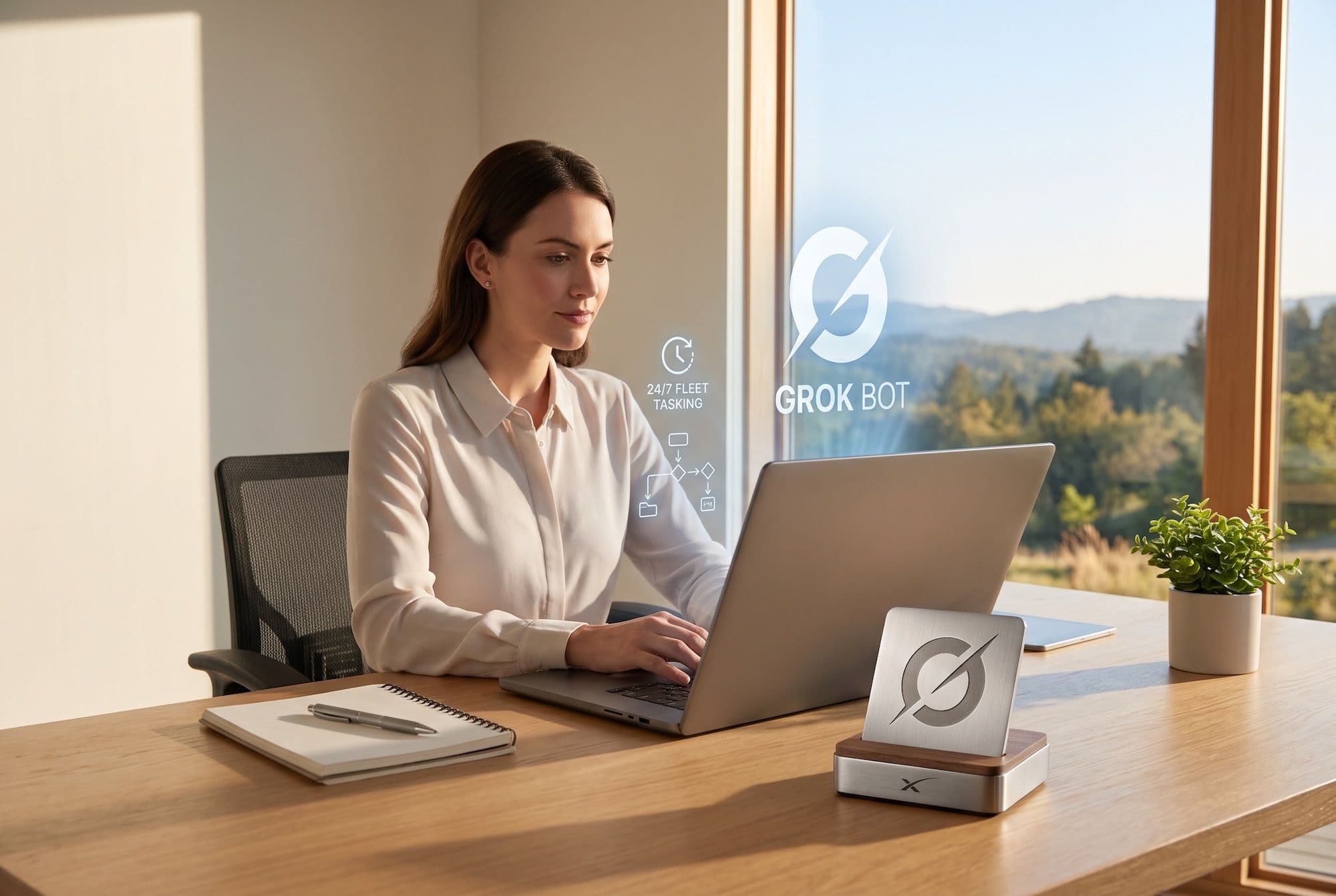
Grok Bot is not just another chatbot with external plugins bolted on. It is an autonomous, always-on AI agent runtime designed to function as a roster of persistent digital coworkers. Each bot you create is deployed on its own dedicated virtual cloud computer, complete with a real browser, file system, and terminal.
Most importantly, Grok Bot bridges the gap between raw developer frameworks and non-technical business users. By introducing effortless no-code conversational onboarding, live demonstration-based learning, and a revolutionary single-authorization framework for your entire agent fleet, Grok Bot transforms how individuals and enterprise teams delegate real digital work.
In this comprehensive technical guide, we will explore everything you need to know about Grok Bot, dissect its underlying cloud architecture, explain how multi-agent collaboration functions in practice, and evaluate how it compares to platforms like Claude Cowork and OpenClaw.
1. What Is Grok Bot? The Paradigm Shift to Always-On Digital Coworkers
To understand what makes Grok Bot unique, you must look at where traditional AI assistants fail.
When you assign a complex research or coding task to a traditional chat-based agent, the agent runs locally or inside a single session on your device. If your task takes forty-five minutes to scrape dozens of websites, compile data, and format an executive summary, you cannot shut down your computer or lose internet connection without interrupting the run.
[ Traditional AI Chatbot ]
User Prompt ──► Ephemeral Session ──► Manual Copy/Paste ──► Stops When Tab Closes

[ Grok Bot Architecture ]
User Assignment ──► Dedicated Cloud Machine ──► Direct Tool/Browser Action ──► Runs 24/7 in Background
Grok Bot discards the ephemeral session entirely. When you initialize a bot, xAI provisions a persistent virtual cloud environment for your account.
The Anatomy of an Always-On Bot
- Dedicated Cloud Computer: Every bot operates on an active cloud instance equipped with a sandboxed operating system, a dedicated web browser, a persistent file system, and command-line terminal access.
- True Asynchronous Execution: You can assign a multi-step project to a bot from your iPhone while walking to a meeting, close the app completely, and the bot will continue operating inside its cloud environment until the job is finished.
- Persistent Memory & State: Unlike standard language model sessions that reset context once a window is cleared, named Grok Bots retain memory of your business preferences, past corrections, internal files, and active browser sessions across days and weeks.
- Visual Screens: Each bot receives its own isolated virtual screen on your cloud instance. This allows multiple bots to browse websites, fill out forms, and navigate desktop software simultaneously without cursor conflicts or visual collisions.
2. The Game-Changer: One Authorization for All Bots
In earlier agent ecosystems, connecting AI to your corporate tools was a continuous security and configuration headache. If you built three separate agents for customer outreach, developer triage, and bookkeeping, you often had to configure OAuth tokens, API secrets, and webhook endpoints separately for every single bot.
Grok Bot introduces fleet-wide credential sharing.
                Single Account Authorization
                (OAuth / Credentials / Logins)
                             |
        ┌─────────────────┴───────────────────┐
        ▼                                              ▼
 Research Bot                                    DevOps Bot                                    Finance Bot
(Uses Web/Drive)                               (Uses GitHub/CLI)                              (Uses Gmail/CRMs)
When you connect a tool—such as Google Workspace (Gmail, Drive, Calendar), Slack, GitHub, Notion, or Zendesk—you authorize that service once at the account level.
Once authorized:
- Instant Tool Availability: Every named bot across your entire roster instantly gains authenticated access to that tool according to the boundaries you establish.
- Contextual Handoffs: If an executive assistant bot triages an email from a client asking for a software update, it can read the email via Gmail, hand the issue to your developer bot to check a GitHub commit, and report back—without requiring re-authentication.
- Interactive "Take Over" Logins: For web platforms that lack clean APIs or OAuth plugins (such as niche vendor portals or legacy intranet dashboards), a bot can navigate to the login page via its cloud browser and prompt you with a "Take Over" button. You enter your credentials or solve two-factor authentication (2FA) securely on the bot's screen. Once logged in, the session cookie persists in the cloud environment, allowing all your bots to work inside that web platform without ever exposing raw password strings.
3. Effortless No-Code Agent Creation: Conversational Setup
Before Grok Bot, building functional multi-step automations required navigating complex Directed Acyclic Graph (DAG) builders like , Make, or Zapier, or writing complex Python scripts using agentic frameworks.
Grok Bot turns agent creation into a natural, zero-code onboarding conversation.
[ User: "I want an assistant to monitor customer bug reports on Slack and log them in Linear." ]
                                    |
                                    ▼
[ Grok Bot: "Got it! I will call myself 'TriageBot'. I need access to your Slack workspace
  and Linear account. Which channels should I monitor, and what severity triggers an alert?" ]
                                    |
                                    ▼
[ Instant Deployment: TriageBot begins monitoring in the cloud with no code required. ]
How Conversational Onboarding Works
- Define the Role: You open the Grok Bot app (desktop or iOS) and describe what you need in plain English (e.g., "Build an agent that audits open invoices across my inbox and flags overdue accounts.").
- Interactive Clarification: The model analyzes the request, proposes a name, color, and persona for the bot, and asks targeted questions regarding which data sources it needs and what rules it must obey.
- Automated Skill Synthesis: The bot configures its own system prompts, sets up event triggers, and mounts the necessary tools automatically.
4. "Teach a Task": Live Demonstration-Based Learning
One of the most praised innovations in Grok Bot is the Teach a Task feature.
Historically, programming an agent to interact with a dynamic user interface required writing brittle CSS selectors or complex XPath scripts. With Grok Bot, you teach an agent new workflows the same way you train a human intern: by demonstrating the task once.
The Demonstration Workflow
- Launch Screen Recording: You start a "Teach" session inside the bot's cloud browser.
- Perform the Actions: You click through the target website, fill in specific fields, navigate sub-menus, and download a report.
- Skill Conversion: Grok Bot analyzes the video and interaction stream, extracts the semantic intent of every click and keystroke, and converts that recording into a durable, parameter-driven Skill.
- Scheduled Routines: Once a skill is learned, you can instruct the bot to run that exact process on a recurring schedule (e.g., "Run this export every Monday morning at 7:00 AM") or trigger it automatically upon receiving a specific webhook or message.
5. Multi-Agent Swarms and Autonomous Delegation
Grok Bot avoids the "jack-of-all-trades" failure mode where a single monolithic AI assistant tries to handle research, coding, writing, and scheduling simultaneously, inevitably confusing context. Instead, Grok Bot encourages building a specialized fleet.
                        User Task in Group Chat
                                  |
                                  ▼
                         Lead Orchestrator Bot
            ┌────────────┬────────────┬────────────┐
            ▼               ▼               ▼               ▼
     Research Bot      Writer Bot       Review Bot      Execution Bot
Dynamic Inter-Agent Routing
Bots communicate with one another using their defined titles, system prompts, and tool descriptions.
- If you assign a complex business expansion plan to an Executive Assistant Bot, that bot can autonomously decompose the project into sub-tasks.
- It dispatches market research to a Data Scraping Bot, sends legal analysis to a Compliance Bot, and commands a Developer Bot to scaffold a prototype repository.
- The bots converse in shared threads, exchange intermediary files, critique outputs, and consolidate the final deliverable before presenting it to you.
Human-in-the-Loop Governance: "Approval as the Default"
Long-running AI autonomy is dangerous without strict safety gates. Grok Bot adopts Approval as the Default Stopping Point.
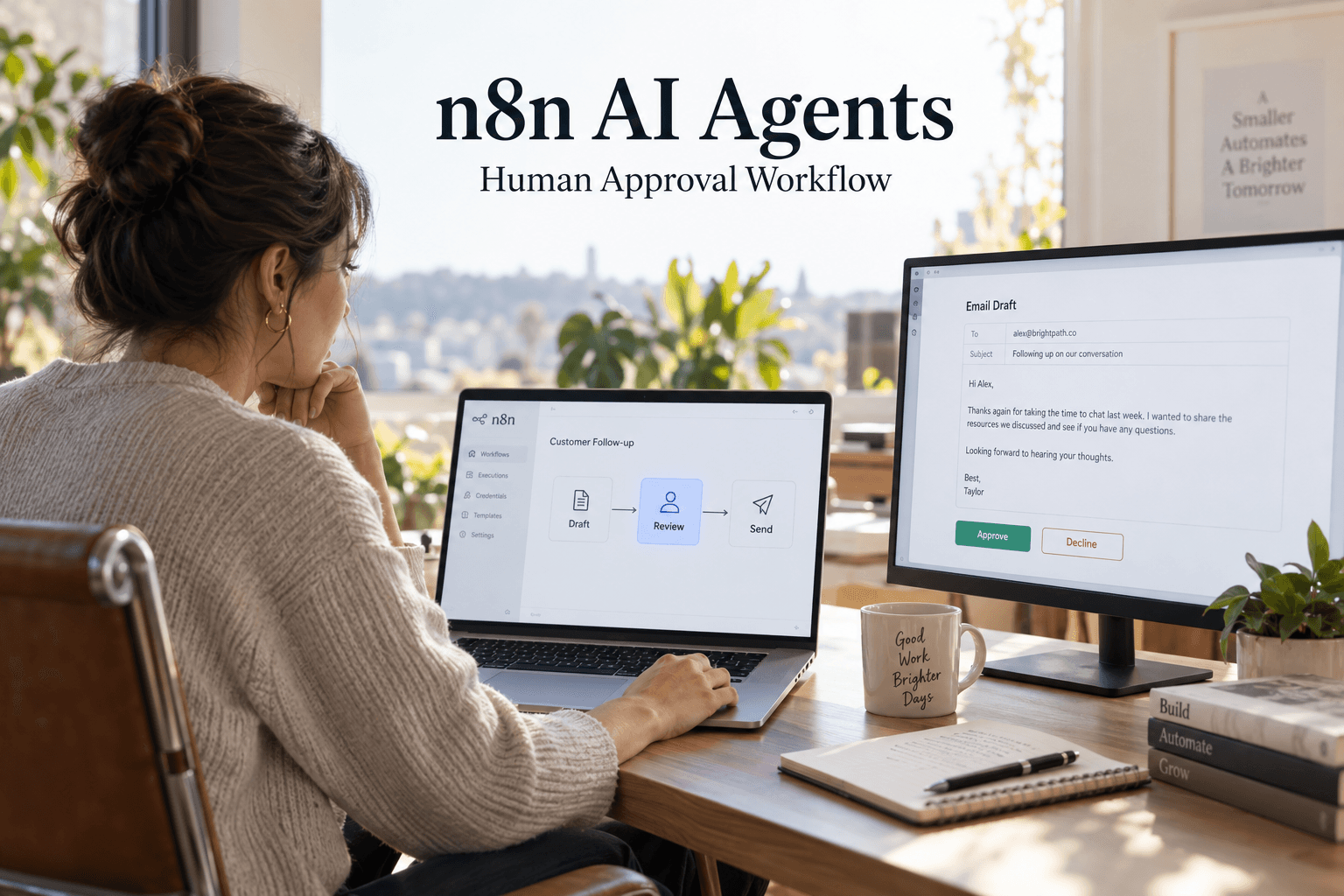
While bots can freely browse the web, analyze documents, and draft emails in the background, any irreversible action (such as sending an external email, publishing live code, charging a credit card, or altering production databases) halts execution and triggers a structured approval card in your chat feed. You review the proposed diff or message with a single click, ensuring you maintain absolute strategic control over all outbound actions.
6. Architectural Deep Dive: Grok Bot vs. The Competition
To evaluate where Grok Bot fits into the modern enterprise AI landscape, let's compare it against alternative agentic paradigms: