An agency finishes a project. A freelancer moves on. A staff member changes jobs. Their access often stays exactly where it was.
Over time, a site can collect more powerful accounts than it needs. A user-role audit helps you find that drift. It also gives your team a clear way to request access without making everyone an administrator.
Start with the work people do
Ask each account owner to name the tasks they still perform. Write down the answer in plain terms: draft posts, publish pages, manage orders, update plugins, or change settings.
Then compare those tasks with the access the account has. If a writer only submits drafts, full site control is hard to justify. If a store manager handles orders, the standard blog roles may not fit.
This is a planned access review. If an account is unknown or looks hostile, use our and preserve the evidence before making broad changes.
Know what a role actually means
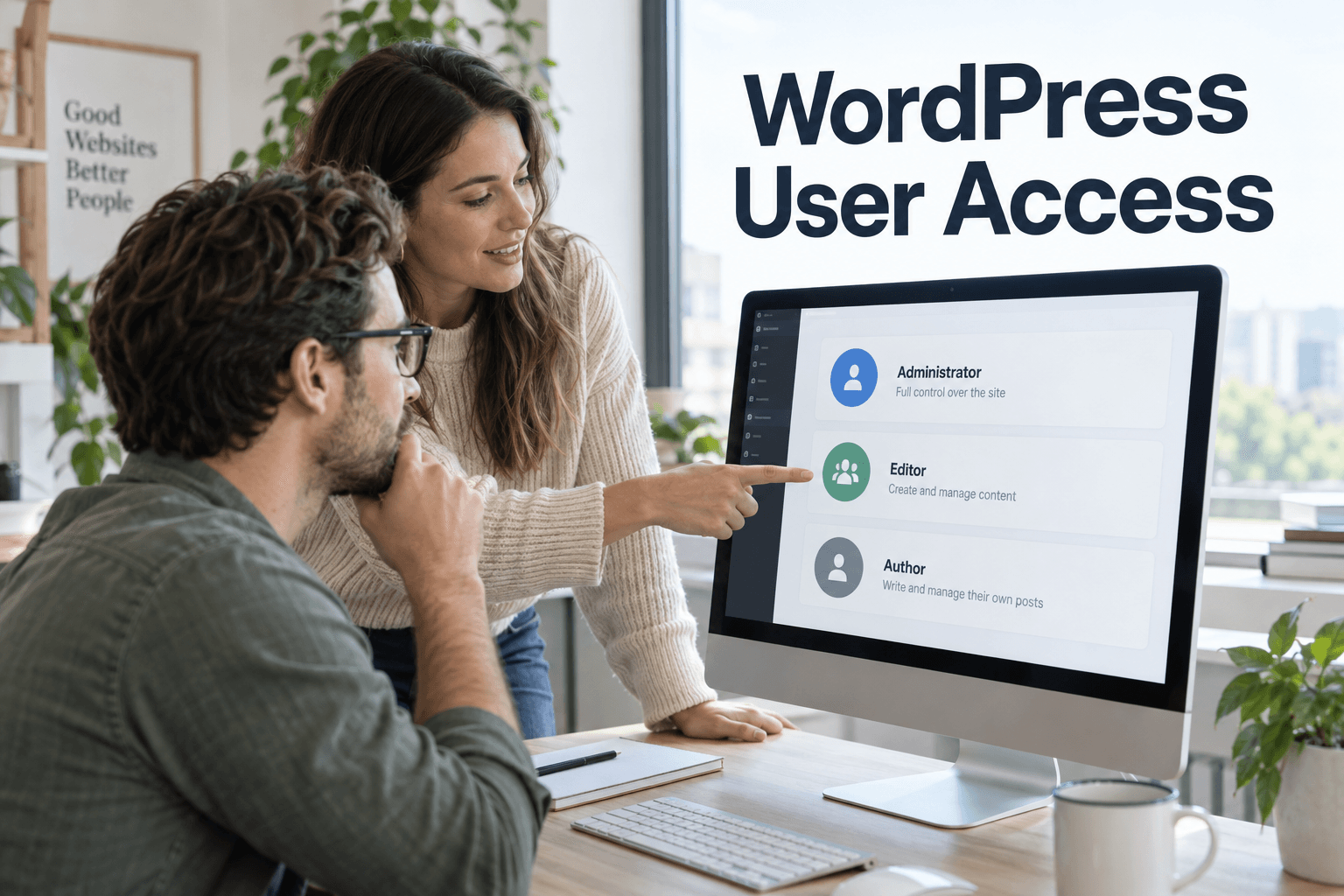
A role is a bundle of capabilities, which are rights to perform actions. WordPress includes roles such as Administrator, Editor, Author, Contributor and Subscriber. Multisite also has network-level administration. Plugins can add or change roles.
That means the role label is only a starting point. An old plugin may have changed what “Editor” can do. The WordPress role documentation explains this distinction.
For custom code, developers should check the right capability at the point of action. Hiding a menu item does not prevent a direct request to its endpoint.
Build a small access register
You do not need a complex system to start. A protected team record can hold the account name, owner, purpose, current role, needed tasks and review date.
Add separate rows for service accounts used by apps. Mark temporary access with an end date. Keep the record free of passwords.
- Confirm that each account has a real owner.
- Flag shared accounts and old contractor accounts.
- List all administrators and explain why each needs that role.
- Check custom roles and plugin-specific access.
- Record who can approve a change.
Use the wider to cover hosting, backups and server accounts too. A WordPress role change will not remove access through a hosting dashboard.