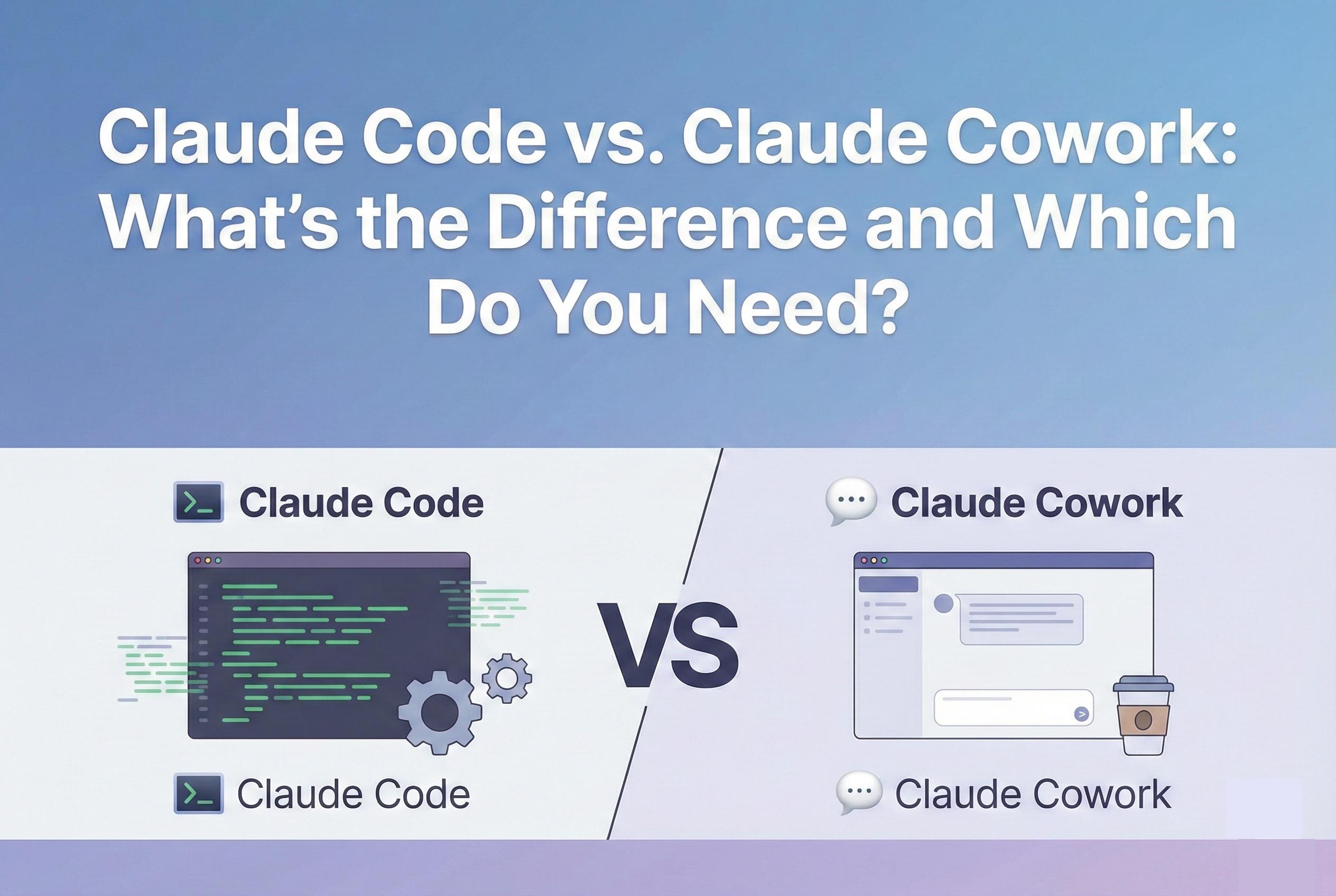
In the rapidly evolving world of AI agents, naming conventions can be confusing. If you have been following Anthropic’s releases in late 2025 and early 2026, you likely heard about Claude Code, the revolutionary tool that lets developers build apps from the command line. But then came Claude Cowork, a desktop feature that seems to do similar things but looks completely different.
Are they the same tool? Is one an upgrade of the other? Do you need to be a programmer to use either of them?
The short answer is: They share the same brain, but they have very different hands.
In this guide, we will dismantle the confusion. We will compare Claude Code vs Claude Cowork, explaining the technical differences between the Command Line Interface (CLI) and the Graphical User Interface (GUI), and help you decide which agent belongs in your workflow.
The Origin Story: Two Tools, One Mission
To understand the difference, you have to understand Anthropic's goal: Agency. They want AI to act on your behalf, not just talk to you.
- Claude Code was their first attempt. It targeted software engineers. It lives in the terminal—the "black screen" where code is built—and it speaks the language of Git, Python, and Servers.
- Claude Cowork is the evolution of that technology for knowledge workers. It lives in a desktop window. It speaks the language of Folders, PDFs, and Spreadsheets.
Deep Dive: What is Claude Code?
Claude Code is a CLI (Command Line Interface) tool. To use it, you must open your terminal (Command Prompt on Windows or Terminal on Mac) and type commands.
- The Environment: It operates in the raw underbelly of your computer. It has "root" capabilities (if you allow it) to install software libraries, run databases, and compile code.
- The Superpower: It understands software architecture. You can say, "Read this entire repository, find the bug in the login logic, write a test case to reproduce it, and then fix the code."
- The User: Developers, DevOps engineers, and "Vibe Coders" (non-technical people building apps).
Claude Code is a power tool. It is messy, fast, and incredibly powerful, but if you are afraid of typing sudo rm -rf, it is not for you.
Deep Dive: What is Claude Cowork?
Claude Cowork is a GUI (Graphical User Interface) feature inside the Claude Desktop App. To use it, you click buttons and drag-and-drop files.
- The Environment: It operates in a secure, visual "Sandbox." You see exactly which folders it can touch. It feels like using Dropbox or Finder, not a hacking tool.
- The Superpower: It understands document synthesis. You can say, "Read these 20 PDF contracts, extract the expiration dates, and put them in an Excel sheet."
- The User: Project Managers, Writers, HR professionals, Marketers, and Freelancers.
Claude Cowork is an executive assistant. It is polished, safe, and designed to handle administrative drudgery without you ever seeing a line of code.
The "Shared Brain" Theory
Despite these differences, it is important to note that Claude Code and Claude Cowork are powered by the same underlying intelligence (likely the Claude 3.5 or 3.7 Sonnet/Opus models).
They both use Anthropic’s Agent SDK. This means they share the same "reasoning" capabilities:
- They both Plan before they act.
- They both Observe the results of their actions.
- They both Correct themselves if they make a mistake.
The difference is purely in the "tools" available to them. Claude Code has a "tool" to run a Python script. Claude Cowork has a "tool" to move a PDF. They are siblings, not strangers.
Put these ideas to work.
From a specific fix to a complete website, we can help you define the scope and get it done.
Discuss my websiteCustom Web & Application DevelopmentShare your goals. We typically reply within 4 hours with questions and practical next steps.
Which One Should You Choose?
This is the ultimate question in the Claude Code vs Claude Cowork debate.
Scenario A: The "Vibe Coder"
You have an idea for an app, but you don't know how to code.
- Choose: Claude Code.
- Why: Even though the terminal is scary, Cowork cannot "run" a server or install "React." You need the CLI tool to build software. Claude Code is designed to hold your hand through the terminal process, so don't be afraid to try it.
Scenario B: The "Messy Creative"
Your desktop is a disaster zone of unnamed screenshots, drafts, and research papers.
- Choose: Claude Cowork.
- Why: Claude Code is overkill here. You want a visual tool that lets you drag a messy folder in and watch it get cleaned up. You want to see the file icons move. Cowork provides that visual feedback loop.
Scenario C: The "Hybrid Pro"
You are a developer, but you also have to do expense reports and write documentation.
- Choose: Both.
- Why: Use Claude Code to build your product during the day. Use Claude Cowork to organize your invoices and summarize meeting notes in the evening. They are complementary tools in a modern workflow.
Conclusion
The confusion between Claude Code vs Claude Cowork stems from the fact that they are both "agents." But just as you wouldn't use a hammer to write an email, you shouldn't use a CLI to organize your receipts.
Claude Code is the builder. It constructs the digital world. Claude Cowork is the organizer. It manages the digital world.
As Anthropic continues to evolve its ecosystem, we expect these two tools to merge closer together. But for now, understanding this distinction is the key to unlocking 20+ hours of saved time in your week. If you are ready to start with the easier option, head back to our Step-by-Step Guide to Mastering Claude Cowork.
Frequently Asked Questions (FAQs)
1. Can I use Claude Code commands in Cowork?
No. Cowork does not have a terminal emulator. If you type npm install into Cowork, it will likely reply, "I cannot run terminal commands, but I can create a text file with those instructions."
2. Is Claude Code faster than Cowork?
Technically, yes. The CLI is a text-only interface, which is computationally lighter than a graphical desktop app. For heavy-duty tasks like processing 10,000 text files, Claude Code will execute the task faster than the visual Cowork agent.
3. Do I need separate subscriptions for them?
Currently, no. Both tools are generally gated behind the Claude Max or Team workspaces. One subscription grants you access to the entire Anthropic ecosystem, including the CLI, the Desktop App, and the Web interface.
4. Can Claude Cowork write code?
It can write code files (e.g., it can create a script.py file with text inside it), but it cannot run or test that code. It treats code like just another text document. For functional programming, you need Claude Code.
5. Which one is safer for beginners?
Claude Cowork is significantly safer because of the Sandbox Architecture we discussed in our [Security Post]. It physically restricts the AI to a specific folder. Claude Code has access to your system environment, making it more powerful but also riskier if you don't know what you are doing.
Summary
The distinction between Claude Code vs Claude Cowork lies in their intended user and environment. Claude Code is a powerful Command Line Interface (CLI) tool for developers, capable of executing complex software engineering tasks like Git commits and server management. Claude Cowork is a user-friendly Desktop GUI for knowledge workers, designed for file organization, document synthesis, and administrative tasks within a secure, sandboxed environment. While they share the same AI "brain," Code builds software, and Cowork manages files.